Tree service website design: one page with your services, storm line and estimate call
Show homeowners which tree work your crew handles, the service area and how to request an estimate. For $590, Pagenello creates a custom page with the credentials you provide and a call button. The free first look shows the opening of your design before you decide to pay.
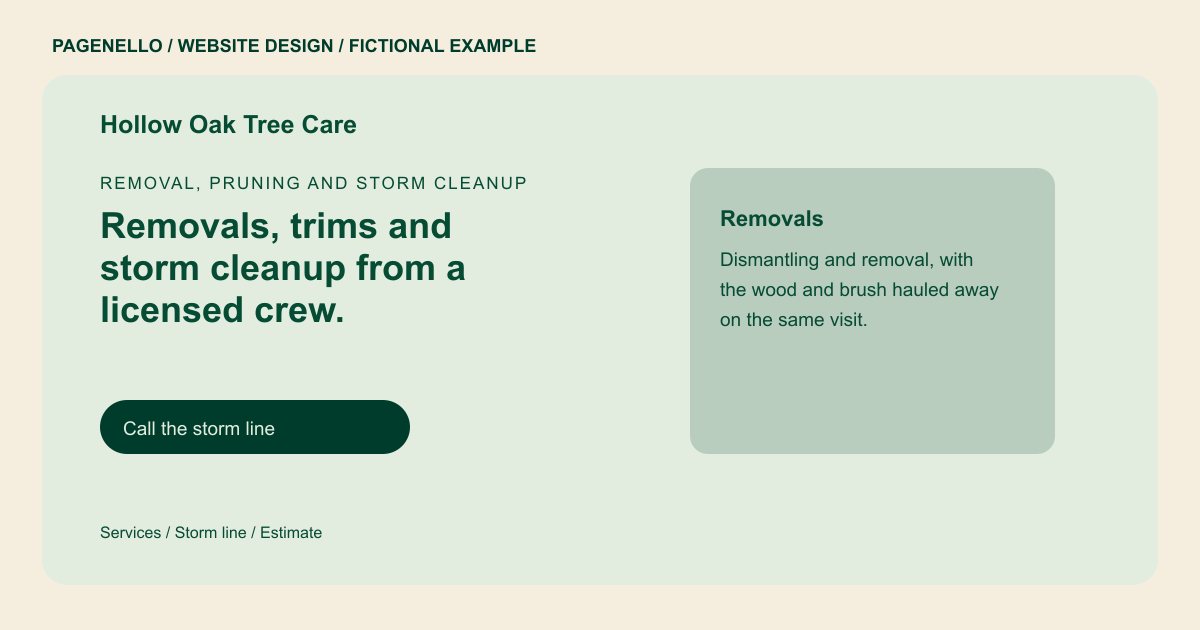
Removal, pruning and storm cleanup
Removals, trims and storm cleanup from a licensed crew.
Our crew is insured and works around pruning schedules and emergency calls. Call the office for storm work, or email for an estimate.
Plan your tree service website
What do tree service customers look for on a website?
A lot of tree work starts after something happens: a storm, a crack in a limb, or a neighbor’s tree coming down on a fence. Other customers plan ahead for pruning or removal and want an estimate before the weather turns. Both groups check whether the crew is insured, whether there is an arborist on staff and how far the crew travels. Photos of past removals and trims help a homeowner trust the work before they ever call.
| Customers look for | On your Pagenello page |
|---|---|
| Services | Removal, pruning, stump grinding, storm cleanup and lot clearing, written as a plain list so a homeowner can find their job. |
| Storm and urgent calls | A line for urgent work, the hours you answer it and a short note on storm response, which you can update as the season changes. |
| Licensing and insurance | Your license, insurance and any arborist credentials, such as ISA Certified Arborist, written out in full. |
| Before and after photos | Photos of removals and trims, labeled by job type, so a homeowner can see the cleanup before they call. |
| Service area and estimates | The areas you cover and how estimates work, whether that is a site visit, a phone estimate or photos sent by email. A property owner may need a routine pruning estimate or help after a storm. Explain which requests your crew accepts, where it travels and whether an estimate starts with a visit or conversation. Describe insurance and arborist qualifications accurately, and check local requirements before making any claim about licensing. A service description can identify pruning, removals or storm cleanup without implying that every site requires the same work. Explain whether an estimate begins with a call, a photograph sent through your existing contact method or an on-site visit. The business should verify coverage, credentials and any rules that apply locally before those details appear. |
Which tools can my page link to?
Link to an existing estimate or scheduling service if your crew uses one. Give storm calls a clearly labeled phone number and share the hours it is answered. The page can also point to a portfolio of your work; it does not create dispatch, estimates or a payment system.
What does it cost?
$590 once. The first look is free. An extra services page ($190) gives pruning and removal descriptions more room. Google Business Profile setup ($149) completes an eligible listing; you verify it with Google and grant manager access.
See the complete pricing and terms and how the first look works.
Questions from tree service owners
Should my emergency number be on the first screen?
Yes, if you take urgent calls. Put your number and the hours you answer urgent calls where a homeowner can find them quickly. Tap-to-call sends them straight to your phone. A homeowner may need to ask whether a quote includes hauling branches or leaving wood on site. Describe the arrangements your crew can actually offer and identify the area in which it accepts estimates.
Can I show my arborist credentials?
Yes, if you hold them. An ISA Certified Arborist credential or a state license goes on the page with its full name and number. I only add what you confirm, so the credentials match the certificates you hold.
Can customers book a removal or estimate from the site?
Your estimate or booking page lives in the tool you already run, and the button points there. Scheduling, reminders and payments stay in that tool, and a custom booking build is not included here.
Can I post before and after photos?
Yes. Photos of removals and trims help a homeowner see the cleanup, and I label each one by job type. Post only photos of work you did, and check that no house number or street sign is visible in the frame.
Will the site need updates during storm season?
Storm hours and a seasonal note can be changed as text. Care Plus, at $390 a year, covers up to two small edits a month, including seasonal hours, and keeps your Google Business Profile in step with the site.
