Barbershop website checklist: get clients to the right chair
Start your barbershop website with the cuts and grooming services you offer, their current prices, shop hours and a clear way to book or walk in. Gather each barber’s details and photos you have permission to use. This checklist helps you prepare the information a client needs before choosing a chair.
Want this built for you? See the top of your own page free before paying.
By Luis Junior
Set out the service menu
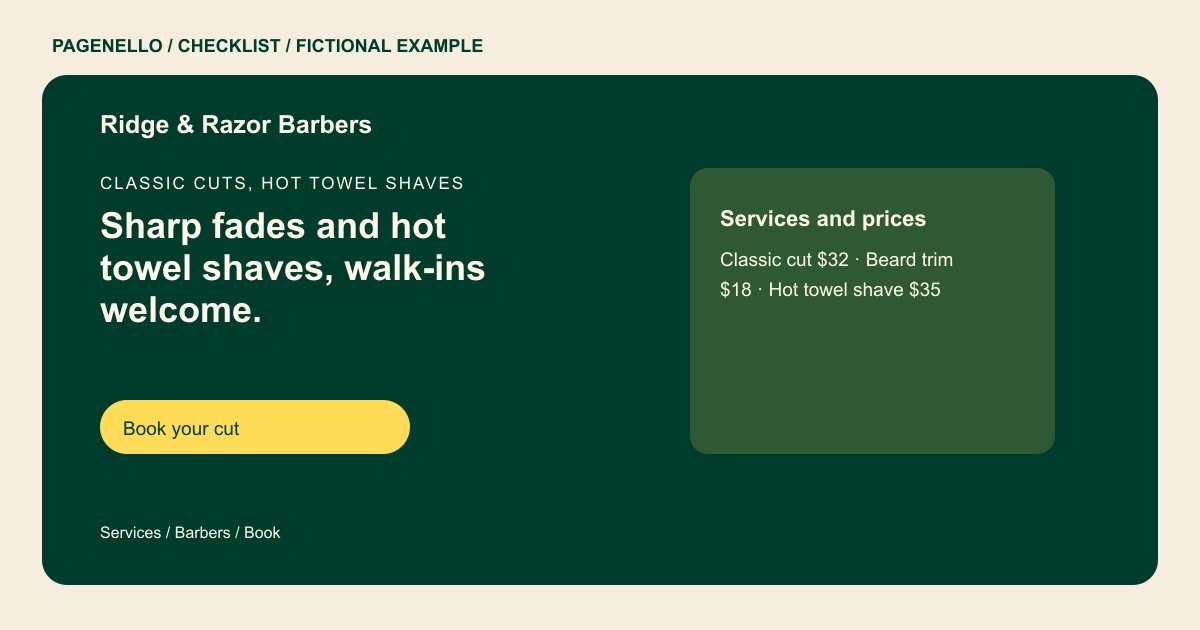
List the actual names and prices for your cuts, beard work and other services in readable text. Explain any price differences or starting prices your shop uses. Ask the person responsible for the menu to check it whenever the chair prices change.
Explain how a client gets a chair
Say whether you take walk-ins, appointments or both. If individual barbers manage their own schedules, put the right booking destination beside each name. Explain any deposit or cancellation policy in the place clients will see before they book.
Show the work and the way in
Choose recent photographs that represent your own barbers’ work and have the necessary permission to publish. Include your street address and a map link, plus parking or entrance instructions if they help a first-time visitor find the shop.
Barbershops: checklist
Questions about barbershop websites
Should I show barbershop prices on the website?
A current text list helps clients compare services before they arrive. If a price varies, explain the starting price or invite a consultation. Keep the price list aligned with the services currently offered.
Can each barber have a separate booking link?
Yes. A link next to each barber’s name can take clients to that person’s existing booking page. Test each destination before launch. Label the barber and service so clients choose the right calendar.
Do I need to replace my appointment app?
No. A Pagenello page can link to the scheduling tool you already use; it does not build a new booking system. Check that your booking provider accepts the services shown.
