Esthetician website checklist: help clients choose an appointment
Start an esthetician website with the services you offer, where you practice and a clear route to request or book an appointment. Prepare accurate descriptions, prices or starting prices, and your own appointment policies. Use the list below to gather the essentials and decide which details need regular review.
Want this built for you? See the top of your own page free before paying.
By Luis Junior
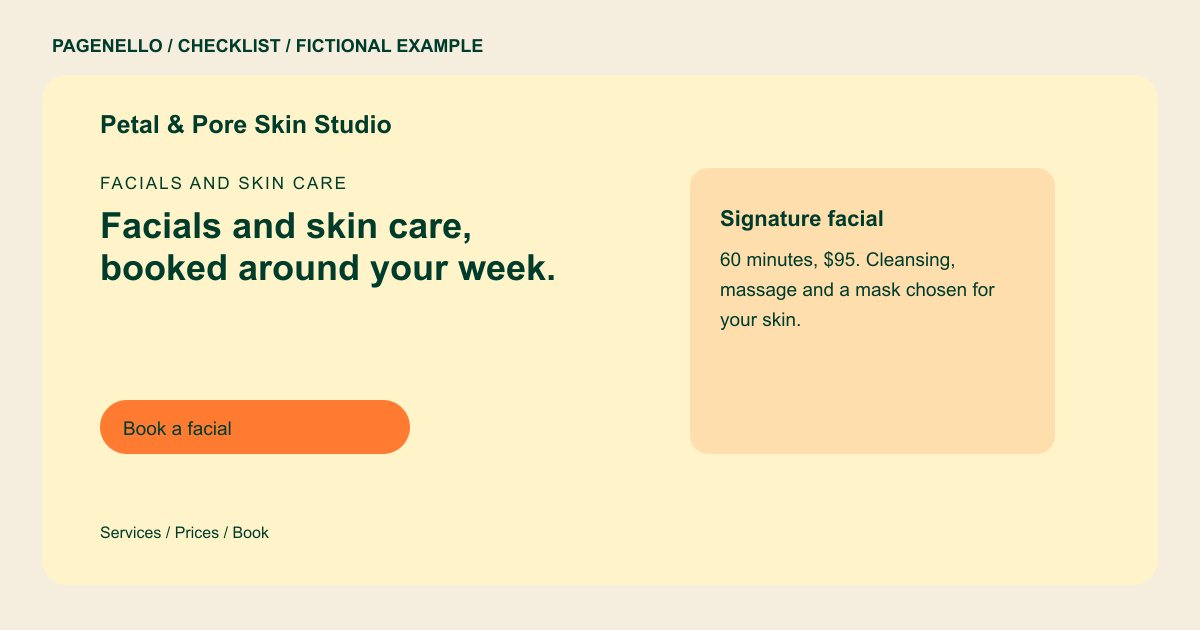
Explain the service menu in plain language
For each facial, waxing or other service you actually provide, write what the appointment includes and its approximate duration. Show a current price or explain how a consultation determines it. Avoid promising a particular skin outcome.
Set expectations before the visit
Share your cancellation policy, arrival instructions and any preparation guidance you have approved for your services. List your relevant credentials accurately and check the advertising and licensing rules that apply where you practice.
Keep the appointment path clear
A visitor should be able to find the studio and reach your existing booking tool quickly. Review the destination on a phone and make sure the service names and prices there match the menu on your site.
Estheticians: checklist
Questions about skin care websites
Should I put every service on the page?
Include the services clients can actually book and group related options if the menu is long. An extra page for a detailed service list is available for $190.
Can I show before-and-after photos?
Use images only with appropriate permission and check the rules that apply to your practice. Explain what each image shows without promising the same outcome to another client.
Does the site include a new scheduling system?
The page can link to a scheduler you already use. Building a booking system from scratch is outside the package. Your existing provider continues to manage appointment details and any payment it accepts.
What if my treatment prices change?
Keep the site and your scheduler consistent. Small text changes are included for 30 days after launch; afterward, review the available care options for ongoing edits.
