Furniture store website checklist: help shoppers plan a showroom visit
A furniture store page should help shoppers understand your range, visit the showroom and investigate delivery. Collect representative room photographs, practical measurements or product details where available, and your current policies. Use this checklist to organize those materials and direct people to the catalog you already maintain.
Want this built for you? See the top of your own page free before paying.
By Luis Junior
Give the range context
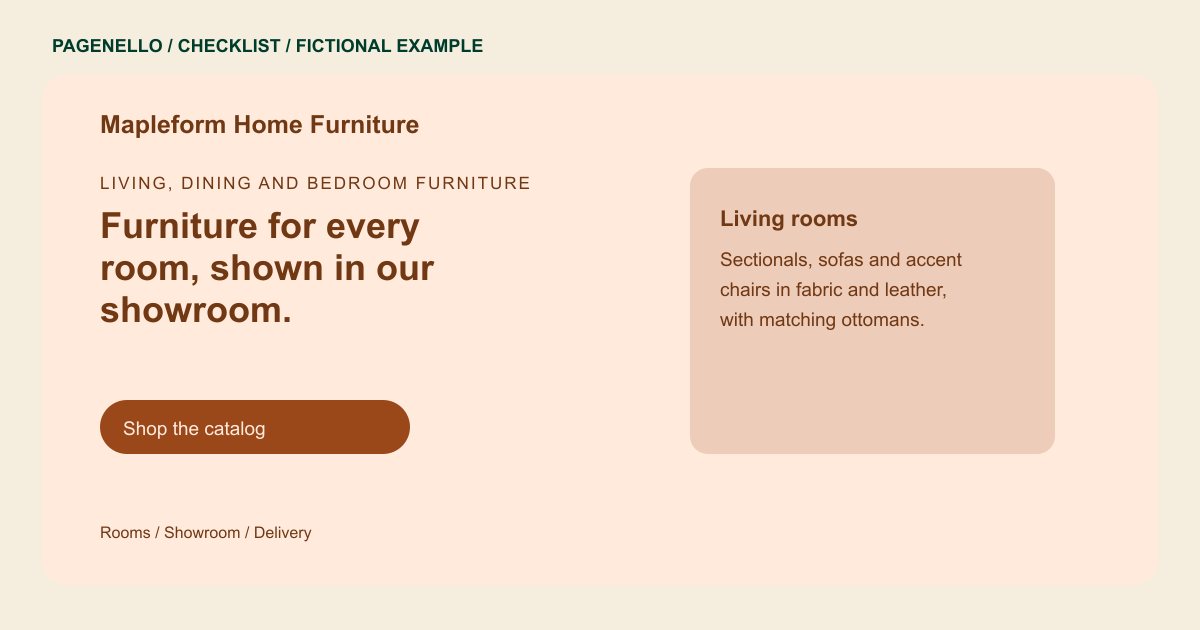
Group a few representative pieces by room or use, then identify the materials and configurations your store carries. Caption photographs accurately and distinguish a showroom display from an item that can be ordered in other finishes.
Answer the delivery questions
Explain your delivery area, how fees are determined and whether assembly or removal is offered. State that timing or availability may vary when appropriate. Review the wording with the staff who schedule deliveries.
Connect the showroom to the catalog
Tell shoppers whether they can browse without an appointment and what information to bring, such as room dimensions. Link to your existing catalog or online shop for current stock and checkout; a new inventory system is outside the Pagenello package.
Furniture stores: checklist
Questions about furniture store websites
Should the page promise a sofa is in stock?
Only if your team can reliably maintain that information. Otherwise direct shoppers to the current catalog or invite them to confirm availability before visiting. This also gives your staff a chance to check the showroom floor.
Can shoppers purchase furniture on the page?
Pagenello can link to an existing online shop, where the transaction takes place. Building a cart, payment system or live inventory catalog is outside this package.
What delivery details are most useful?
Share the area you cover, the way delivery charges are determined and whether your crew offers assembly. Link or refer to the full terms if exceptions apply.
