Cafe website checklist: help guests plan their coffee stop
Prepare a cafe website by collecting your current drink and food menu, opening hours, address and a way for guests to get directions. Add the details that matter at your counter, such as order-ahead options or seating. Work through this checklist before launch and revisit it whenever your menu or hours change.
Want this built for you? See the top of your own page free before paying.
By Luis Junior
Make the menu practical on a phone
Write the drinks, food and prices you can keep accurate as readable text. Include relevant options such as milk alternatives when your cafe offers them. Give staff a process for correcting an item that sells out or changes with the season.
Help guests decide when to come
Confirm opening hours for each day and specify if the kitchen closes earlier than the coffee counter. Add holiday changes, your street address and a map link. If seating, Wi-Fi or accessibility details affect a visit, describe what your cafe actually provides.
Connect the next step to your workflow
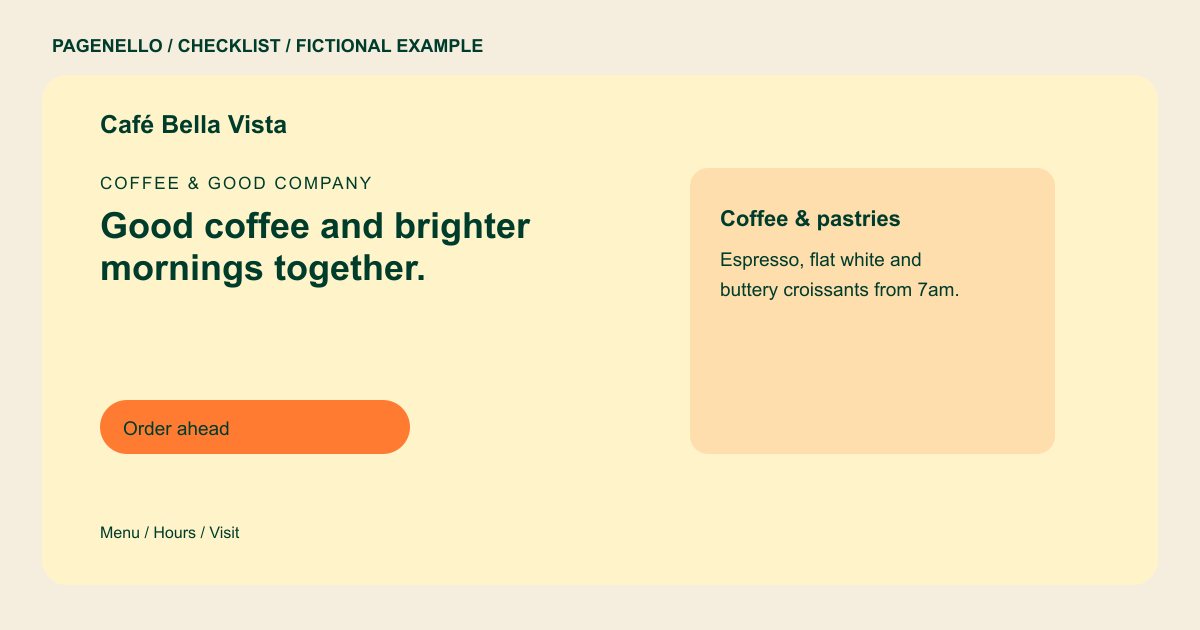
If you accept advance orders, label the pickup button clearly and link it to the service your team already uses. Test it on a phone and check that the menu and pickup location there match what appears on your site.
Cafés and bakeries: checklist
Questions about café and bakery websites
Should my cafe menu be an image?
Provide readable text for the main items and prices so guests can check them on a small screen. A menu image or PDF can be offered as an additional reference.
How do I handle seasonal drinks on the site?
Label them as seasonal and agree who will request an update when they leave the menu. Avoid giving the impression that a past special is still available.
Can guests order a coffee through the page?
A button can open the ordering service your cafe already uses. Pagenello links to that tool rather than building a new ordering or payment system.
What if my cafe and kitchen have different hours?
List each schedule separately and note any holiday exceptions. Check both sets of hours whenever your team changes service times. Guests can then plan a meal or coffee stop around the correct schedule.
