Restaurant website checklist: help diners plan a visit
Start with a readable menu, current opening hours, directions and a clear way to reserve or order. Then check dietary details, accessibility information and the practical questions your own guests ask. Mark the items below as you gather them; your choices stay in this browser session.
Want this built for you? See the top of your own page free before paying.
By Luis Junior
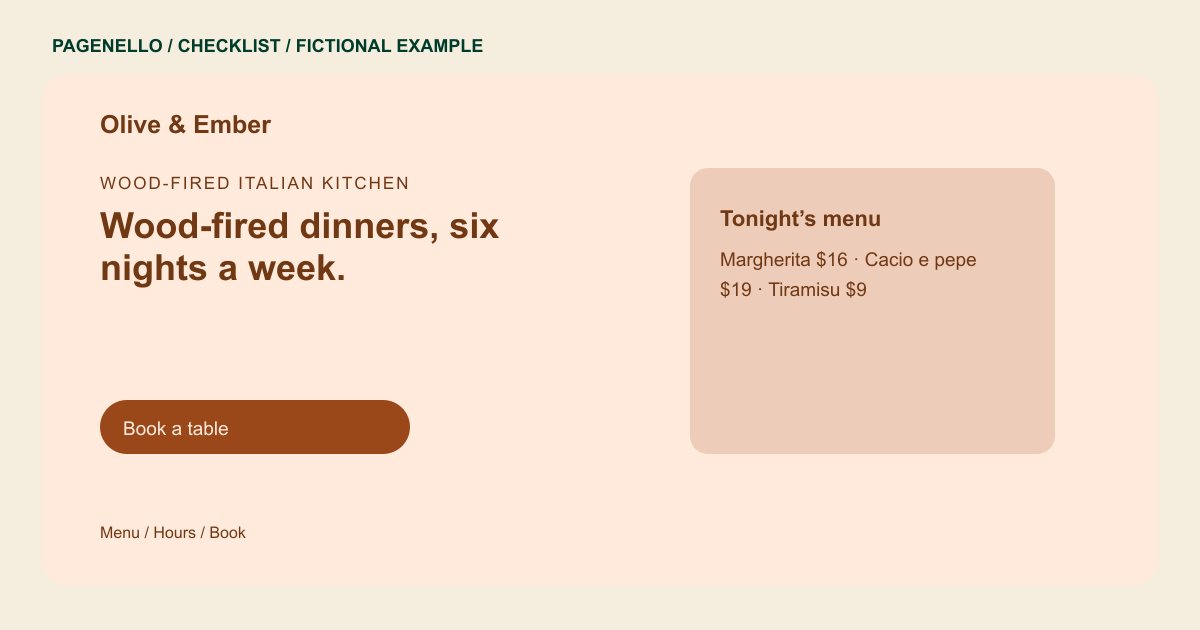
Make the menu easy to read
Put dish names and prices in selectable text. Include the information your restaurant can keep accurate, such as vegetarian choices or a note asking guests to discuss allergies with staff. A printable menu can be an additional link.
Prepare visitors for the trip
Write opening times for each day and explain the entrance, parking or transit directions if they are useful. Give holiday changes an owner so an old notice does not remain on the page.
Give each guest a next step
A reservation link, pickup link and phone number can serve different guests. Label each button for its purpose and check that it opens the correct destination on a phone.
Restaurants: checklist
Questions about restaurant websites
Should a restaurant menu only be a PDF?
A text version is easier to read on a phone. You can offer a PDF as an additional option. Keep dish names and prices consistent with your current menu.
Where should reservation links go?
Put a clearly labeled link where guests can find it quickly, and point it to the booking service your restaurant uses. Confirm that the destination matches your actual table reservation policy.
Can one page hold all of this?
A concise set of details can fit on one page. A long menu can use a separate page, available for $190. Keep the shorter menu selection consistent with the full version.
