Juice bar website checklist: get the menu ready for customers
Collect your current juice, smoothie and bowl menu, including ingredients, available sizes and add-ons. Add the hours, location and pickup instructions guests need before they leave home. Use this checklist to prepare a page that directs customers to your existing ordering service or gives them a straightforward way to call the bar.
Want this built for you? See the top of your own page free before paying.
By Luis Junior
Make blends understandable
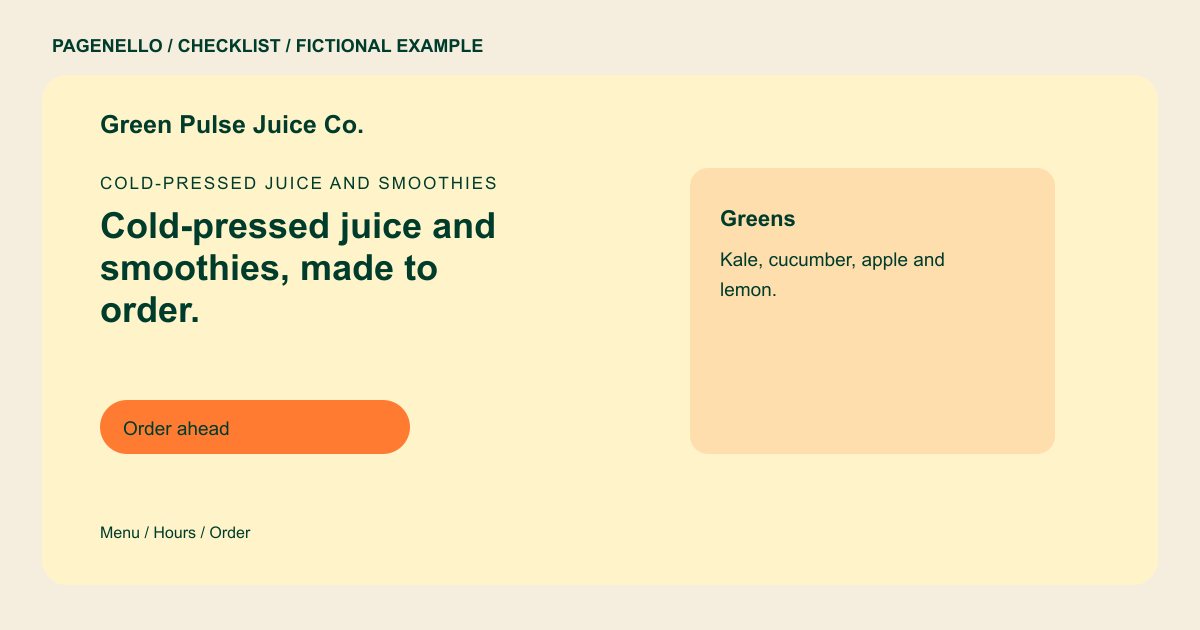
Write drink names and ingredients in readable text instead of relying solely on a chalkboard photo. Include prices and modifiers where they apply. Check ingredient and allergen information against current recipes and supplier labels, and invite guests with questions to speak with your staff.
Plan for a changing menu
Decide who checks seasonal specials, sold-out items and price changes. A short permanent menu can sit alongside a dated special, provided someone removes it when the blend is gone. Describe what is in a drink without promising medical or health outcomes.
Show how pickup works
Give visitors a map link and accurate opening hours. If you offer order-ahead or delivery, label each link so customers know where it leads. Test the destination on a phone and confirm its menu matches what your team is serving.
Juice and smoothie bars: checklist
Questions about juice bar websites
Should ingredients appear beside every smoothie?
List the ingredients your staff can verify for each drink. For allergy questions, give customers a way to contact the bar and keep the information synchronized with your recipes.
Can guests place an order on the Pagenello page?
The page links to an ordering service you already use. That service handles the order and payment; a new ordering system is outside the one-page package.
How can I handle a long juice menu?
Keep a concise selection on the main page and link to the complete menu in your existing ordering service. Pagenello also offers an extra menu page for $190.
