Farm stand website checklist: tell shoppers when to visit
A farm stand website should make the trip feel straightforward: show when the stand is open, where to find it and what is in season. Gather your payment methods and any pickup or picking instructions too. Use this checklist to prepare the page and assign someone to update changing details.
Want this built for you? See the top of your own page free before paying.
By Luis Junior
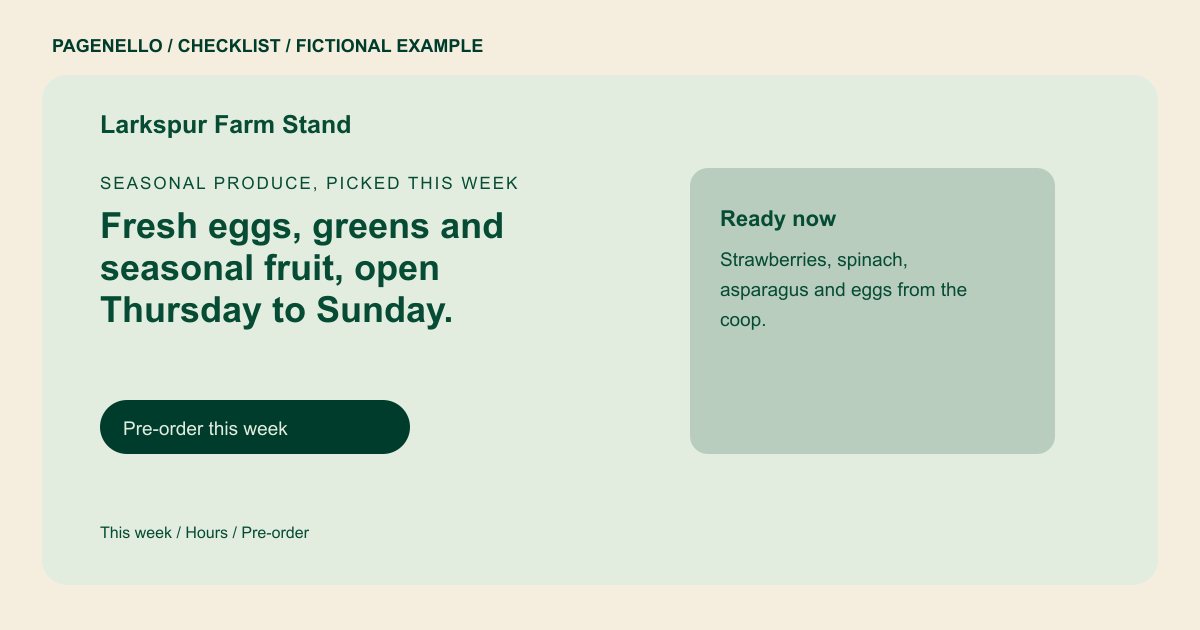
Keep seasonal information trustworthy
Start with the crops and products you expect to offer, and explain that availability can change. Date a weekly list if you can maintain it. If updates are difficult during harvest, link to an existing channel that your team already keeps current.
Help shoppers find the stand
Give the physical location and a map link, plus any turn, parking or entrance notes that make sense for your property. Show regular open days and the months or weather conditions that affect visits.
Explain how people can buy
List the payment methods you accept at the stand. If you take advance orders or run pick-your-own visits, explain the process and link to the tool you already use. State any limits or changes visitors should check before leaving home.
Farms and farm stands: checklist
Questions about farm websites
How often should I update a produce list?
Choose a schedule your team can sustain during the season. Date the list and remove specific items when you cannot keep availability current. Give shoppers a contact for checking the harvest before a longer trip.
What if the stand closes because of weather?
Tell visitors where to check for same-day changes and keep that channel current. A phone number can also help shoppers confirm before a long drive.
Can customers preorder from the page?
The page can send shoppers to a preorder service you already use. A new online store or ordering system built from scratch is outside the package.
Where should I put pick-your-own information?
A short section can cover dates, conditions and what visitors should bring. A separate events page is available for $190 if your farm has a longer schedule.
