Escape room website checklist: turn curiosity into a game plan
An escape room website should help a group pick a game, understand who can play, and find an available time. Gather each room’s premise, duration, player range and practical restrictions before you build. Add directions and a link to the booking service you already use. Use this checklist to collect the details without revealing your puzzles.
Want this built for you? See the top of your own page free before paying.
By Luis Junior
Describe the game without giving it away
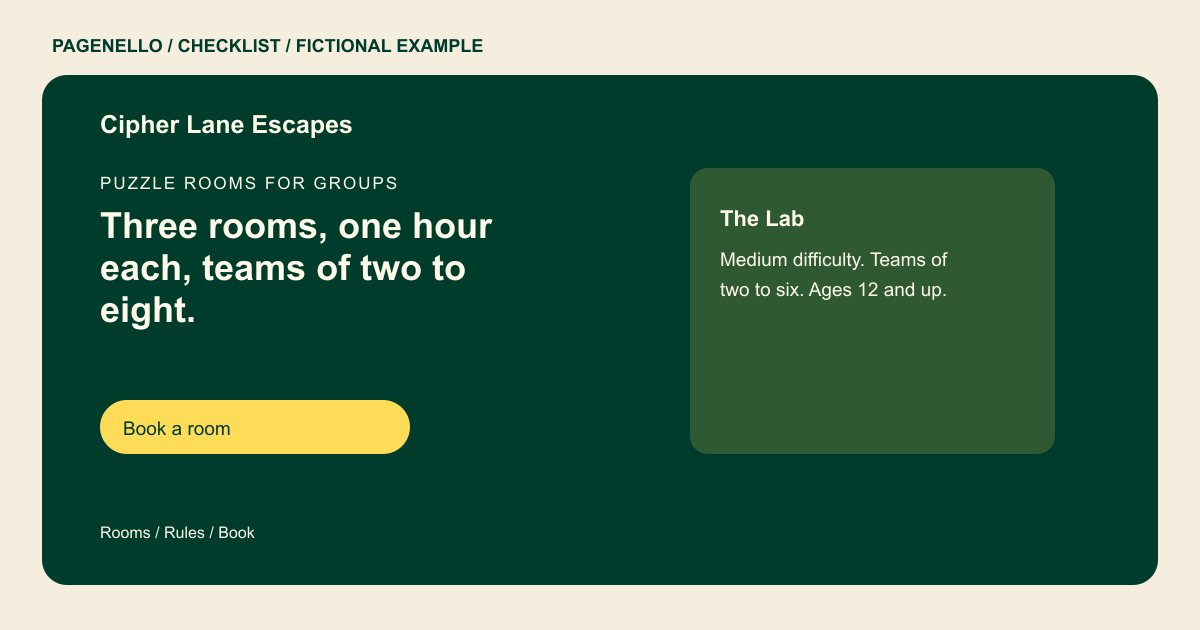
Give each experience a short premise and a photo that sets the mood. List the expected play time, group size and any age guidance you actually use. Mention elements such as darkness or physical obstacles when they matter to a player’s choice, without publishing solutions.
Make the group decision easier
Explain how private and shared games work at your venue, if applicable. Tell organizers where to find current prices and whether younger players need an adult. Include a contact route for accessibility questions instead of assuming every room works the same way.
Connect the choice to a time slot
Place a clearly labeled button beside each game or group of games. Point it to the correct room in your existing reservation tool. Test the handoff on a phone and check that the destination displays the current availability and terms.
Escape rooms: checklist
Questions about escape room websites
How much of the story should a game description reveal?
Share the setup and atmosphere, then stop before the clues or solutions. Give players enough detail to choose a room while preserving the surprise. Include the player range so the organizer can choose for the group.
Should every game have its own booking button?
If your reservation service supports room-specific links, use one for each game. Otherwise label a single button so visitors know they will choose a room there.
Can the page show live availability?
The page can link to your existing reservation service, where visitors can check times. A booking system built from scratch is outside the package. The reservation provider handles the available sessions and any payment it collects.
What should I say about accessibility?
Describe the features and obstacles you know about for each room. Invite visitors to contact your team about specific needs instead of making a blanket claim.
