Boat rental website checklist: prepare renters for the water
A useful boat rental website explains the fleet, rental periods, departure point, renter requirements and how to check availability. Gather accurate policies and photos before you build. Use this checklist to prepare the details a group needs to choose a boat and understand what happens before leaving the dock.
Want this built for you? See the top of your own page free before paying.
By Luis Junior
Describe each boat before asking for a reservation
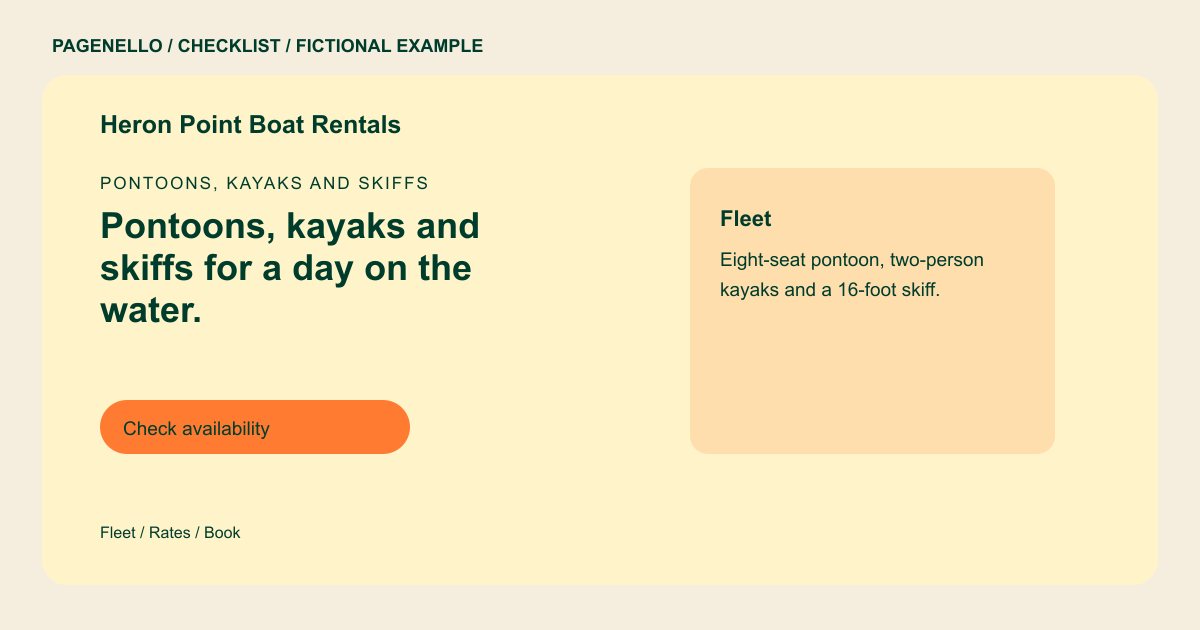
List the type of vessel, passenger capacity and rental durations you actually offer. Add current photos and explain whether a captain is included or the renter operates the boat. If equipment or fuel costs extra, explain how customers can find those terms.
Explain the day at the dock
Give the departure address and arrival instructions. Tell renters where to find your weather, cancellation and deposit policies. State the age, identification and boating education requirements that apply to your operation after checking local rules.
Connect visitors to availability
Point the reservation button to your existing booking service, or invite renters to call if you take bookings by phone. Test the destination and make it clear whether a request is confirmed immediately or requires a response from your staff.
Boat rentals: checklist
Questions about boat rental websites
Should I list a price for every boat?
Show rates you can keep current and identify the rental period they cover. If prices vary, explain how to check an exact quote through your existing booking service or by phone.
Can this page take boat reservations?
A Pagenello page can link to your existing reservation service. It does not include a booking system built from scratch; availability and confirmations remain with your chosen service.
What should I say about safety requirements?
Describe the briefing, equipment and operator requirements your business actually provides or applies. Check the rules for your vessels and location before publishing, and update the text when they change.
How can I handle seasonal hours?
Publish the operating season and the hours you can confirm. Assign someone to check the page when the season changes and remove outdated availability notes.
