Music store website checklist: guide players from browsing to visiting
A music store website should tell players what kinds of instruments and supplies you carry, what services are available and how to visit or shop. Gather information about your inventory, lessons and repairs before writing the page. Use this checklist to keep each path clear for musicians and their families.
Want this built for you? See the top of your own page free before paying.
By Luis Junior
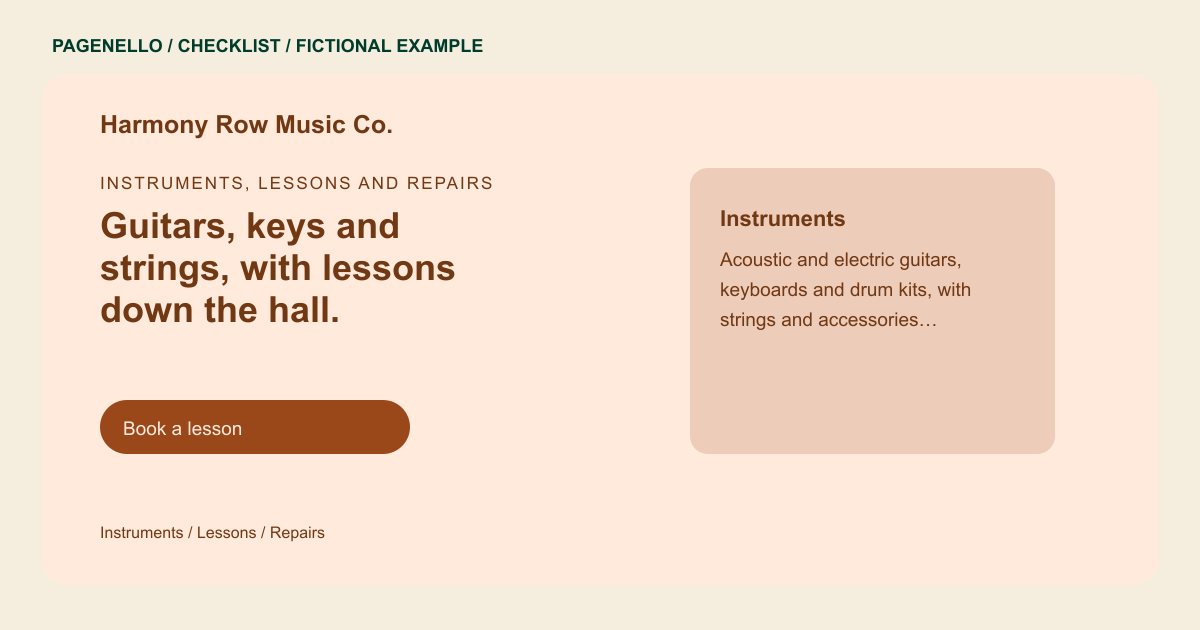
Describe the shelves without promising stock
Group instruments and accessories by the categories your shop carries, such as guitars, strings or keyboards. List brands only when you are authorized and the information is current. If individual items sell quickly, ask shoppers to call about availability or direct them to your existing catalog.
Separate purchases, lessons and repairs
A parent looking for a first lesson needs different information from a player seeking a setup. State the instruments taught, how to inquire and which repair work you accept. If you rent instruments, explain how families can ask about terms and availability.
Plan the in-store visit
Share opening times, location and any useful details about trying gear in the shop. Photograph your own displays or workshop with permission. Link to an existing online store only if it accurately reflects how a customer can buy or reserve an item.
Music stores: checklist
Questions about music store websites
Do I need to list every instrument in stock?
A concise overview of categories can introduce the shop. For individual models and current availability, link to an existing catalog or ask customers to contact the store.
Can lessons and instrument repairs share one page?
Yes. Give each service a distinct heading and a clear inquiry route so a family seeking lessons can find different details from a guitarist requesting a setup.
Can Pagenello build a checkout for my inventory?
The package links to an online store you already use. A new ecommerce system and checkout are outside its scope. Use the link to direct shoppers to the inventory offered through that store.
What if our school rental selection changes?
Explain the kinds of rentals you offer and how families can check current selection and terms. Review that information before the school season and whenever your program changes.
