Music store website ideas for instruments and more
A music store website can introduce the instruments on your shelves while giving lessons and repairs their own clear paths. The fictional Harmony Row Music Co. example combines those services in one layout. Borrow the organization that suits your shop and replace its details with your own inventory and offerings.
Want a page designed for your business? See the top of your own page free before paying.
By Luis Junior
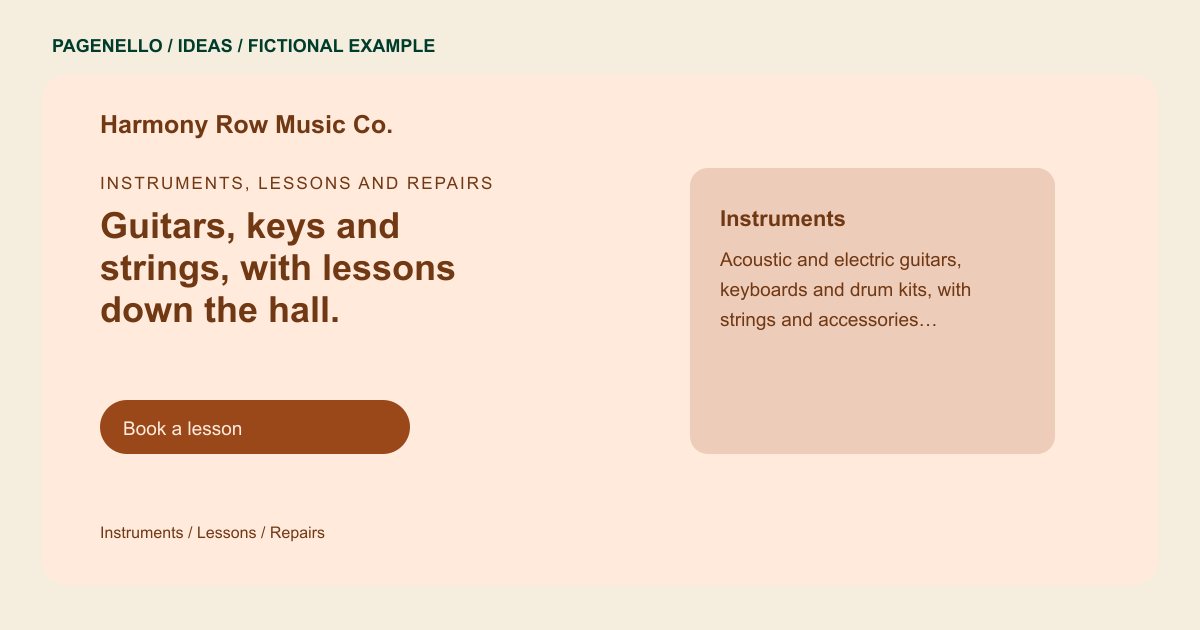
Instruments, lessons and repairs
Guitars, keys and strings, with lessons down the hall.
Acoustic and electric guitars, keyboards, band instruments and strings, with teachers for every age. Try a few in the shop, book a lesson or bring in an instrument for a setup.
Let the instruments set the scene
Harmony Row groups guitars, keyboards and drums instead of attempting to list every item. Your shop might focus on orchestral rentals or used synthesizers. Choose an image of your own shelves or instruments and name the categories customers can actually find.
Separate the reasons to visit
A parent seeking a teacher and a guitarist seeking a setup need different next steps. The sample gives lessons and repairs their own labels. Add your teaching instruments, age groups or repair intake process where they fit, without presenting a service you do not offer.
Keep changing stock in its proper home
If you already sell online, link the shop action to your existing catalog so product availability stays with your store system. The example page can introduce what you carry; it does not maintain live inventory or create a checkout. For a repair inquiry, describe the kinds of instruments your bench accepts and how to request an assessment. A lesson inquiry may instead need the instruments taught, learner levels and a route to the current schedule.
Music stores: ideas
| Idea | Use |
|---|---|
| Instrument-family navigation | Replace the sample categories with your real selection, whether that means brass and woodwinds, guitars or studio equipment. |
| Lesson studio spotlight | Give the teaching program a concise block with instruments, learner levels and a route to your existing lesson scheduler. |
| Repair bench layout | Use a photo of your own workbench and describe the kinds of setups or repairs you accept, with a way to ask for an estimate. |
| Visit and try direction | Show shop hours and directions beside a note about trying instruments in person, if your shop allows it. |
Questions about music store websites
Does Harmony Row represent a real store?
No. Harmony Row is a fictional example, including its services and business details. It is not a Pagenello customer project. Replace the sample details with the instruments and services your shop actually offers. The example’s inventory and activities are illustrative; use details that match what shoppers can actually find at your location.
Can my instrument catalog be sold directly on this page?
The page can link shoppers to your existing online store. A new product catalog, cart and checkout are outside the one-page package. Label the link so shoppers know where purchases take place. Keep the page’s featured instruments consistent with the products available through the linked shop so visitors know where to look.
What if my store offers rentals instead of lessons?
Use the lesson space to explain your rental program, including the instruments and next step you actually offer. Link to an existing rental service if you have one. Explain how a customer can ask about instrument availability and the rental terms your store actually uses.
