Pool service website checklist: explain the route and the work
A pool service website should explain what happens on a maintenance visit, where your routes run and how an owner can request help. Gather details about chemicals, equipment and seasonal work before writing the page. Use this checklist to separate recurring care from repairs and give each visitor a clear next step.
Want this built for you? See the top of your own page free before paying.
By Luis Junior
Define the recurring visit
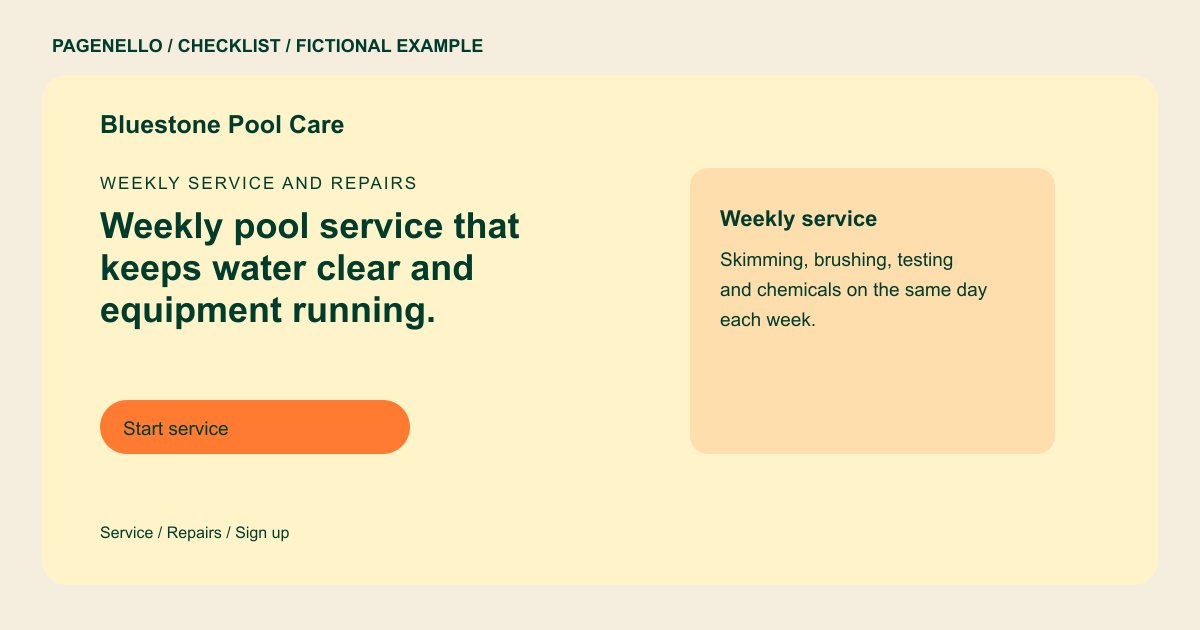
Describe the tasks your crew actually performs, such as skimming, brushing, water testing or checking a filter. Explain whether chemicals are included or billed separately. If service frequency varies, say how an owner can ask about a suitable plan.
Set expectations for repairs
A noisy pump and a routine cleaning request may need different responses. List the equipment you work on, mention any diagnostic fee you charge and state when your phone is answered. Avoid suggesting urgent help is available around the clock unless it really is.
Keep route information usable
Name the communities your team currently covers. If opening and closing services are seasonal, note how customers can inquire about availability. Review the service-area list whenever a route changes so the page does not advertise places you no longer visit.
Choose the handoff
Point homeowners to your existing customer portal or inquiry service, or offer a phone number. Explain where current customers should go to view a bill or report a problem; the website itself does not need to run dispatch.
Pool services: checklist
Questions about pool service websites
Should I put chemical costs on the page?
Explain whether your plan includes chemicals or whether they appear separately on the bill. If the amount depends on the pool, describe how you provide an estimate.
How can existing customers report a pump issue?
Give them the phone number or a link to the customer portal your team already monitors. State your response hours rather than promising emergency service you do not provide.
Can I include seasonal opening details on one page?
Yes. Summarize the work and point visitors to your contact method. A longer service and price list can be added as a separate page for $190.
