Pool service website design: one page for weekly service, repairs and sign-ups
Cloudy water and a noisy pump lead to different service inquiries. A pool company page can explain routine cleaning, equipment repair and the routes you actually cover, then direct owners to the right contact. Pagenello writes and designs your custom page for $590; an existing service portal can remain in use. The free first look shows the top of your proposed page before any payment, so you can consider the direction first.
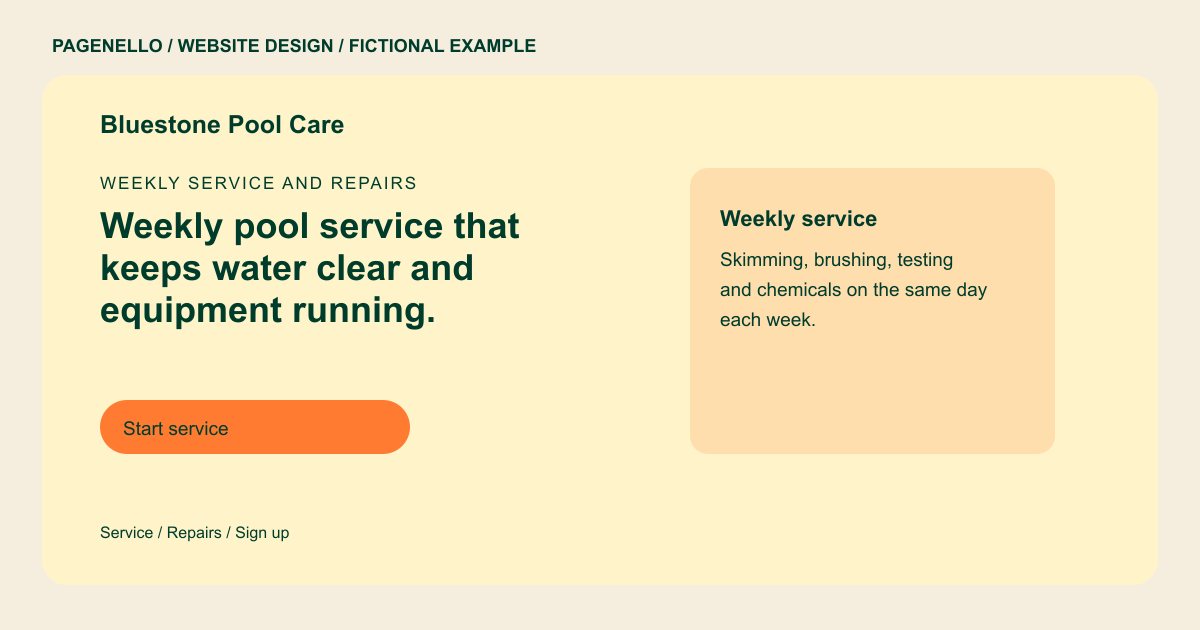
Weekly service and repairs
Weekly pool service that keeps water clear and equipment running.
Each visit covers skimming, brushing, chemical balance and a filter check. Pump, heater and salt system repairs are quoted before any parts are ordered.
Plan your pool service website
What do pool service customers look for on a website?
A homeowner considering pool care may compare seasonal plans and ask what the crew handles on each visit. They want to know what a weekly visit includes, whether chemicals are part of the plan, and how quickly a technician can come out when a pump fails in July. They also check whether you handle saltwater systems, heaters and other equipment. A specific service list gives them a clearer starting point for that conversation.
| Customers look for | On your Pagenello page |
|---|---|
| What a weekly visit includes | A plain list of each visit’s steps, such as skimming, brushing, chemical balance and a filter check, and what gets reported back. Distinguish water testing from equipment servicing, and identify which supplies the owner purchases separately under your own plan. |
| Chemicals and equipment | Whether chemicals are part of the plan, and which equipment you service, such as saltwater systems, heaters and pumps. |
| Repairs and urgent calls | How repair requests work, what the diagnostic visit costs, and a call button for pumps and leaks. Tell the owner what information helps your technician assess a pump issue and how your office confirms an appointment. |
| Service area and route days | The neighborhoods and counties you serve, with the days you run routes, so out-of-area owners know right away. |
| Starting weekly service | A button to your sign-up page or customer portal, so a homeowner can start service without waiting for a return call. |
Which tools can my page link to?
Link to your existing customer portal or service request page if your provider makes it available. Homeowners can use that separate service for the functions it supports, while a call button offers another contact route. Pool routes, payments and technician records remain in your own tools.
What does it cost?
$590 once. The first look is free. A separate equipment repair page costs $190. Use Care Plus at $390 a year for seasonal hours updates and up to two small edits a month.
See the complete pricing and terms and how the first look works.
Questions from pool service owners
Can customers sign up for service from my site?
The page can link to your existing service request page or customer portal when your provider offers a shareable link. The available sign-up functions depend on that service; Pagenello does not run routes or billing. Tell a prospective customer whether your routine visit covers chemical testing, supplies and equipment checks. Explain separately how your crew evaluates a pump or heater repair.
Should I list weekly prices?
You can show your own weekly rate or range and explain which cleaning and chemical services it covers. If repairs require a separate assessment, say how you quote them. A detailed rate sheet can have its own page for $190; confirm route availability before offering a place.
What if a customer has an emergency?
Put your emergency number near the top with a tap-to-call button, and state the hours you answer. A website cannot take an emergency call for you, so the number has to reach a person or service you trust.
Do I need to list my service area?
Yes. Name the neighborhoods or counties you cover, as text. Owners outside your area see that right away, which saves both of you a call. Keep the list short and update it when you add a route.
Can I change the season dates later?
Yes. Opening and closing dates, holiday hours and rate changes are small text edits, covered at no charge through the first 30 days after launch. Afterward, Care Plus takes over seasonal updates for $390 a year.
