Print shop website checklist: guide each job from file to pickup
A print shop website should show what your shop produces and explain how a customer can request a quote, provide artwork and approve a proof. Gather the specifications and turnaround policies your staff actually uses. This checklist helps turn a complicated order process into clear instructions for a first-time buyer.
Want this built for you? See the top of your own page free before paying.
By Luis Junior
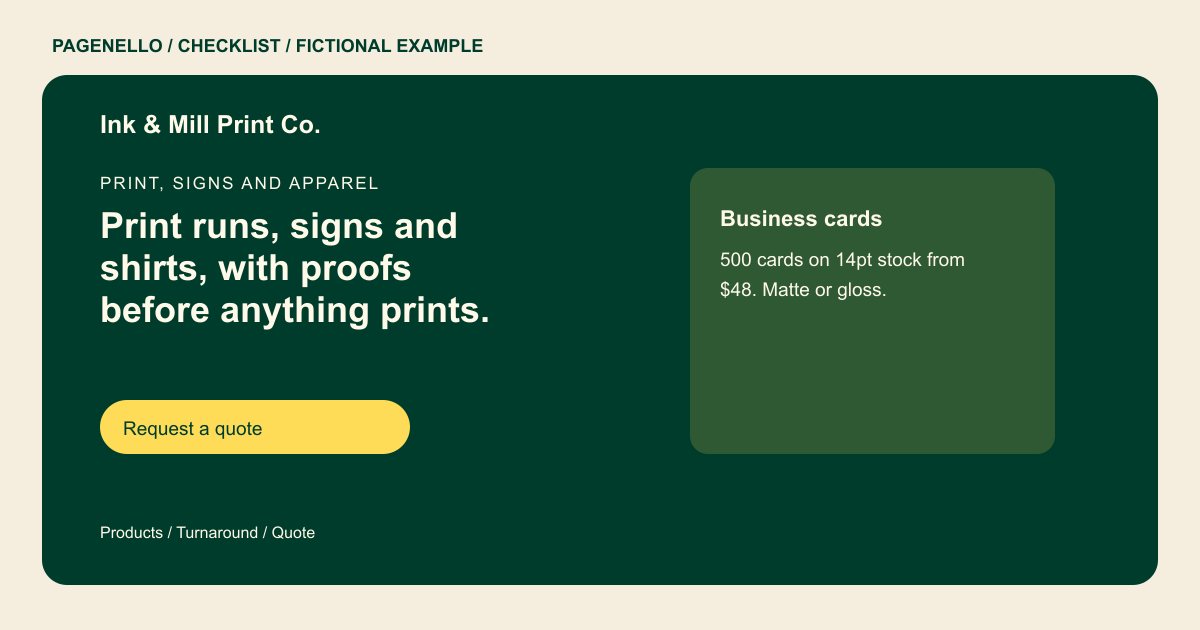
Group products by the job
Organize your actual offerings into useful groups, such as business stationery, signs or apparel. For each group, prepare available sizes, materials and minimum quantities. If you publish starting prices, specify the quantity and finish included so a buyer can compare accurately.
Explain artwork and proofing
Tell customers which file formats your shop accepts and where to send artwork. Add your own requirements for bleed, resolution or fonts when relevant. Explain who approves the proof and whether production starts only after approval, according to your shop’s process.
Set a realistic timeline
State when production time begins and whether it depends on artwork approval. Describe any rush option or order cutoff you actually offer. Separate a production estimate from pickup, delivery or shipping time so a customer planning an event can ask the right question.
Give buyers a route to the counter
Display shop hours and pickup instructions if customers visit in person. Link to your existing order portal or give an email address for quote details. File transfer, order tracking and payment stay in the tools you already use.
Print shops: checklist
Questions about print shop websites
What information should a print quote request include?
Ask for the item, size, quantity, material or finish, and required date. Let the buyer know whether your shop needs to inspect the artwork before pricing the job.
Can the website receive print files directly?
Pagenello can link to the order portal or email address your shop already uses. A built-in file upload or ordering system is outside the package.
How should I describe turnaround?
Explain when the production clock starts, including any proof approval step, and distinguish production time from delivery. Share only timelines your shop can support. Tell print buyers who will approve the final proof.
