Climbing gym website cost: budget for passes, waivers and updates
A climbing gym website quote depends on how you present passes, rentals, first-visit steps and classes. Pagenello designs one page for $590, with the first year of hosting included. See the top free before paying; membership and waiver services are separate.
Want a clear price for your own page? See the top of your own page free before paying.
By Luis Junior
Choose the information a first visit requires
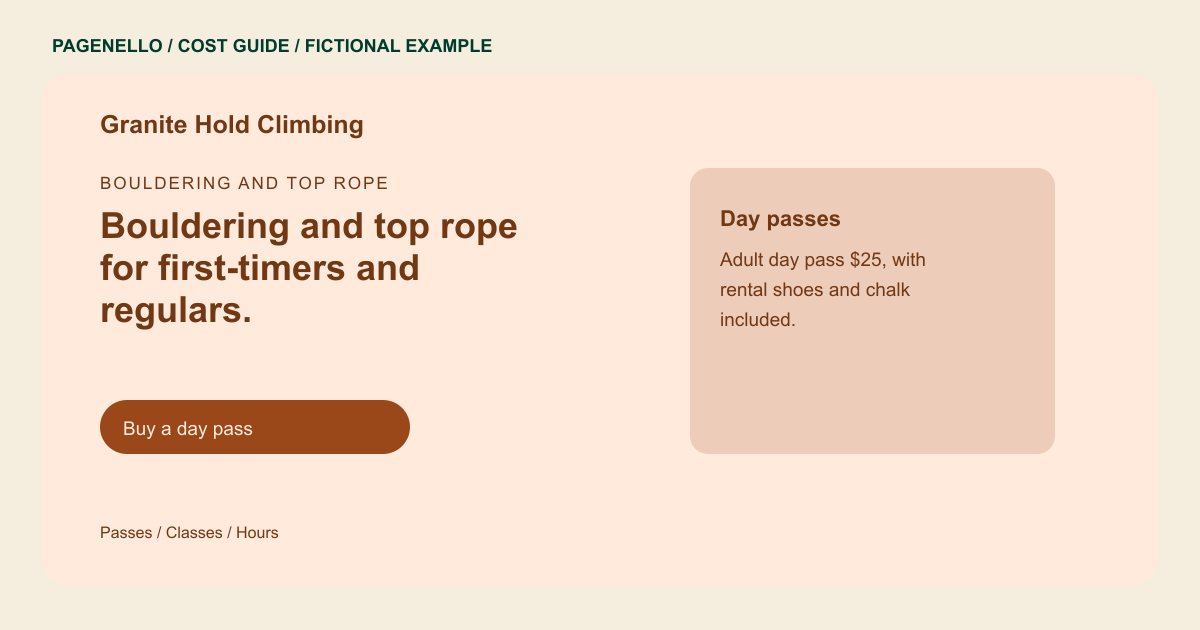
A concise page can describe day passes, rental gear, opening hours and your gym's own orientation and age rules. Supply accurate details for each facility and review them with staff. If youth programs, camps and parties each need extensive information, ask for the extra work to be itemized rather than assuming it fits in the initial quote. Count the pass types and rental items that need explanation, then check who will update them when rates change. If your route-setting notes change often, budget for maintenance or link to an existing updates channel.
Keep membership and waiver fees visible
A page can send climbers to an existing waiver, pass purchase or class registration service. Those providers set their own charges and manage the transaction. Building a new booking system or online store is outside the package, so request a separate estimate if a link will not meet your needs.
Count the cost of keeping details current
Route-setting schedules, holiday hours and class availability may change. Decide which information belongs on the page and which should stay in a tool your staff already maintains. Ask how frequently the website can be edited and compare that allowance with your likely update schedule.
Climbing gyms: first-year worksheet
Enter quotes in dollars. Total only; not an estimate. Nothing is saved or sent. See the one-page website price study; it is not specific to this business type.
Total:
Questions about climbing gym websites
Does the website collect signed waivers?
No. The page can link visitors to your existing waiver service. Check its own pricing and how your gym manages signed documents. Visitors sign through the waiver provider you select.
Can I show pass prices on the page?
Yes. Provide your current prices and what each pass includes. Budget for updates when those details change. Include any age restrictions your staff applies. List any equipment rental separately.
How much is an extra page for youth programs?
An additional page in the same design costs $190. Registration still takes place through your existing service. Include the age groups and equipment requirements your staff confirms.
Are changes to the climbing schedule included forever?
Small text and photo edits are included for 30 days after launch. Care Plus covers up to two small edits a month for $390 a year.
