Climbing gym website design: one page with passes, first visits and hours
Prepare first-time climbers for a visit with your pass options, rental information and gym rules. Pagenello writes and designs a custom climbing gym page for $590; links can lead to your existing waiver and membership services. Review the opening design free through the first look before paying.
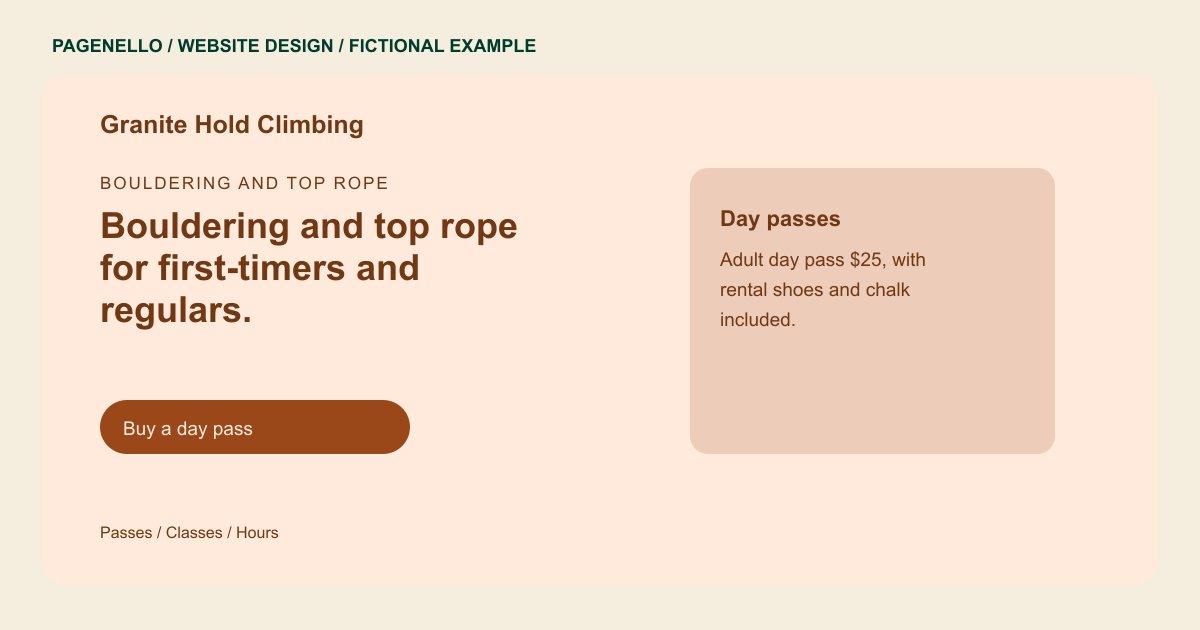
Bouldering and top rope
Bouldering and top rope for first-timers and regulars.
Forty bouldering problems, twelve top rope lines and a beginner area with a belay clinic every Saturday morning.
Plan your climbing gym website
What do climbing gym customers look for on a website?
People looking up a climbing gym are often deciding whether to try it for the first time, or choosing between two gyms for a membership. They check the day pass price, whether a beginner can climb without a partner, how often the routes get reset, and whether there is a youth program if they have children. A page with wall photos but no first-visit steps leaves a curious beginner unsure whether they are welcome.
| Customers look for | On your Pagenello page |
|---|---|
| Day passes and memberships | Day pass prices, multi-visit cards and membership tiers with what each includes, in a short list a first-timer can compare before visiting. Describe the climbing activities your facility offers and identify the orientation or supervision your staff requires for someone visiting the walls for the first time. |
| The first visit | An orientation or intro session, what to bring, whether shoe rental is included, and the rules for climbing without a partner as your staff apply them. List actual day-pass and rental options, noting the age requirements your gym applies to youth climbers or accompanying adults. |
| Classes and coaching | Lead and belay clinics, youth programs and private coaching, with the instructor certifications your staff hold. Explain which equipment visitors can rent, what they need to bring and how they can ask staff about a particular accessibility requirement. |
| Hours, walls and route setting | Opening hours, the bouldering and roped walls you have, and the days routes get reset, since regulars check that before they come in. Direct climbers to your existing waiver provider and tell them when your front desk expects the document to be completed. |
| Waivers and age rules | The waiver step, the age rules for minors and any parent or guardian requirement, as your gym sets them, with a button to the tool where people sign. For classes, give the confirmed experience level and registration route, and explain any belay check or partner requirement your staff applies. |
Which tools can my page link to?
Your page can link to your existing membership, class registration and digital waiver services. Check each destination with the provider and your staff before launch. Pass sales, bookings and signatures remain with those services; the Pagenello page does not create a new membership or waiver system.
What does it cost?
$590 once. The first look is free. Give class or gym service descriptions extra room on a services page ($190). Google Business Profile setup ($149) uses your gym details; you verify the listing and grant manager access.
See the complete pricing and terms and how the first look works.
Questions from climbing gym owners
Can a total beginner visit without a partner?
That depends on your gym's rules. Explain your own orientation, rental and supervision requirements, including when a beginner can climb without a partner. Link to your existing waiver and tell visitors whether staff ask them to complete it before arriving. Direct specific access questions to the front desk.
Should the page list day pass and membership prices?
List the actual day-pass price alongside rental shoes, chalk or other equipment if those are offered. If your gym has separate rates for youth or members, explain who qualifies. Check the page against the prices in your existing membership service whenever either changes.
Can the page show my route setting schedule?
Yes. Describe the route-setting schedule your team has confirmed and explain where regular climbers can find current wall or problem information. If the cadence changes, revise the note or link to a channel your setters maintain. Small text updates are included for 30 days after launch; ask about care for later changes.
Can parents sign kids up for a youth program from the site?
Through your registration tool, such as Mindbody or your waiver step. The page links to it and states the age rules and who has to sign. A sign-up form built into the page is outside this package.
Is one page enough for a climbing gym?
A concise page can explain day passes, gym hours, first-visit steps and class options. If your climbing programs need more space, an extra services, gallery or events page in the same design costs $190.
