Climbing gym website checklist: plan the first visit
A climbing gym website should tell a new climber how to visit, what a day pass includes and what to do before arriving. Gather your waiver link, rental information and class schedule alongside your opening hours. The checklist below helps you organize these details and check the paths to your existing systems.
Want this built for you? See the top of your own page free before paying.
By Luis Junior
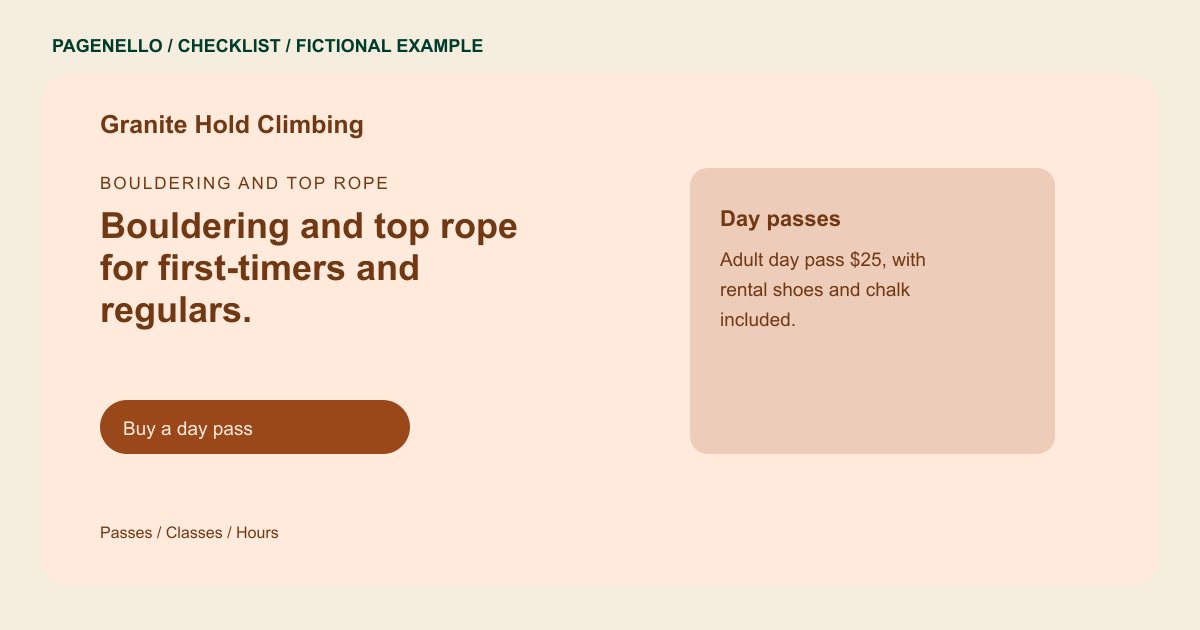
Walk beginners through arrival
Describe the climbing areas you actually offer and explain your gym’s first-visit process. Include clothing guidance, rental equipment and any orientation your staff requires. Link to the current waiver and explain who must sign for a minor under your own policy.
Clarify passes and programs
Collect day pass and rental prices approved by your team. Summarize memberships and the terms visitors should check before joining. For lessons or youth sessions, list age guidance and point to the current schedule.
Connect the front desk and website
A phone number can handle questions about belay checks, group visits and accessibility. Link to the existing membership or class booking service rather than promising features your page does not operate. Ask a staff member to verify each destination.
Climbing gyms: checklist
Questions about climbing gym websites
Can climbers sign a waiver on the page?
Link to the waiver service your gym already uses. Pagenello does not build a waiver or membership management system. Tell climbers when staff expect the waiver to be completed.
What should first-time climbers see before visiting?
Explain your gym’s arrival steps, equipment rentals and any orientation or belay checks your staff requires. Add a way to ask about individual needs. Include the equipment your gym rents or requires.
How should we handle a changing class schedule?
Link to your current schedule in the tool your staff maintains. Check the destination when programs or registration links change. Remove outdated sessions from the page as well.
