Boat rental website design: one page with your fleet, rates and booking
Help renters compare your fleet, rental periods and dock instructions before they contact you. Pagenello writes and designs your one-page site for $590, and can link each vessel to a suitable existing booking destination. Review the opening of your page free before paying.
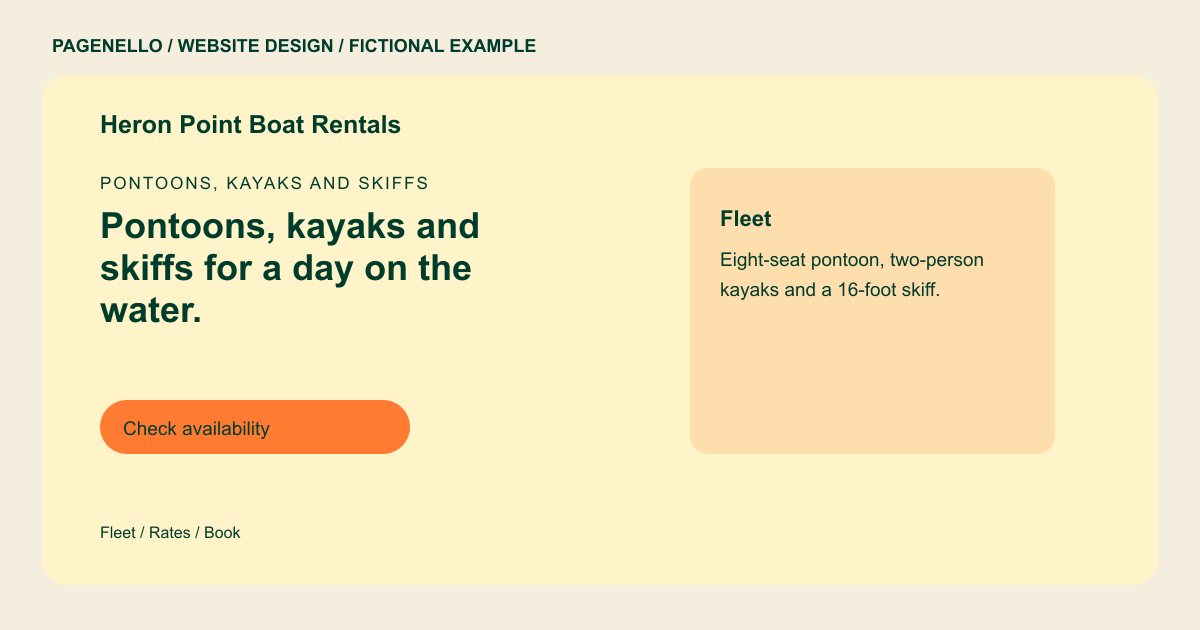
Pontoons, kayaks and skiffs
Pontoons, kayaks and skiffs for a day on the water.
Hourly and daily rentals from the dock, with life jackets and a short briefing included. Check availability for your date, then book online.
Plan your boat rental website
What do boat rental customers look for on a website?
Renters plan a day on the water around a few questions: which boat fits the number of people, what it costs for the time they have, where the dock is, and what the rules are. Clear photos can help renters compare your boats. Explain your own age and operator requirements, and check the rules that apply to your location before publishing them. A page that hides rates behind a phone call can make those details harder to find.
| Customers look for | On your Pagenello page |
|---|---|
| The fleet and capacity | Each boat or kayak with its capacity, length and seating, plus a clear photo of it on the water. |
| Rates by time | Rates for an hour, a half day and a full day, and what each one includes, such as life jackets, fuel or a dock pass. |
| Where you launch and park | The dock address with a map button, parking and loading notes, and the time renters should arrive for the safety briefing. |
| Rules and requirements | Age limits, any boating license or certificate renters need, your weather policy, and what happens if a trip is cut short. Write these in your own words. |
| Availability and booking | A booking button to your rental tool, the season dates, and a phone button for same-day questions about conditions on the water. |
Which tools can my page link to?
If your rental service supplies a public booking link, the page can send renters there to check your fleet and dates. Confirm which parts of the process your provider handles, including deposits or waivers, and keep those instructions consistent with your own policies. A call button gives renters another way to ask about the dock.
What does it cost?
$590 once. The first look is free. Seasonal rate changes and new boats are the kind of update Care Plus ($390 a year) is for, since a fleet list shifts through the season. The Google Business Profile setup ($149) shows your dock address and hours on Maps.
See the complete pricing and terms and how the first look works.
Questions from boat rental owners
Can renters book directly on my site?
If your reservation service supplies a public link for each craft, those buttons can lead to the relevant listing. Check with your provider about calendars, deposits and waivers; Pagenello does not create a reservation system.
Should I publish my rates?
Yes, for the boats and time blocks you rent. Renters compare a few options before they reach out, and a clear rate sheet saves a call. Peak weekends or holiday pricing can go in one line below the table.
Do I need to list age and license rules?
Yes, in your own words. Renters need to know who can take a boat out before they plan a trip. Write the rules you enforce, and check any license requirement for your state before it goes on the page.
What about bad weather?
Write your weather policy in one short section, with what happens if a trip is cancelled or cut short. Keep a status line at the top of the page for days when the water is closed.
Can I add a page for each boat type?
Yes, once the fleet is large enough to need it. Give each family of boats its own page through $190, and keep the first screen on the rates and the booking button.
