Butcher shop website ideas for the counter and beyond
A butcher shop website can show what customers can ask for at the counter and how to plan an order. The fictional Tallow & Oak Butcher example highlights cuts, holiday orders and pickup hours. Adapt the details to the products, ordering process and availability at your own shop.
Want a page designed for your business? See the top of your own page free before paying.
By Luis Junior
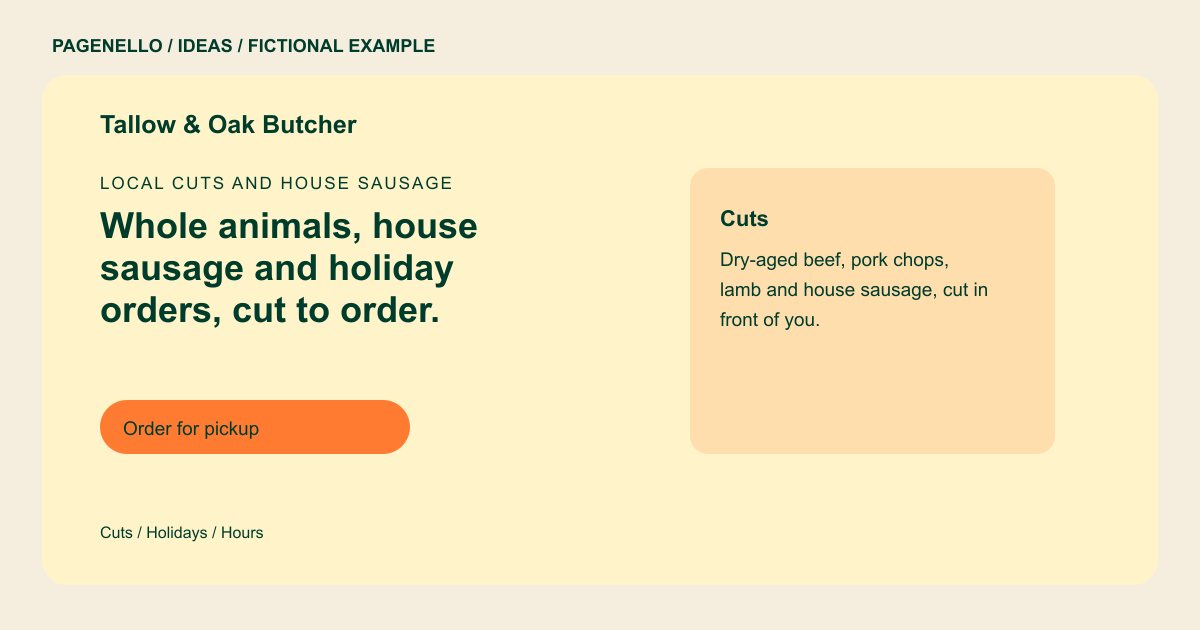
Local cuts and house sausage
Whole animals, house sausage and holiday orders, cut to order.
Cut to order at the counter. Order ahead for holidays and whole-animal shares, and pick up on Saturday mornings.
Show the counter clearly
The sample lists dry-aged beef, pork, lamb and sausage. Your selection might be different: use a photograph of your own counter and name a few cuts you regularly carry. Avoid implying that a seasonal or limited item is always in stock.
Give holiday orders their own space
A roast or turkey order may need a deadline, an estimated pickup window and a way to ask about size. Put current instructions together, then remove expired dates after the holiday. Direct shoppers to call if availability needs confirmation.
Make pickup instructions precise
Tallow & Oak uses an order-ahead action. If you accept requests by phone, say when to call and where to collect them. A link can lead shoppers to your existing checkout provider, which handles order details.
Butcher shops: ideas
| Idea | Use |
|---|---|
| Cuts from the counter | Swap the sample meats for your own regular offerings, with a note that selection can change when appropriate. |
| Seasonal order board | Feature a confirmed holiday item, ordering cutoff and pickup window. Take the panel down or refresh it after the season. |
| Sausage and prepared foods | Use a separate panel for products made or stocked by your shop, describing ingredients only as accurately as your labels allow. |
| Whole-animal inquiries | Explain how to ask about shares or custom cuts if you offer them, including the information needed to begin a conversation. |
| Counter visit guide | Put opening hours, directions and a phone button together for shoppers who prefer to choose in person. |
Questions about butcher shop websites
Is Tallow & Oak a real butcher shop?
The name and shop details are fictional. They demonstrate one way to organize a counter, seasonal orders and contact information. Replace these details with the cuts and order process your own shop offers.
How can I keep changing cuts accurate?
List dependable categories and invite customers to call about availability. For a frequently changing selection, link to a current list you already maintain. Separate everyday counter staples from items requiring advance notice.
Can shoppers pay for meat directly on this page?
The page can link to an existing ordering service that handles checkout. Creating a new online store or ordering system is outside the package. Explain how shoppers can ask your counter about pickup arrangements.
What belongs beside a holiday order button?
Include your confirmed cutoff, pickup instructions and a contact method for questions. Update those details each season so shoppers do not rely on an old deadline.
