Farm stand website ideas for the season ahead
A farm stand website can show shoppers what is in season, when the stand is open and how to find it. The fictional Larkspur sample lists produce, stand hours and pick-your-own details, with labels for preorder and calling. Replace those details with information you can keep accurate for your own harvest.
Want a page designed for your business? See the top of your own page free before paying.
By Luis Junior
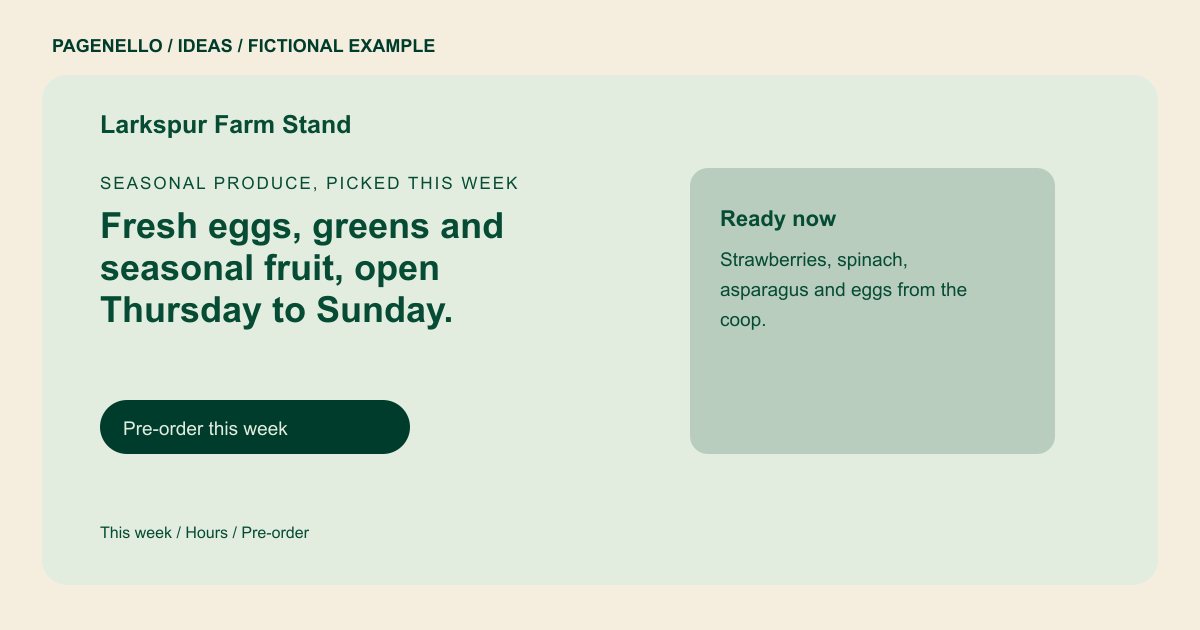
Seasonal produce, picked this week
Fresh eggs, greens and seasonal fruit, open Thursday to Sunday.
Picked the morning you buy it, with a short list of what is ready this week. Pay by card at the stand or pre-order ahead.
Put the harvest in view
Larkspur highlights seasonal fruit, greens and eggs in its fictional example. Show a small selection of your own crops with photos you have permission to use. Mark the list with an update date if availability changes often, and remove items when they sell out. A harvest display can pair the crop name with the date the list was checked. If a field closes after rain, point visitors to the notice your farm maintains and give them a way to confirm before driving out.
Help visitors plan the trip
Place current opening days and directions where a shopper can find them quickly. If your hours change with weather or the growing season, say how customers can check before leaving. Include accepted payment methods only when they reflect your stand. The sample’s preorder and hours controls are illustrative labels. On a working page, check where each action leads and make sure the hours match the information the farm publishes elsewhere.
Explain pickup or field activities
If you offer preorders, describe the collection window and link to your existing ordering service. For pick-your-own visits, explain the crops and conditions you actually offer. A new online store or ordering system is outside the Pagenello package. Larkspur’s list also includes a pick-your-own item and a preorder label. For a real stand, specify the field opening conditions and where customers collect their orders. Give one person responsibility for removing a stale harvest notice when availability changes.
Farms and farm stands: ideas
| Idea | Use |
|---|---|
| This week at the stand | Feature a short, dated list of produce you expect to have, with a note that supply may change. |
| Farm visit essentials | Bring together directions, seasonal opening hours and the payment methods you accept on site. |
| Pick-your-own guide | If visitors can harvest, explain which crops are available and how weather affects opening. |
| Preorder collection | Link shoppers to an existing preorder tool and state where and when collection takes place. |
| Grower introduction | Use a real photograph of your farm and a brief account of what you grow, using only claims you can support. |
Questions about farm websites
Is Larkspur Farm Stand a real customer?
No. Larkspur and its produce list are fictional. Use the example as a starting point for your own farm stand. Its crops and pickup details illustrate a layout rather than a Pagenello customer project.
How should I handle changing harvest availability?
Publish a concise list you can maintain and update it as crops or hours change. Give shoppers a way to contact you for the latest details.
Can shoppers preorder from the page?
A button can take shoppers to your existing ordering service. A new store or ordering system is not included in the page. The existing provider handles the order and any payments it supports.
