Juice bar website ideas for the menu and pickup
A juice bar website can make the menu easy to scan, show what goes into a drink and direct customers to pickup or the counter. The fictional Green Pulse example pairs greens and smoothies with opening hours and an order-ahead action. Adapt the layout to your actual ingredients, service and ordering setup.
Want a page designed for your business? See the top of your own page free before paying.
By Luis Junior
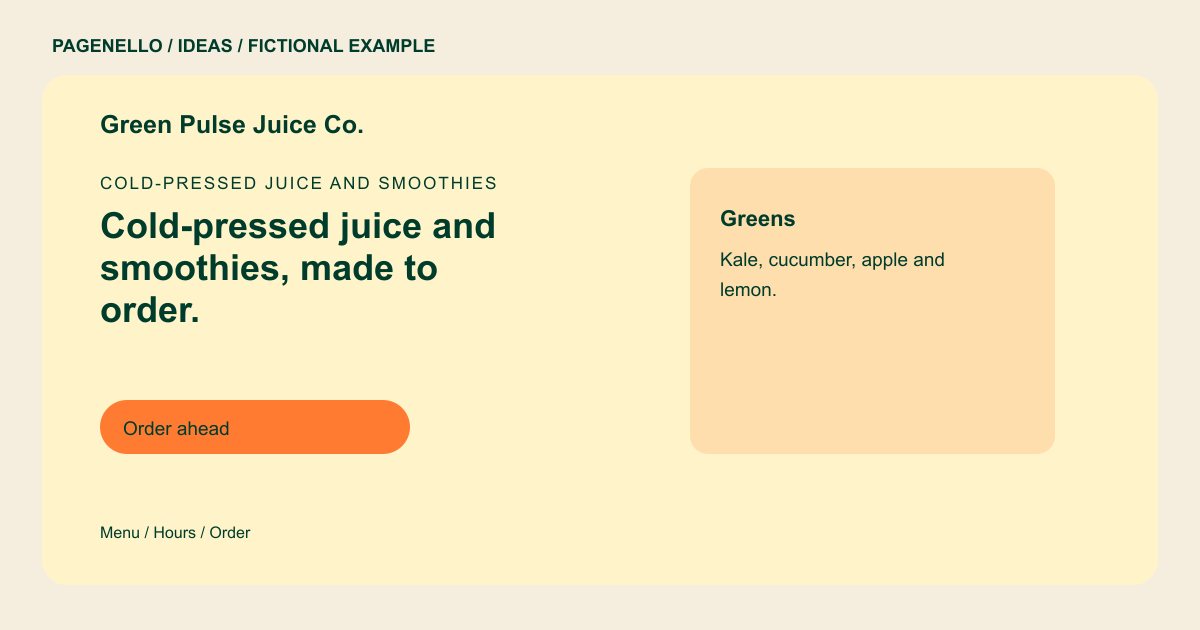
Cold-pressed juice and smoothies
Cold-pressed juice and smoothies, made to order.
Greens, citrus and berry blends with add-ons.
Make flavors recognizable
Green Pulse groups a greens blend separately from smoothies. Your own page could group drinks by fruit, vegetable blends or bowls, depending on what you sell. List the main ingredients beside each selection and explain available substitutions. Verify allergen information with your suppliers and keep it current. If a drink can be made with more than one milk, show the options you actually stock. Ask your team who will check those choices when a supplier or recipe changes, and make it easy for a customer to ask about ingredients.
Design around a real visit
Someone stopping in before work needs different details from a person ordering lunch for pickup. Put opening times and the address near the menu, and label the order button with its destination. Link to your existing ordering provider; a new ordering system is outside the package.
Keep the promise on the glass
Use your own drink photos or images you have permission to use, and show portions and ingredients accurately. Describe flavor and preparation instead of promising health effects. If you rotate produce, a short seasonal feature can be updated when the offering changes.
Juice and smoothie bars: ideas
| Idea | Use |
|---|---|
| Ingredient-led menu | Give each featured blend a short ingredient list, with a separate note for milk choices and add-ons. Check that the wording matches what staff serve. |
| Morning stop | Lead with opening hours and a map link for people planning a counter visit. A concise menu preview helps them choose before arriving. |
| Pickup-focused page | Place the order-ahead link beside pickup instructions and hours. Point it to the provider you already use and explain any collection details there. |
| Seasonal board | Reserve a small area for the current special, then replace the photo and description when it leaves the menu. Keep the permanent menu accessible too. |
Questions about juice bar websites
Is Green Pulse an actual juice bar?
No. Green Pulse and its menu and hours are fictional details used to demonstrate a possible juice bar page. The sample does not represent a Pagenello customer or a real menu.
Can customers place orders on this page?
The page can link to an ordering service your juice bar already uses. The package does not create an ordering or payment system; customers complete their purchase with the external provider.
How should I handle allergens on the menu?
Check ingredient and cross-contact information with your suppliers and staff. Publish only details you can keep accurate and tell customers how to ask about an ingredient.
Can I change a seasonal drink later?
Small text and photo updates are included for 30 days after launch. Hosting & Care and Care Plus offer different ongoing edit allowances after that.
