Meal prep website ideas for a clear weekly order
A meal prep website can pair appetizing food photos with the practical details customers need before ordering: menu, plan choices, cutoff and fulfillment. The fictional Supperfield Lane Kitchen example shows one possible arrangement. Swap its dishes, schedule and ordering terms for the details your kitchen actually offers.
Want a page designed for your business? See the top of your own page free before paying.
By Luis Junior
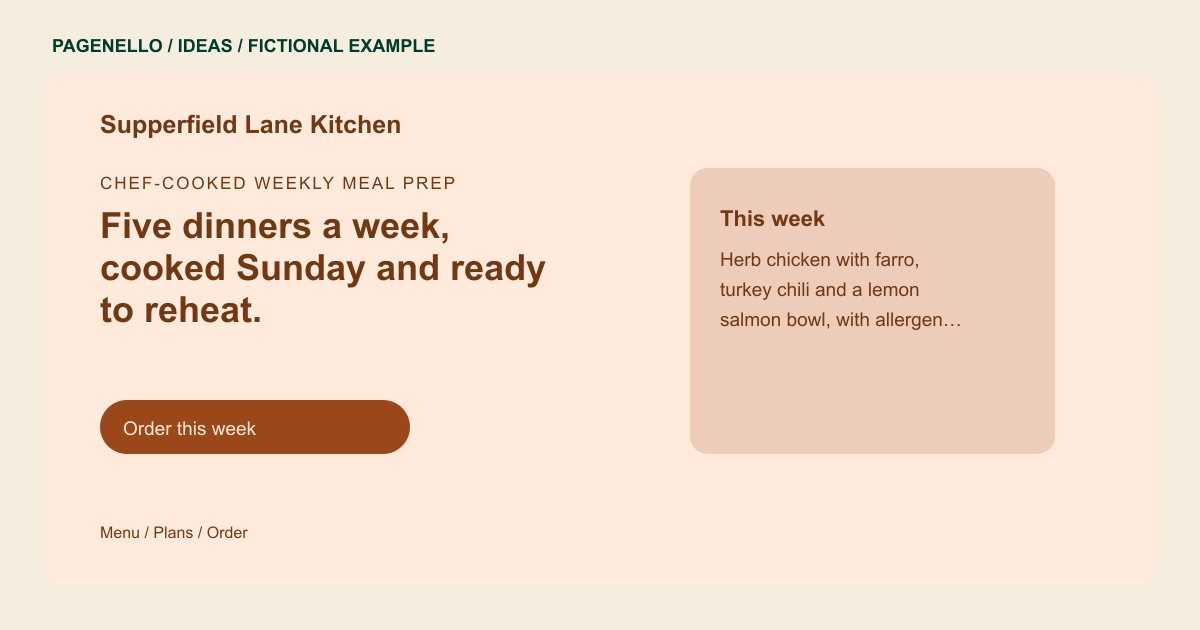
Chef-cooked weekly meal prep
Five dinners a week, cooked Sunday and ready to reheat.
This week’s menu, plans for one or two people, and pickup on Wednesday and Saturday. Orders close Thursday at noon.
Show the food and the ordering window
The example introduces a weekly menu and a deadline close to the order action. Use a real photograph of your meals and label the menu period, so a visitor can distinguish this week’s selection from a sample. Keep your deadline and ordering destination consistent.
Explain how a plan reaches the table
Supperfield Lane separates plan sizes from pickup and delivery. Your page can say how many meals are included, where orders are collected and which areas you serve. Include only delivery days and options your kitchen can honor.
Keep food details accurate
Use ingredient and allergen information supplied by your kitchen and maintain it as recipes change. Link to a complete menu or ordering platform when that is where current information lives; avoid unsupported dietary or health claims. If your dishes rotate, date the menu you share and identify where the current selection lives. Keep your ordering cutoff, pickup window and delivery area tied to the schedule your kitchen actually follows.
Meal prep companies: ideas
| Idea | Use |
|---|---|
| Menu-first layout | Lead with a few current dishes and link to the complete menu in your existing ordering service. |
| Plan comparison | Place meal count, serving size and price together so a customer can compare the options you actually sell. |
| Pickup and delivery guide | Put collection instructions or delivery coverage beside the relevant days, with a contact route for questions. |
| Kitchen story | Introduce the people preparing the food and use permitted photographs of your own workspace and meals. |
| Order deadline panel | Highlight your actual cutoff and explain when the next menu becomes available; update both whenever the schedule changes. |
Questions about meal prep websites
Is Supperfield Lane Kitchen a real customer?
No. The kitchen, its dishes and schedule are fictional examples created to illustrate a layout. Replace the sample menu and fulfillment details with information from your own kitchen.
Can the page accept meal orders and payment?
An order button can link to your existing ordering service. A new cart, payment system or subscription platform is outside the package. Explain where customers choose meals and review their order.
How should I handle a menu that changes every week?
Link to the current menu in your ordering tool and keep any dishes shown on the page accurate. Care Plus covers up to two small edits a month for $390 a year; a weekly update may exceed that allowance.
Can I list allergen information?
Yes, using accurate information supplied by your kitchen. Review the wording and applicable requirements, and update it when ingredients or preparation change. Direct customers to your kitchen for questions about specific dietary needs.
