Electrician website ideas: help customers identify the right service
An electrician website can pair a clear service list with the area served, verified credentials and a visible way to call. The fictional example below shows one possible layout for residential and light commercial work. Substitute the jobs and contact details your business actually offers.
Want a page designed for your business? See the top of your own page free before paying.
By Luis Junior
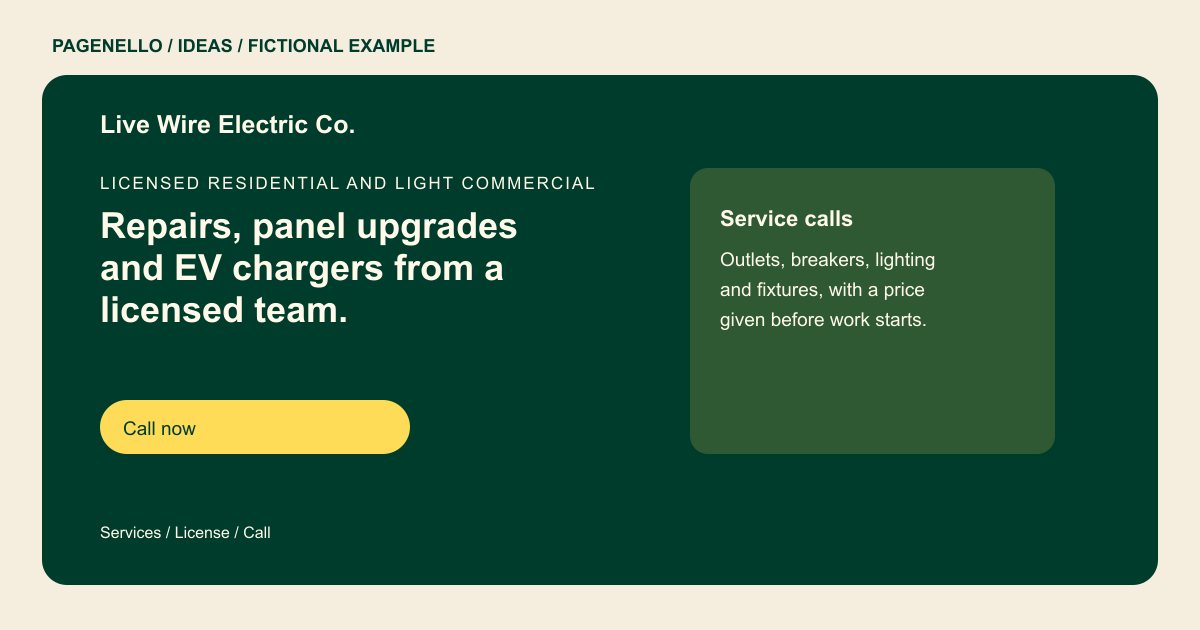
Licensed residential and light commercial
Repairs, panel upgrades and EV chargers from a licensed team.
Call for same-day service when a visit is possible. License #00000, fully insured, with a price given before any work starts.
Match the headline to the work you take
The example presents service calls, panel upgrades and charger installations. A contractor focused on lighting or commercial projects should choose different examples. Give each category enough detail for a visitor to recognize the job, without suggesting that they carry out electrical work themselves. A charger installation image could identify the type of project without suggesting every home has the same electrical setup. Ask the property owner for permission, and describe only the installation work your own team completed.
Make credentials verifiable
A compact credentials area can display a license number and insurance information supplied by the business. Check current state and local requirements before publishing, and remove any qualification you cannot substantiate. In the fictional sample, the placeholder number is not a real license.
Give urgent and planned work a route
A homeowner with an immediate concern may look for a phone number, while someone planning a project may prefer email or an existing estimate tool. State the hours you answer and describe urgent service only if offered; avoid promising a response time you cannot control.
Electricians: ideas
| Idea | Use |
|---|---|
| Service-call first | Place a prominent call action beside a short list of the repairs your team actually handles. |
| Project planning approach | Feature panel upgrades or charger installations with a link to your existing estimate request channel. |
| Commercial work panel | Describe the facilities and job types you serve, using only your real capabilities and credentials. |
| Work gallery | Caption authorized photos of completed lighting or installations with the type of work shown. |
| Coverage and hours strip | List the towns you serve and your actual answering hours; distinguish urgent availability from regular service. |
Questions about electrical websites
Is the electrical business shown a real customer?
No. The company and its sample details are fictional, and its placeholder license number is not a real credential. Use your own verified business details and credentials when adapting the example.
Can the page display my license?
Yes. Supply the correct number and any other credentials you want shown, and verify the applicable rules for your location. Keep the published information current if a credential or coverage detail changes.
Can I advertise urgent calls?
Describe that service only if you provide it, and specify when your phone is answered. Avoid response-time promises that depend on dispatch and location. Distinguish the hours for urgent calls from your ordinary office schedule.
Can a customer request an estimate online?
A button can open your existing estimate or scheduling tool. Building a new system or collecting files on the page is outside the package. The estimate provider handles the information submitted through its own service.
