Accountant website design: one page with your services, credentials and client portal link
An accountant's website has to show what you handle, who does the work and which credentials you hold, then make the next step obvious: a consultation or a link to the client portal. Pagenello builds this as one custom page for $590, with your service list, your fee structure and links to the bookkeeping and document tools your firm already uses. You get a free first look at the top of the page before you pay.
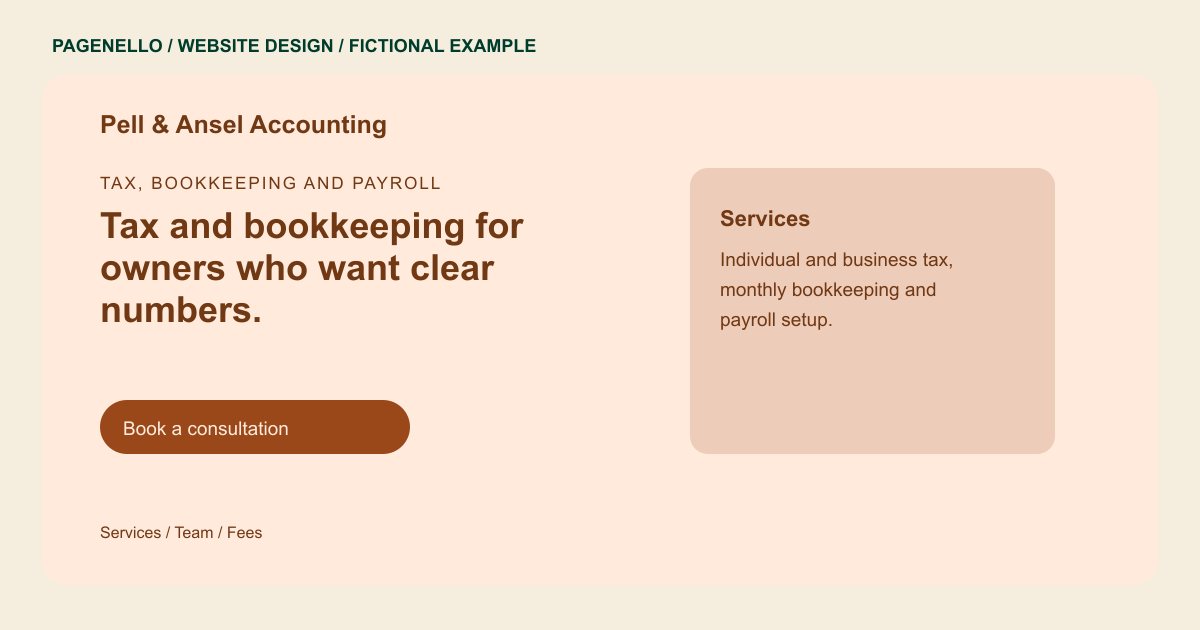
Tax, bookkeeping and payroll
Tax and bookkeeping for owners who want clear numbers.
Individual and small business returns, monthly bookkeeping and payroll setup. Send documents through the client portal, and ask about fees on a short call.
Plan your accounting firm website
What do accounting firm customers look for on a website?
Business owners and individuals look for an accountant when a deadline is close, a bookkeeping backlog has piled up or a business is changing shape. They check whether you handle their kind of return or books, whether you hold a CPA license or enrolled agent status, and how documents move between you and the client. Many want to know how fees are set before they call. A service list and a clear explanation of your credentials give them details to consider before contacting the firm. A prospective client can also check whether your firm takes on a one-time return, ongoing reconciliation or payroll work before making contact.
| Customers look for | On your Pagenello page |
|---|---|
| Services and client types | A list of the work you do, such as tax preparation, bookkeeping, payroll and business setup, with the clients each one suits, like freelancers, small companies or households. |
| Credentials | Your CPA license, enrolled agent status or other credentials as you provide them, with the state where each one is held. |
| How documents move | A plain note on how you collect and return documents, with a button to your client portal, so the first question about uploads is already answered. |
| How fees work | The fee structure you quote, such as flat fees, monthly bookkeeping plans or hourly work, with one short line on what each one covers. |
| Deadlines and new clients | A seasonal note on tax deadlines and when new clients should reach out, so someone who arrives late knows what happens next. |
Which tools can my page link to?
Your page can link to your existing client portal and the bookkeeping or payroll services you choose to share. Place the portal action apart from the consultation link so returning clients can find their document workflow. Use the document exchange process your firm has assessed for its professional obligations; the Pagenello page does not collect financial files.
What does it cost?
$590 once. The first look is free. A separate page for each service, such as tax, bookkeeping or payroll ($190), suits a firm with several kinds of clients, and Care Plus ($390 a year) keeps your deadline notes and team details current.
See the complete pricing and terms and how the first look works.
Questions from accounting firm owners
Should I list my fees on the site?
List the structure, such as flat fees or monthly plans, even if you do not publish every figure. Clients weigh fees early, and a clear structure keeps them from calling only to ask. When your structure changes, the wording changes with a short text edit.
What credentials should I show?
Show the credentials you hold and the state where each one is held, such as CPA or enrolled agent status. Do not list credentials you do not have, and do not describe results you cannot document.
Can clients upload documents through my site?
No. Your page links to the client portal you already use, such as TaxDome, Canopy or SmartVault. The site does not collect financial documents, so those files stay in the portal your firm already runs.
Should the site explain tax deadlines?
A short seasonal note helps. Explain when new clients should reach out and what happens when a deadline is close. Keep it general, because tax rules change, so confirm current rules with the firm.
Is one page enough for an accounting firm?
For a small firm or a solo accountant, usually yes. Services, credentials, fees, the portal link and a consultation button fit in one scroll. A larger team or a separate page for each service can move to $190 as the firm grows.
