Consultant website design: one page with your focus, credentials and first call
Business owners hiring a consultant want to see what you focus on, the kinds of work you have done for clients, your credentials, and how to book a first conversation. Pagenello builds the page for $590 around those four things, with your booking link in the first screen. In the free first look you see the top of the page, and nothing is due until you approve it.
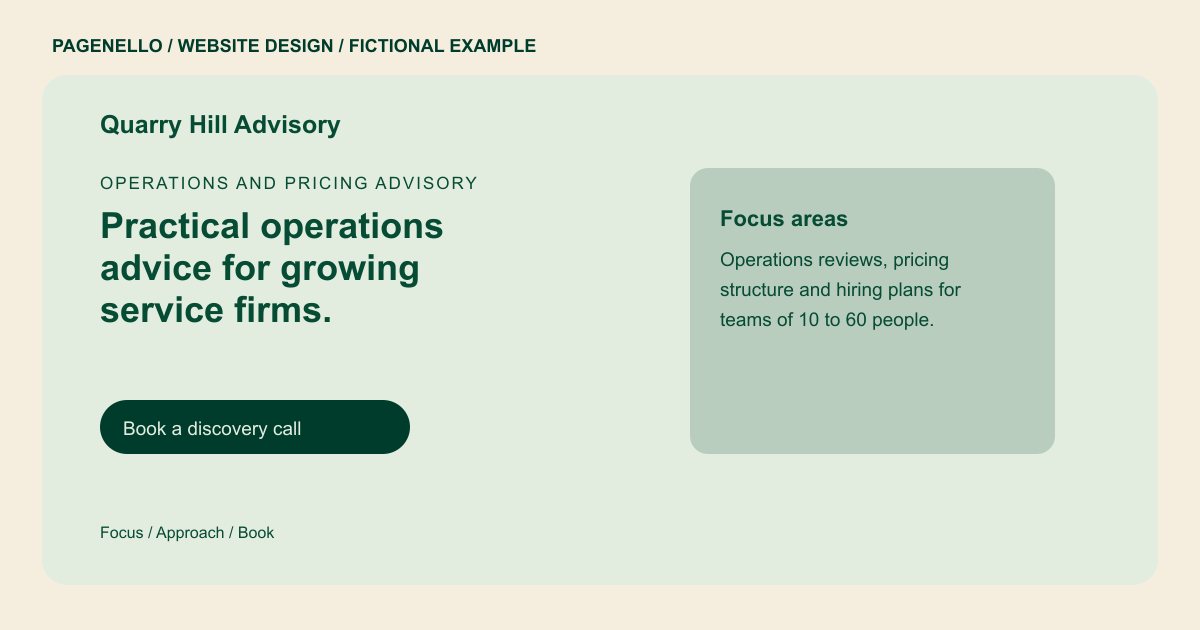
Operations and pricing advisory
Practical operations advice for growing service firms.
Fixed-scope projects and monthly retainers for owners who want a clear plan. Book a 30-minute discovery call to see whether the fit is right.
Plan your consulting website
What do consulting customers look for on a website?
A business owner who needs a consultant usually faces a problem they cannot solve in-house, and they search on a laptop as well as a phone. They want to know your focus area, the kinds of projects you take on, whether you work with companies their size, and what it takes to start. Your credentials need to be easy to find, and so does the next step. A page that talks in generalities about strategy makes them wonder what you actually do.
| Customers look for | On your Pagenello page |
|---|---|
| Your focus and the work you take on | Two or three focus areas named in plain words, such as operations, pricing or hiring, with the kind of project each one covers. |
| Credentials and background | Degrees, professional certifications and past roles you can name, listed as you send them, with no title that you cannot confirm. |
| Who you work with | The size and type of client you serve, such as early-stage companies, family offices or nonprofits, described without client names unless the client agreed to be named. |
| How engagements work | Project and retainer options, what a first conversation covers, and whether you publish fees or quote each engagement. |
| A first call | A discovery call button to your calendar link, plus email and LinkedIn links, so a visitor can reach out in the channel they already use. |
Which tools can my page link to?
Consultants usually book discovery calls through Calendly or a similar scheduler, run video sessions on Zoom or Google Meet, and keep a LinkedIn profile that clients check first. Your page links to each of those, so a visitor can book, meet and check your background from one place. Proposals and contracts stay in the tool you use for them, such as HoneyBook or DocuSign. This page is for a consultant promoting their own services; a business seeking a web design consultant may need a different service.
What does it cost?
$590 once. The first look is free. An extra page in the same design costs $190 for a longer practice-area description. If your business qualifies for a Google Business Profile, setup is $149; Google requires your verification and manager access for Pagenello.
See the complete pricing and terms and how the first look works.
Questions from consulting owners
Should I publish my fees?
Only if you want to. Some consultants quote each engagement after a first call, and the page can say that in one line. If you publish a day rate or a retainer, the page shows it the way you write it.
Can I show client names?
Only with permission. Some clients agree to be named, and others prefer that you describe the work without the name. The page should follow the agreement you have with each client.
Do I need every credential on the page?
No. Put the credentials that match your focus areas near the top, such as a certification in the area you advise on. The rest can sit lower down in the bio.
How do people book a first call?
A button sends them to your scheduling tool, such as Calendly, and a line below it gives your email and LinkedIn for anyone who would rather write first. The calendar itself lives in that tool.
Is a one-page site enough for a consultant?
For a solo practice with one or two focus areas, usually. If you run a firm with several practice areas and team bios, a page for each area ($190) helps visitors find the right fit faster.
