Insurance agency website design: one page with your coverages, licenses and quote path
Shoppers compare insurance agencies by the coverages written, the licenses shown and how to request a quote. Pagenello turns those into one custom page at $590, with links to your agency system and carrier portals. The free first look covers the top of the page, before any payment.
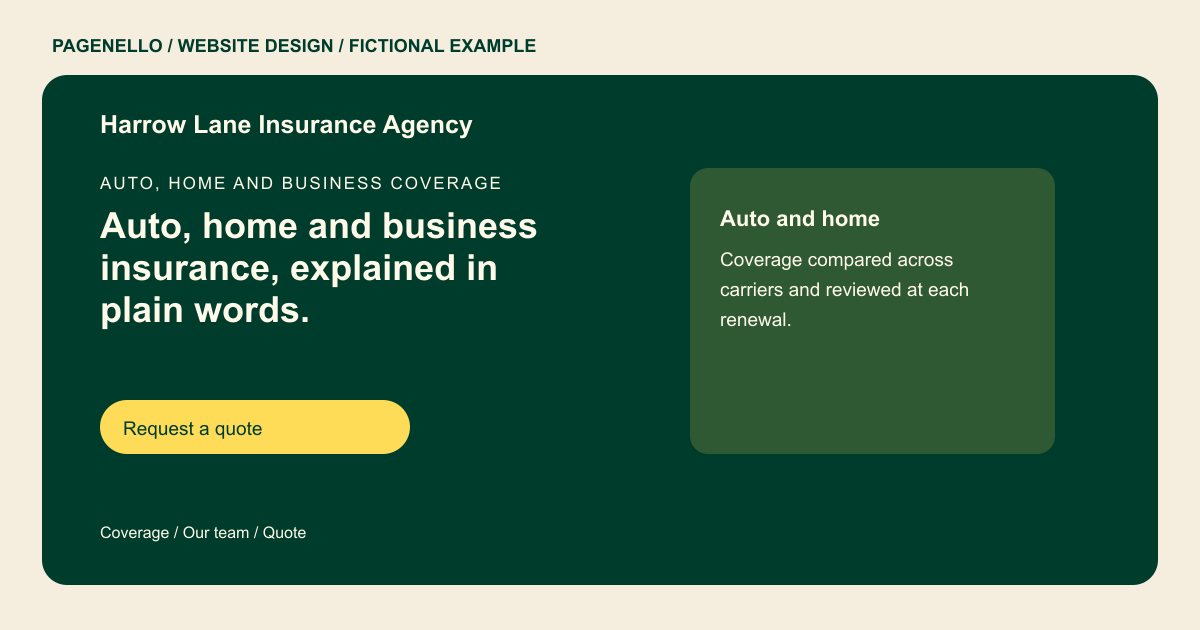
Auto, home and business coverage
Auto, home and business insurance, explained in plain words.
Independent agents who compare carriers for you and stay on the phone after you buy. Call or email for a quote, or book a 20 minute review of the coverage you have.
Plan your insurance website
What do insurance customers look for on a website?
People shopping for insurance often compare two or three agencies before they call. They check whether the agent is licensed for their state, which carriers the agency works with, and how claims are handled. Small business owners want to see the commercial lines you write, such as general liability or workers’ compensation. Without a list of coverages or office hours on the page, they phone each agency in turn.
| Customers look for | On your Pagenello page |
|---|---|
| The coverages you write | A short list of personal and business lines, such as auto, home, renters, life and commercial, each with one plain line on what it covers. |
| Licenses and carriers | Your producer license numbers for each state where you are licensed, and the carriers you represent, named the way you name them. |
| How to request a quote | A quote button that goes to your agency system or a link you choose, plus tap-to-call and email, so a shopper starts in one tap. |
| Claims and service | What to do after an accident or a loss, with your claims number and the carrier claim links your agency uses. |
| Office hours and the team | Office hours, a photo and short bio for each agent, and how to reach an agent when the office is closed. |
Which tools can my page link to?
Many agencies manage policies and renewals in Applied Epic, HawkSoft or EZLynx, and send documents for signature through DocuSign. Carriers run their own portals for payments and policy documents, so the page links to those rather than handling payment details. A consultation link to Calendly suits a first call with a new client. Keep Social Security numbers and full policy details out of email, and point customers to the secure tools above.
What does it cost?
$590 once. The first look is free. An extra coverage information page costs $190. Profile setup at $149 matches your agency details to the site; you verify the listing and provide manager access.
See the complete pricing and terms and how the first look works.
Questions from insurance owners
Can people request a quote from the website?
Yes. The page links to the quote request in your agency system or to a link you choose, and it includes tap-to-call and email buttons. Quote details stay inside that system, where your team already works.
Should I show my licenses?
Yes. Show your producer license number for each state where you are licensed, as text in the footer or About section. Check each number against your state’s public record before launch, since a wrong number on a live page causes problems.
Can I name the insurance companies I work with?
Yes, using the names as the carriers write them. Keep the list to carriers you are appointed with, and update it when an appointment changes. I add only the carrier names you give me.
How should customers send personal details?
Ask them not to email Social Security numbers, bank details or full policy numbers. The page points to the secure tools you use for those, such as a carrier portal or your agency system. I can write that line in plain words for the claims and billing sections.
Can I add claims help to the site?
Yes. A short section on what to do after an accident or loss, with your claims number and carrier claim links, helps people who are already stressed. Write the steps, not promises about how a claim will be paid.
