Bar website design: one page with hours, taps and weekly events
Put your bar hours, kitchen schedule, drinks and upcoming events where guests can find them. Pagenello writes and designs one custom page for $590, with links to reservation or ordering services you use. See the opening of your own page free before paying.
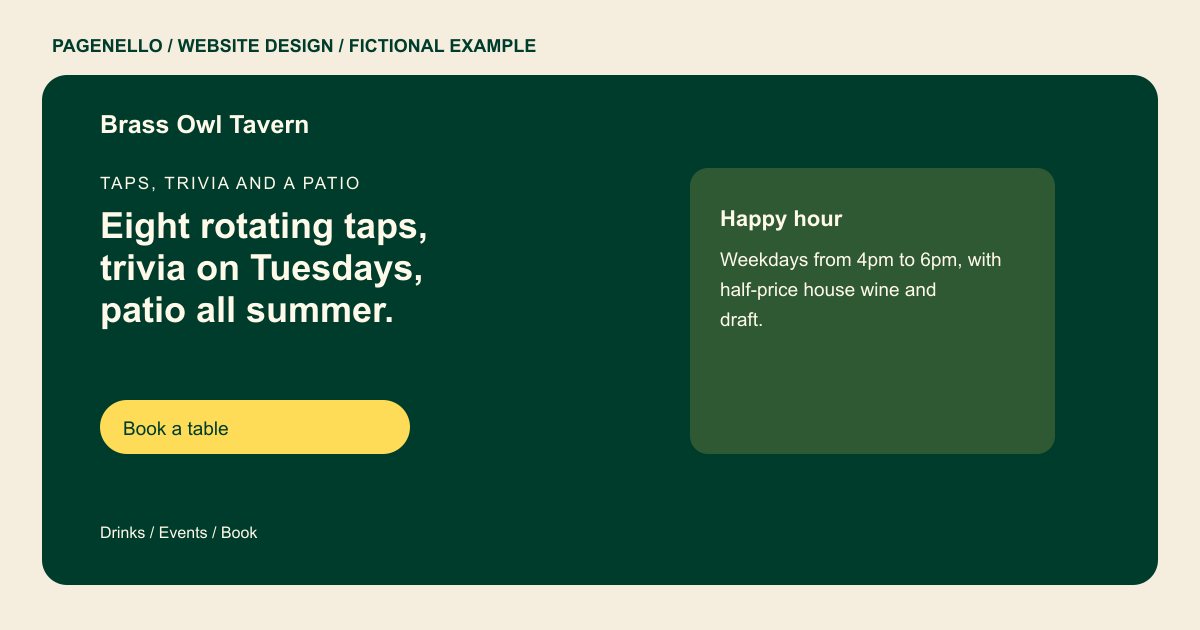
Taps, trivia and a patio
Eight rotating taps, trivia on Tuesdays, patio all summer.
Draft beer, cocktails from the bar and snacks from the kitchen until 10pm. Walk in for a stool, or book a booth when the game is on.
Plan your bar website
What do bar customers look for on a website?
People look up a bar for a specific night: a table for six, trivia with friends, a drink before a game, or a room for a birthday. They check the hours first, because bars and kitchens often close at different times, then look at the drink list and any age rule or cover charge. A site that buries the event schedule behind a social media feed can make those details harder to find. An events listing can show the start time and any cover charge alongside the name of the night. If food service ends earlier than drinks, give the kitchen its own hours so guests can plan accordingly.
| Customers look for | On your Pagenello page |
|---|---|
| Bar hours and kitchen hours | List your bar hours by day and give the kitchen its own schedule if food service ends earlier. Note the last kitchen service alongside the hours for the bar itself. |
| The drink list | Show a short selection of drinks and link to the menu you keep current, including any food options you serve. Mention whether the selection changes and where guests can check the current list. |
| Events each week | Name upcoming trivia, music or game nights with the applicable start time, cover charge and ticket destination. Remove a listing after the performance or game night has passed. |
| Private parties and tables | Describe the private room or group arrangements you actually offer and how a host can ask about availability. Include the party size that the room actually accommodates. |
| Age rules and entry | Provide directions and a call action, plus a link to your existing table service if it offers a public booking page. Publish the actual age and entry rules that apply to your venue. |
Which tools can my page link to?
Your page can link to OpenTable or Resy for tables, Toast or Square for ordering, and Eventbrite for ticketed nights if you already use them. Orders, reservations and payments remain with those services. For a private event inquiry, give guests the right contact and ask for the date and approximate group size. Label ticket links with the event name and keep kitchen hours current.
What does it cost?
$590 once. The first look is free. A longer drinks menu can use an extra page for $190, or you can point to a menu you already maintain. Google Business Profile setup costs $149; verification and manager access are required from you.
See the complete pricing and terms and how the first look works.
Questions from bar owners
Can I list bar and kitchen hours separately?
Yes. Give the bar and kitchen separate day-by-day schedules when they differ. If service stops earlier on a holiday or private-event night, state the actual exception. A guest looking for food can then check the kitchen hours alongside the drinks and venue information.
Do I need a separate page for the drink list?
A short selection can appear on the main page. If your cocktail or draft list needs more room, an extra page costs $190; a link to a menu you already maintain is another option. Decide who will update the list when a selection changes.
Can guests reserve a table or a private room?
A table button can open the public reservation link supplied by your existing provider. For private gatherings, describe the room and invite organizers to call about their date and group size. Pagenello does not build a new reservations system. If a party inquiry needs a different contact from table reservations, label each route so the organizer reaches the right person.
Does the site take orders?
Orders and payments stay with the ordering service your bar already uses. Your page can direct guests to its public pickup or delivery link. Check the destination when you change menus or ordering hours so the label and available service agree. Separate the pickup link from any delivery link and make sure each leads to the service your kitchen currently accepts.
How often do I need to update events?
After launch, small text and image changes are included for 30 days. Care Plus costs $390 yearly and includes seasonal hours and up to two small edits a month; for more frequent event changes, consider linking to your existing calendar.
