Meal prep website design: one page with your menu, order cutoff and pickup
Customers looking for a meal prep company want to see this week’s menu, the plans and what they cost, the order cutoff, and whether delivery or pickup reaches them. Pagenello builds that as one custom page for $590, with your menu written as text and buttons to the ordering tool you already run. A free first look at the top of the page is yours before you pay.
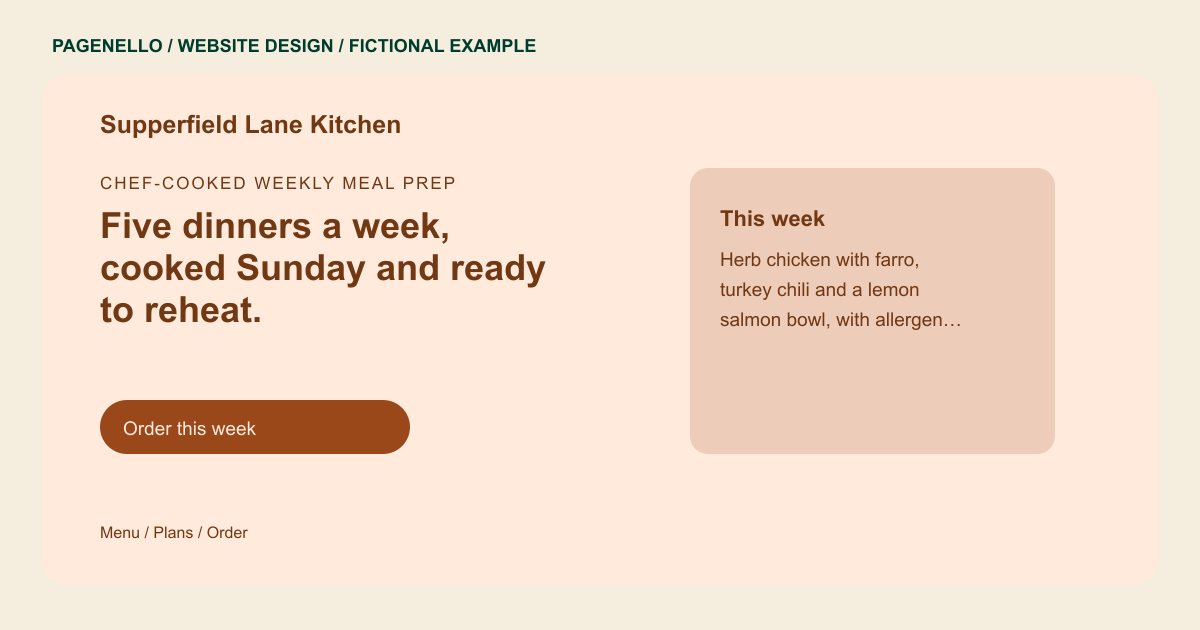
Chef-cooked weekly meal prep
Five dinners a week, cooked Sunday and ready to reheat.
This week’s menu, plans for one or two people, and pickup on Wednesday and Saturday. Orders close Thursday at noon.
Plan your meal prep website
What do meal prep customers look for on a website?
A customer choosing prepared meals may compare portion sizes, dietary information and pickup days. Explain your actual order deadline and delivery area, and identify where to find the current menu. Provide accurate ingredient, allergen, storage and reheating information for the meals you sell. If an ordering service holds changing dishes, link to it and keep both destinations consistent. Explain whether portions are individual or shared, how collection works and whom to contact with dietary questions.
| Customers look for | On your Pagenello page |
|---|---|
| This week’s menu | The current dishes as plain text, with the day the menu changes, so a customer knows exactly what they are ordering. Point to your current ordering menu when dishes rotate between cooking cycles. If dishes change, identify where the kitchen publishes the latest selection for the next order. Mention the date or menu cycle only when your kitchen can keep it current. |
| Plans and prices | Your plans, the number of meals in each and whether the menu rotates weekly, written as a short list. Distinguish single-serving containers from larger trays when those are part of your offer. Explain whether customers choose individual dishes or select from a fixed set, as your kitchen operates. A household can check the number of portions before choosing a family tray. |
| Order cutoff and delivery days | Your actual order deadline, pickup windows and delivery days, placed together so customers can plan their order. Name the actual collection window for each pickup location you operate. Put the relevant pickup location next to its own confirmed collection window. For deliveries, provide the areas and days your kitchen has confirmed. |
| Allergens and ingredients | Allergen notes on each dish, and a link to full ingredient or nutrition information, as your kitchen provides it. Ask the kitchen to check ingredient and allergen wording whenever recipes change. Give customers a contact for questions about an ingredient before they order. Avoid publishing nutritional figures your kitchen cannot substantiate. |
| Storage and reheating | Short instructions for fridge storage, freezing and reheating, since new customers ask about them before they order. Give storage directions for the specific dishes your kitchen prepares. If instructions differ between dishes, keep each set of directions with the meal it describes. Identify whether your kitchen provides different reheating guidance for refrigerated and frozen portions. |
Which tools can my page link to?
Your page can link to the ordering service you already use, where customers can view current meals and place an order. If your provider offers recurring plans, explain where customers manage them. Identify individual portions and family trays, and say how customers can ask about changes before your actual cutoff. Pagenello does not build an ordering system or take payments.
What does it cost?
$590 once. The first look is free. A separate page for catering or a sample box ($190) suits a kitchen that does events as well as weekly plans. $149 sets up your Google Business Profile, so your pickup spot and hours appear on Maps.
See the complete pricing and terms and how the first look works.
Questions from meal prep owners
Can I put my weekly menu on the site?
Yes. You can provide dishes and accurate ingredient or allergen notes as text. Small text updates are included for 30 days after launch. Care Plus costs $390 a year and includes up to two small edits a month; ask about a separate arrangement if your menu changes more often.
Can customers order and pay from my site?
The order button can link to your existing ordering service, such as Shopify or Square Online. Customers place and pay for orders there. If your provider offers recurring meal plans, customers manage those through that service. An ordering system built from scratch is outside this package.
Should I list calories or macros?
Include nutritional figures only when your kitchen can substantiate them. Explain where customers can find the current ingredient and allergen information. The page can describe your meal options without making claims about weight loss or health outcomes.
How do I explain freezing and reheating?
Give me the storage and reheating instructions your kitchen uses for its own dishes. Review the wording and check applicable requirements before publishing. If advice changes by meal, make that distinction clear and keep the current instructions with the food.
Is one page enough for a meal prep company?
One page covers the week’s menu, plans, the order cutoff and pickup. A catering menu or a monthly sample box can sit on its own page, $190, if you offer them.
