Juice bar website design: one page for your smoothie menu, hours and ordering
Give visitors a clear view of your juice bar's drinks, ingredients and pickup options. For $590, Pagenello designs a custom page using your shop's details and a link to its existing ordering service. Review a free first look at the top before any payment.
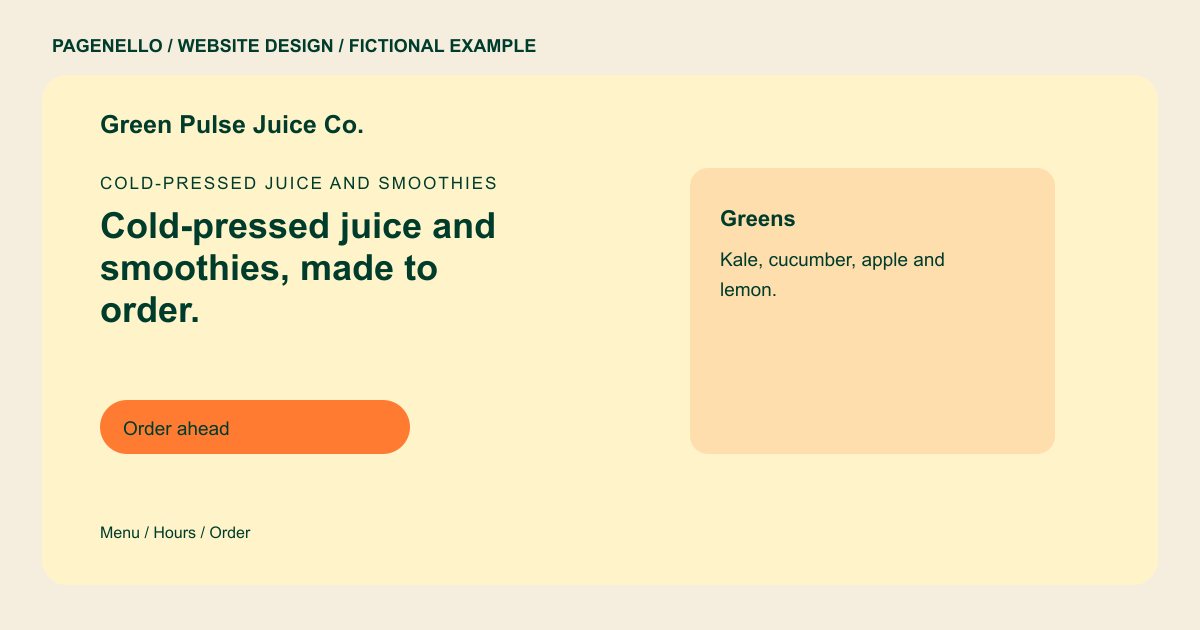
Cold-pressed juice and smoothies
Cold-pressed juice and smoothies, made to order.
Greens, citrus and berry blends with add-ons.
Plan your juice bar website
What do juice bar customers look for on a website?
Someone choosing a juice bar might compare fruit blends, check for a milk alternative or look up the counter hours after a workout. A useful page names the ingredients your staff actually uses and explains how to check availability when produce changes. If you offer pickup, show the collection details alongside the ordering option. For dietary questions, invite visitors to contact your team about ingredients and cross-contact. For a group pickup, tell the customer how to ask your staff about quantities and collection. Share the ordering lead time only when it matches your actual service.
| Customers look for | On your Pagenello page |
|---|---|
| The menu, with ingredients | Give each featured blend a readable ingredient list, checked with your staff and suppliers. Say how visitors can ask about allergens and cross-contact. If recipes change with produce deliveries, give guests a way to confirm the day’s blend with the counter before ordering. |
| Add-ons and swaps | Name the protein powders, milk choices and other extras your counter actually stocks. Include current charges where those vary by selection. Explain which substitutions the team can prepare and avoid suggesting that an ingredient is always available when supplies vary. |
| Hours and seasonal blends | Show when the counter opens and closes. A short dated note can identify a seasonal drink or direct visitors to a current menu. For a limited blend, identify the dates only after the shop confirms them and remove the promotion when it ends. |
| Where you are and how to pick up | Put the address beside a map link. Explain where pickup customers should go and mention curbside service only when your bar provides it. If the pickup shelf is separate from the ordering counter, use a short direction that reflects your actual shop layout. |
| Ordering ahead | Send pickup and delivery customers to your existing order service. Add a phone option for someone asking about a larger drink order. For a group order, explain how customers can ask staff about quantities and collection arrangements using the contact method you already support. |
Which tools can my page link to?
A customer can follow a button to your existing pickup or delivery provider, where the order and payment take place. Link to your current menu if recipes change more often than the page can be updated. A tap-to-call option gives someone a direct way to ask your staff about ingredients before choosing a drink.
What does it cost?
$590 once. The first look is free. A separate page for a longer blend list costs $190. Google Business Profile setup is available for $149; your business verifies the listing with Google.
See the complete pricing and terms and how the first look works.
Questions from juice bar owners
Can customers order ahead from my site?
A pickup button can open the ordering service your juice bar already uses. Guests choose their drinks and complete payment with that provider; the Pagenello page does not create a new checkout.
Should I list ingredients for each drink?
Use ingredient details your staff and suppliers can verify for each drink you list. Invite customers to ask about allergens and cross-contact, and review the wording whenever a recipe or supplier changes.
Can the page make health claims?
Describe the ingredients and preparation accurately. If you want to make a health claim, obtain appropriate evidence and check the rules that apply to your products and location before publishing it.
Can I update the menu for each season?
A new drink description is a small text change. Those updates are free for 30 days after launch. For ongoing seasonal menu work, Care Plus costs $390 a year and includes up to two small edits a month.
Is one page enough for a juice bar?
A concise selection of blends, opening hours and pickup details can fit on a single page. If your juice bar's catering or bowl menu needs more room, an extra page costs $190.
How should I describe drink substitutions?
Start with the choices your counter can reliably prepare, such as the milk alternatives or protein additions you carry. Tell visitors how to ask about other substitutions, and review the wording when an ingredient changes. If an ordering service has its own menu, check that the two descriptions agree.
