Fishing charter website design: one page for your trips, boat and booking
A fishing charter website has to show the trips you run, the species you target, the boat and captain, and how a guest reserves a date. Anglers and families plan trips on a phone, often weeks ahead, so prices and cancellation terms need to be easy to find. For $590, Pagenello sets up one custom page that links to your booking tool, and the free first look comes before you pay.
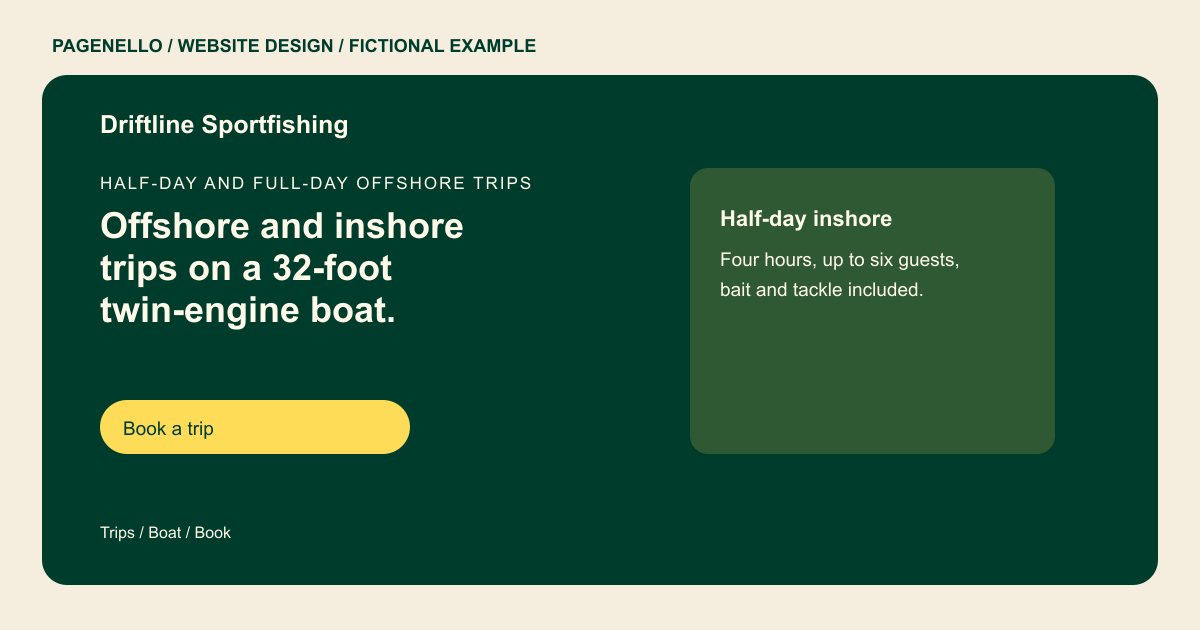
Half-day and full-day offshore trips
Offshore and inshore trips on a 32-foot twin-engine boat.
Captain Maria Vance holds USCG license #00000 and runs every trip herself. Fishing licenses, bait and fish cleaning are included on the half-day trip.
Plan your fishing charter website
What do fishing charter customers look for on a website?
A family considering an inshore trip may ask about group size and facilities, while an experienced angler may want to know the target species and equipment. Describe what each trip includes, where it departs and how guests can ask about weather or accessibility. Inshore and offshore outings may differ in passenger capacity and supplied gear, so give each option its own description. List the captain’s actual credentials and check applicable vessel, capacity and licensing requirements. Present target species as possibilities, never as a promised catch.
| Customers look for | On your Pagenello page |
|---|---|
| Trips and target species | Give each trip’s duration, departure point, guest capacity and target species. Present a catch as a possibility, never a promised outcome. |
| Boat and captain | Describe the vessel’s seating, shade and onboard facilities accurately. Add the captain’s current credentials and verify the requirements that apply to your operation. Your boat description can cover shade, seating, a cabin or onboard facilities when those are actually available. If a guest has accessibility questions, provide a way to speak with the captain before booking. Publish only current credentials and check the vessel and passenger rules that apply to your trip. |
| What is included | List what each fare actually covers, such as tackle or fish cleaning, and explain what guests should bring. Check the rules for fishing licenses where you operate. |
| Dates, prices and cancellations | Give your confirmed starting prices and season dates, then summarize your own cancellation and weather terms. Link to the complete policy if it is maintained elsewhere. Weather decisions are part of trip planning. Explain the rescheduling or cancellation policy your operation actually follows, including how passengers hear about a change. If the reservation provider maintains the complete terms, link to that document and keep the short summary consistent. |
| Booking and questions | Connect a booking label to your existing reservation tool and offer a phone number for questions about conditions, accessibility or group size. Tell guests where to ask about bringing their own tackle or a child aboard. The captain can explain the options for the particular vessel before a party chooses a trip. |
Which tools can my page link to?
If you use an existing reservation service, the page can link guests to it for available dates and the options your provider supports. A phone button gives guests another way to ask about the boat or a weather policy. Pagenello does not build a booking system or collect trip payments on the page.
What does it cost?
$590 once. The first look is free. A detailed offshore itinerary can have a separate page in the same design for $190. The $149 Google Business Profile setup requires your business to verify the listing with Google and grant Pagenello manager access.
See the complete pricing and terms and how the first look works.
Questions from fishing charter owners
Can guests book and pay from my site?
The page can link to your existing reservation service. Check which deposit, waiver and date-selection features your provider offers; Pagenello does not build a new booking system or process trip payments on the page.
What should I say about weather and cancellations?
Put your policy in plain words: what happens if a trip is cancelled for weather, and how a guest can reschedule. Link to the full policy in your booking tool, so the page and the booking say the same thing.
Do I need to list my captain’s license?
Yes. Show the license number and the agency that issued it as text, so guests can check it before they book. Keep it current, and update the page if the license or the boat changes.
Should I list prices on the page?
Starting prices help guests decide, and families compare them quickly. Show the starting price for each trip and what it includes. Group rates can be listed in a line, and special trips can go on a separate page, which is $190.
Can I update trips and season dates?
Yes. Trip changes and season dates are quick text edits, free during the first 30 days after launch. Care Plus handles seasonal changes for $390 a year after that, while open dates stay in your booking tool.
