Language school website design: one page with courses, start dates and sign-up
A language school website has to show which languages you teach, the levels and the next start dates, and how a student signs up, all readable on a phone. Pagenello designs that as one custom page for $590, with your courses written out in full and links to the sign-up and payment tools you already run. You can look at the top of the page for free before you pay.
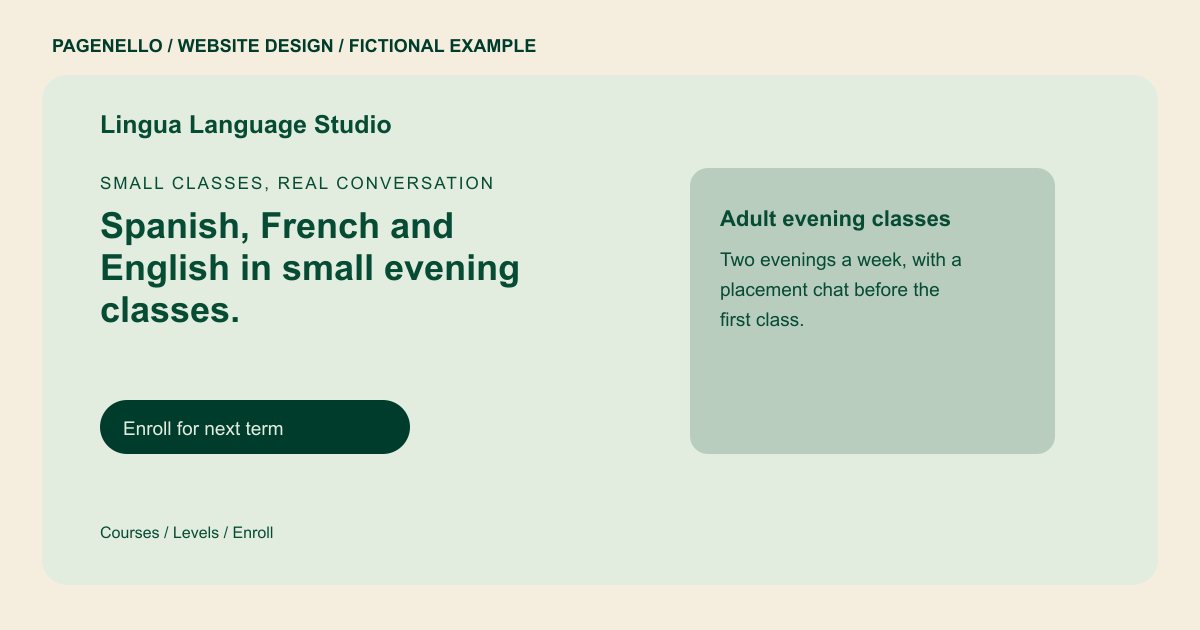
Small classes, real conversation
Spanish, French and English in small evening classes.
Groups of six to eight students, with teachers who speak the language in every class. Pick a level, then reserve your seat.
Plan your language school website
What do language school customers look for on a website?
Students compare languages, levels and meeting times that fit their lives. An adult may need an evening conversation class; a parent may look for a summer course. Explain whether lessons meet in person or online, how students choose a level and what happens after enrollment. Show confirmed start dates, class size and materials. For online courses, include the time zone and how you share lesson details. When children and adults follow different enrollment processes, describe each one separately.
| Customers look for | On your Pagenello page |
|---|---|
| Languages, levels and class sizes | Each language and level listed as text, with the class format and typical group size. A full course catalog fits better on its own page, $190. Explain how a new learner finds the appropriate level for conversation practice. |
| Start dates and class times | The next start dates and class days near the top of the page, with a line for any group that has already begun. Identify the time zone beside online sessions attended from different locations. |
| How placement works | A short section that walks through how a student finds the right level, written as the steps your school actually takes. If placement involves a conversation or assessment, describe your school’s process. |
| Teachers and training | Short introductions to your teachers, with the languages they teach and the training you list for each one. Distinguish instructors by language and the courses they actually lead. |
| Sign-up and questions | A button to your enrollment page, plus tap-to-call, email and WhatsApp for a question about a level or a time slot. When enrollment differs for children and adults, point each group to its own next step. |
Which tools can my page link to?
Your page can link to the student portal or registration service your school already uses. If you teach remotely, tell students where online lessons take place and how to receive access. A placement conversation can begin by phone, email or through your existing calendar. The page does not build a registration or payment system.
What does it cost?
$590 once. The first look is free. A separate page for a full catalog or exam prep classes ($190) suits schools with many languages. The Google Business Profile setup ($149) helps students find your school on Google Maps when they search for a class close to home.
See the complete pricing and terms and how the first look works.
Questions from language school owners
Should my course list be on the page or in a PDF?
Course details can appear as readable text, with each level and its next confirmed start date. If you already have a full catalog PDF, the page can also link to it. Choose a format you can keep current when schedules or enrollment terms change.
Can students enroll from my website?
Enrollment stays in the tool you already run, such as your sign-up form or student portal, and the page links to it. An enrollment system built from scratch is outside this package, and the page does not take payments or sign-ups itself.
Do I need a separate page for each language?
Usually not at the start. One page can list every language with its levels and start dates. A detailed catalog or an exam prep program fits on its own page, which is $190. For each course, explain the intended proficiency level and how a prospective learner can ask about placement before enrolling.
Can I show my teachers and their training?
Yes, if you send me each teacher’s name, a photo and the training you want listed. I write what you send, and I do not add degrees or certificates without your confirmation.
How does the site handle students in other time zones?
The page states the time zone for every online class, so a student can tell at a glance whether it fits. Changing a class time is a small text edit, and the page can carry a line for holiday breaks.
