Daycare website design: one page with your hours, tuition and tours
A daycare website has to answer what parents check first: which ages you take, your hours, your tuition, your license and how to book a tour. Parents often read it on a phone between errands. Pagenello builds the page for $590 as one custom design, written for your center and linked to the family app and enrollment tools you already use. You see a free first look at the top section before you pay.
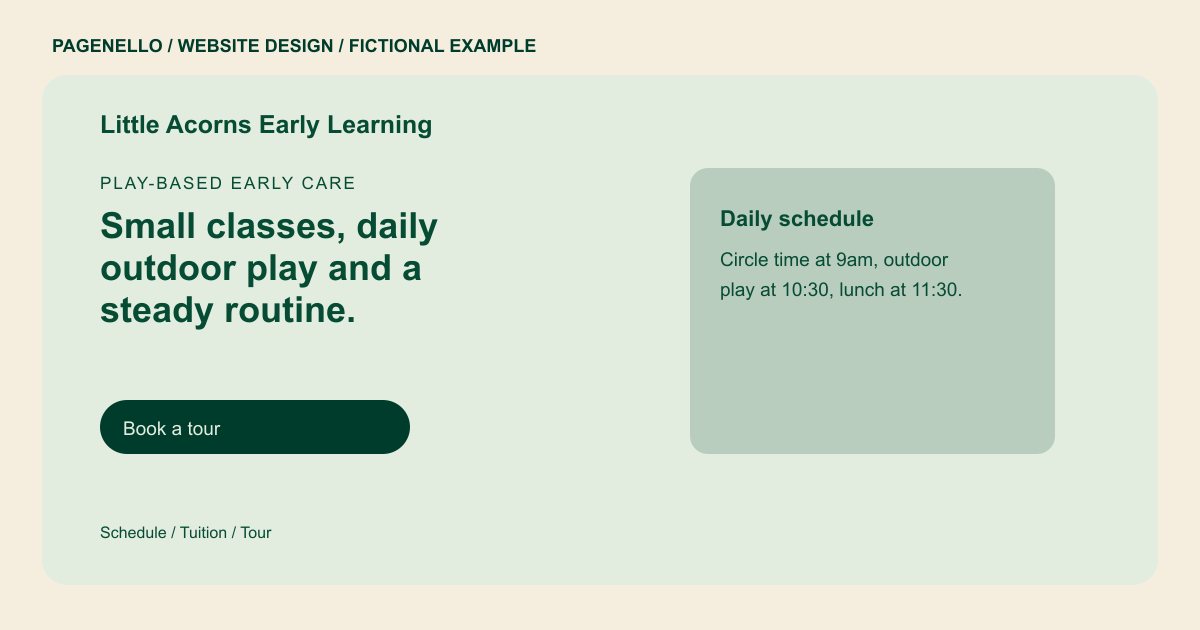
Play-based early care
Small classes, daily outdoor play and a steady routine.
Half-day and full-day care for toddlers and preschoolers, with a daily schedule you can read before you visit. State license #00000.
Plan your daycare website
What do daycare customers look for on a website?
Parents usually find a daycare through a friend or a quick search for openings, then compare two or three centers before they visit. They want to confirm the ages you take, your hours before and after the school day, and what tuition covers. Licensing and staff training matter to them, and so do photos of the rooms and the daily routine. A center whose enrollment steps are hard to find can lose a family to the next one on the list.
| Customers look for | On your Pagenello page |
|---|---|
| Ages, hours and openings | The ages you take, your hours including before and after care, and one line on current openings or the waitlist. Parents look for this first, so it sits near the top. |
| License and staff training | Your state license number if you hold one, plus the first aid and CPR training your staff have, written as plain text. List only what you can show a parent who asks. |
| Tuition and what it covers | Tuition by age group, the meals and supplies that are included, and any registration fee, written out so a parent can compare centers. |
| Rooms and the daily routine | Photos of the classrooms and outdoor play area, and a short daily schedule, so a parent can picture the day their child would have. |
| Tours and enrollment | A tour booking link and a button to your enrollment packet or waitlist in the software you use, with a tap-to-call option for questions. |
Which tools can my page link to?
Childcare tools such as Brightwheel, Lillio and Procare Solutions can support family communication and administrative work. Your page links to the parent portal, the enrollment packet and the tour calendar you already use, so families sign in with the login they have. Tap-to-call and email cover questions about openings. The page never collects a child’s name, a family’s address or any other details from parents.
What does it cost?
$590 once. The first look is free. A separate page for your curriculum, daily schedule and rates is $190, and it suits a center with a detailed program. Setup of your Google Business Profile ($149) shows your hours and location to parents searching on a map.
See the complete pricing and terms and how the first look works.
Questions from daycare owners
Can parents enroll through my site?
Parents reach your enrollment packet or waitlist through a button that opens the software you already use. Pagenello doesn’t build an enrollment system or a contact form, so each family’s details stay in your own tool.
Should I show my state license number?
Yes, if you hold a license. Write the number as plain text, the way it appears on your certificate. Parents often check licensing early, so a number they can look up saves a phone call.
Can I use photos of the children?
Only with written permission from each family. Many centers use photos of the rooms and play areas instead, and a small gallery of those can be refreshed each season.
Do I need a page for my curriculum?
A few sentences on the homepage can cover your approach. A full curriculum page with learning goals and the daily schedule is $190, and it helps a center with a detailed program.
Can I show tuition on the site?
Yes. Write tuition by age group, with any registration fee and the meals listed. Parents who only want the price can read it without calling, and changing a figure is a quick text edit.
