Kids coding class website design: one page with ages, teachers and trial lessons
Help families choose a coding class by showing the ages, activities and experience levels your program serves. Pagenello writes and designs a custom page for $590, with a link to your existing enrollment service. Before payment, a free first look lets you review the opening of your design.
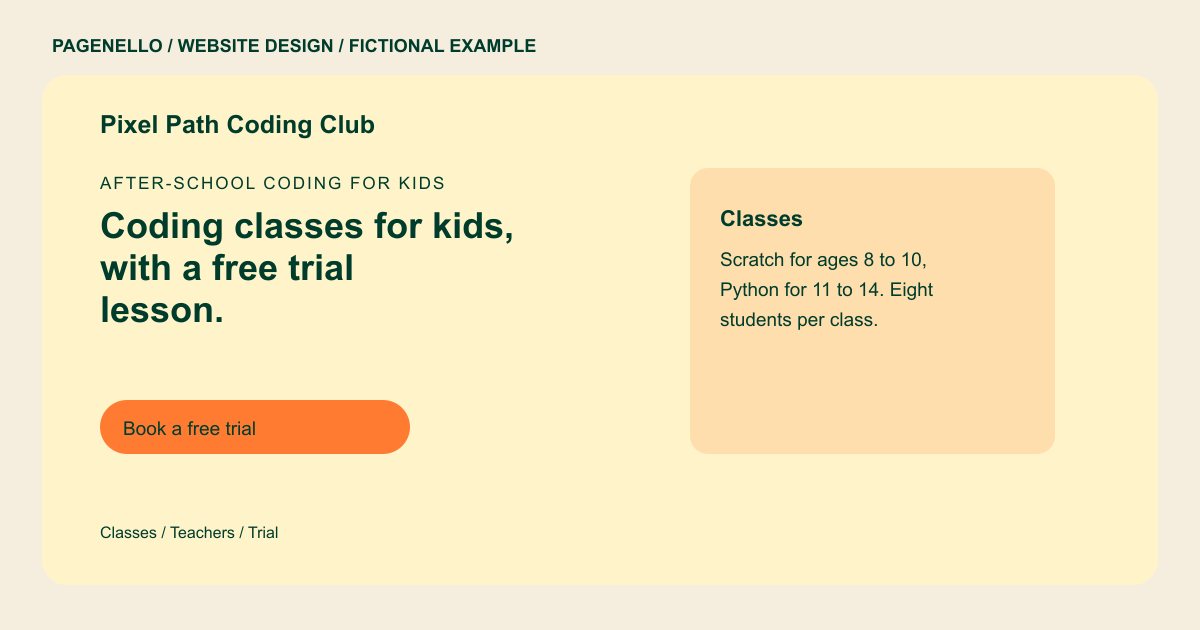
After-school coding for kids
Coding classes for kids, with a free trial lesson.
Small classes of eight, from Scratch games for young learners to Python projects for teens. Every session ends with a project to take home.
Plan your coding class website
What do coding class customers look for on a website?
Parents comparing coding classes check age groups, experience requirements, teachers and the tools students learn. They may also need class size, equipment, and drop-off and pickup rules before enrolling. Describe a representative activity for each age group and the skills your program actually expects. If families can try a lesson, explain the conditions of that trial. Keep registration details in the enrollment service your school already maintains.
| Customers look for | On your Pagenello page |
|---|---|
| Ages and what children build | Age groups, the tools taught in each one (Scratch, Python, Roblox Studio, as you teach them) and a short outline of a term. Group lessons by the age and experience levels your program actually teaches, so families can find a suitable starting point for a child. |
| Who teaches | Instructor names, their teaching or industry background, and the checks you run on staff, described the way you actually run them. Describe an activity students might do in each class, such as working on a game or a robot, using the tools your instructors teach. |
| Schedule and class size | Days, times, term dates, summer camp weeks and the number of students per class, so a parent can judge the fit in one look. Introduce teachers with their confirmed backgrounds, and describe staff screening only to the extent your program can substantiate the details. |
| Trial lesson and enrollment | A button to book a trial class in your registration tool, plus tap-to-call and email for questions before a child starts. Explain whether students bring a device, which software is used and how your team handles drop-off and pickup for an in-person session. |
| Drop-off, pickup and changes | Where classes meet, the drop-off and pickup rules, and how you tell parents when a class time or room changes. If you offer a trial lesson, share the actual age range and conditions, then direct families to the enrollment service you already maintain. |
Which tools can my page link to?
Your page can link to the enrollment service your program already uses. If it supports trial bookings or payments, families can complete those steps there. Name the languages and learning tools you actually teach, such as Scratch or Python, alongside the appropriate age groups. The Pagenello page does not collect registrations or payments.
What does it cost?
$590 once. The first look is free. Give camp and lesson descriptions more space with an extra services page ($190). Google Business Profile setup ($149) uses your program details; you verify the listing and grant manager access.
See the complete pricing and terms and how the first look works.
Questions from coding class owners
Can parents book a trial class from the site?
If your existing enrollment service supports trial lessons, a button can take parents to its booking screen. State the age range, meeting format and actual trial conditions beside the invitation. Pagenello does not create registration forms or build a new scheduling system.
Should the page list the tools children use?
Name the languages and tools each age group actually uses, then describe a representative project. If one class expects prior experience, explain the prerequisite beside it. Families can compare a Scratch animation with a Python project without assuming every child follows the same curriculum.
Can the page show that instructors were background checked?
Only the checks you actually run, described the way you run them. Child-safety rules differ by state, so check what your program has to show before you publish anything about staff. Describe each instructor’s actual teaching experience or technical background with their approval. If your program carries out screening, state only the checks you can substantiate. Confirm any disclosure and child-safety requirements with the authorities for your location and program.
Is one page enough for a coding program with many classes?
A compact program can group classes by age and experience level, then explain equipment, teachers, schedules and pickup rules. Link to your existing enrollment service for registration. If class descriptions need more room, an extra services page in the same design costs $190.
What happens when term dates change?
Send me the revised lesson dates or camp details after your teaching calendar changes. Small text and photo changes are included for 30 days after launch. Care Plus costs $390 yearly and covers up to two small edits per month.
