Gym website checklist: turn a first visit into a clear plan
Gather your membership options, facilities, class information and opening hours first. Explain what happens on a first visit and give prospective members an obvious next step. Check the items below against the way your gym actually operates, including any differences between staffed and member-access hours.
Want this built for you? See the top of your own page free before paying.
By Luis Junior
Show what a membership covers
Compare the plans you sell in plain language: access periods, included classes and any joining fees or commitment terms. If you offer a day pass or trial, describe who can use it and how to arrange it.
Give newcomers a picture of the space
List the equipment, training areas and amenities that are actually available. Use your own permitted photographs to show the room and explain whether first-time guests need an orientation before using it.
Keep changing schedules in one place
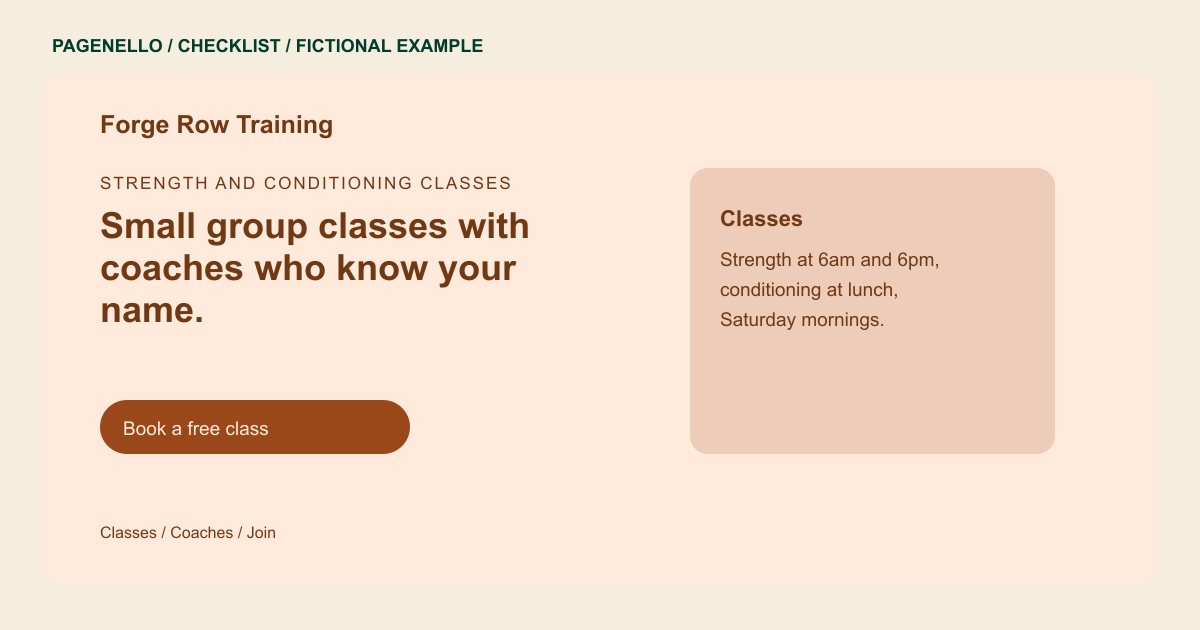
A class timetable can change with instructors and holidays. Link to the schedule your staff maintains, then test it on a phone. If your gym has separate staffed hours, label those alongside access hours.
Gyms: checklist
Questions about gym websites
Should the site display every membership condition?
Show the main price, billing period and access details clearly. Link to the current full terms in your existing membership system when they need more space.
What if my gym does not run classes?
Leave the timetable out and explain what your facility does offer, such as open training or personal sessions if those apply. Show the relevant access hours and how visitors can ask about membership.
Can a Pagenello page manage memberships?
Your page can direct visitors to the membership software your gym already uses. Account management, payments and class bookings stay in that external service, under its own terms.
