Personal trainer website checklist: introduce your coaching
A personal trainer website needs a clear explanation of whom you coach, where sessions take place and what a first meeting involves. Collect your current credentials, coaching options and the link clients use to get in touch. Use the checklist to prepare accurate information without promising individual results.
Want this built for you? See the top of your own page free before paying.
By Luis Junior
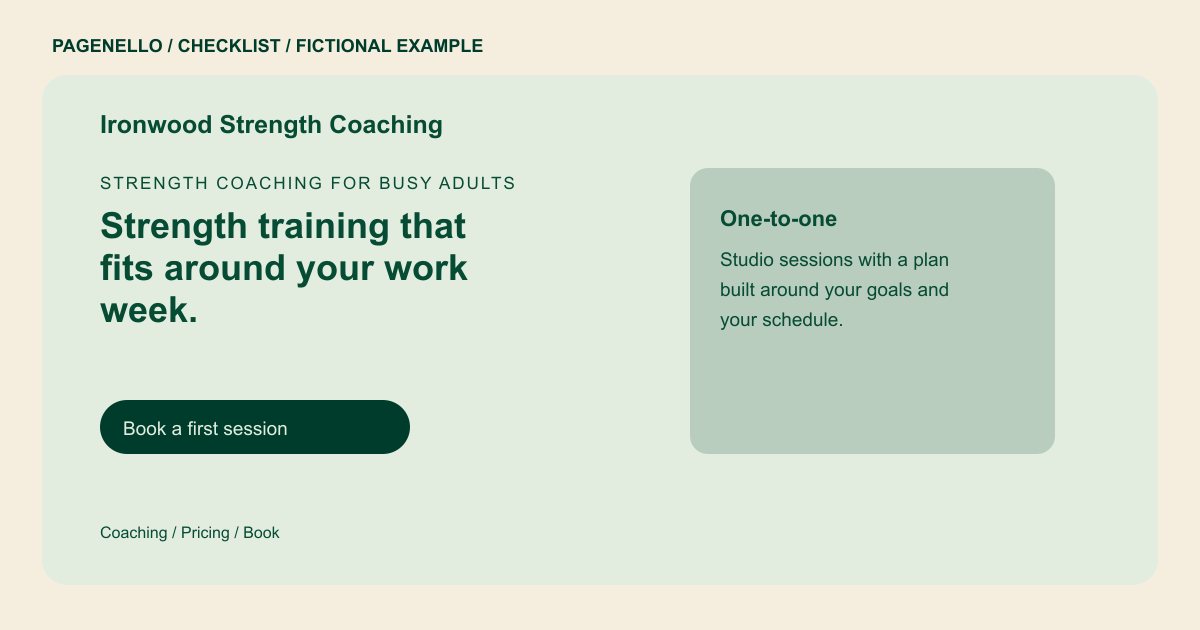
Make coaching formats easy to compare
Explain whether you offer individual sessions, small groups or remote coaching. For each option, describe the setting, session length and how clients communicate with you between meetings, if applicable. If travel is part of your service, identify the area you actually cover.
Introduce the person leading sessions
List certifications you currently hold with their issuing organizations. An in-progress qualification should be labeled accurately. A photograph of you coaching, used with permission from anyone pictured, can help a prospective client recognize the setting and style of a session.
Prepare someone for the first conversation
Describe how you discuss a client’s goals and what they should bring or wear. Let visitors know if an introductory call or first session has a fee. Refer health questions or concerns to an appropriate qualified professional rather than promising a training outcome.
Personal trainers: checklist
Questions about personal trainer websites
What if I coach both in person and online?
Explain the difference in format and communication for each option. A visitor should know where the session happens before choosing a consultation. For remote coaching, explain how clients contact you between sessions.
Should I show a certification I have not finished?
If you mention training in progress, label it clearly and avoid presenting it as an earned credential. Check each completed certification against your own records.
Can clients schedule a session on a Pagenello page?
The page can link to your existing scheduler. Availability and any payment are handled by that external service; the website itself does not provide a custom booking system.
