Golf instructor website checklist: prepare students for a lesson
Start with who you teach, the lesson formats you offer, where you coach and how a student can arrange a session. Add practical details about equipment, fees and the first lesson. Use this checklist to gather accurate information before building or refreshing your golf instruction website.
Want this built for you? See the top of your own page free before paying.
By Luis Junior
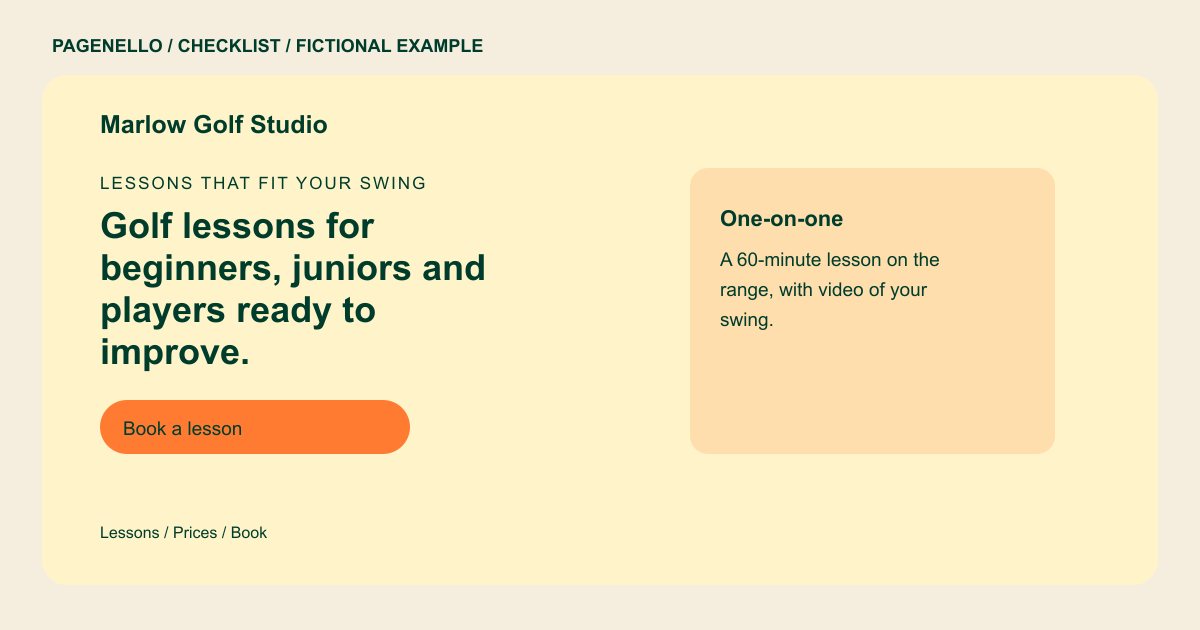
Explain the coaching options
Separate individual instruction, group clinics and junior lessons if you offer them. For each, note the intended player, session length and whether range balls or facility fees are included. Describe your teaching approach without promising a lower score.
Help a student find the tee
Name each course, range or indoor studio where you actually teach, and explain where to meet. If availability changes by venue or season, choose one place to maintain current information rather than leaving an old schedule on the page.
Make the first lesson easy to arrange
Tell beginners whether clubs are available to borrow and what to bring. Send the lesson button to your existing scheduler or invite a call; lesson availability, payment and rescheduling remain with the booking provider.
Golf instructors: checklist
Questions about golf instructor websites
Should I show lesson prices for every player level?
Publish the rates you actually charge and explain what each session includes. If a custom program needs a quote, say how a golfer can ask for one.
How should I handle lessons at several courses?
Name the facilities and make the meeting instructions clear for each. If the schedule varies, point to your current booking calendar or ask students to contact you.
Can students reserve a tee-side lesson on a Pagenello page?
The page can link to your existing booking service, where golfers can choose an available lesson. Building a booking system or taking lesson payments on the page is outside the package.
