Yoga studio website checklist: prepare for a student's first class
Gather your class descriptions, current timetable, prices and a working route to reserve a spot. Explain which sessions welcome beginners and what to expect on arrival. Use the checklist below to assemble the details, then test the journey from choosing a class to reaching your booking service on a phone.
Want this built for you? See the top of your own page free before paying.
By Luis Junior
Help a new student choose
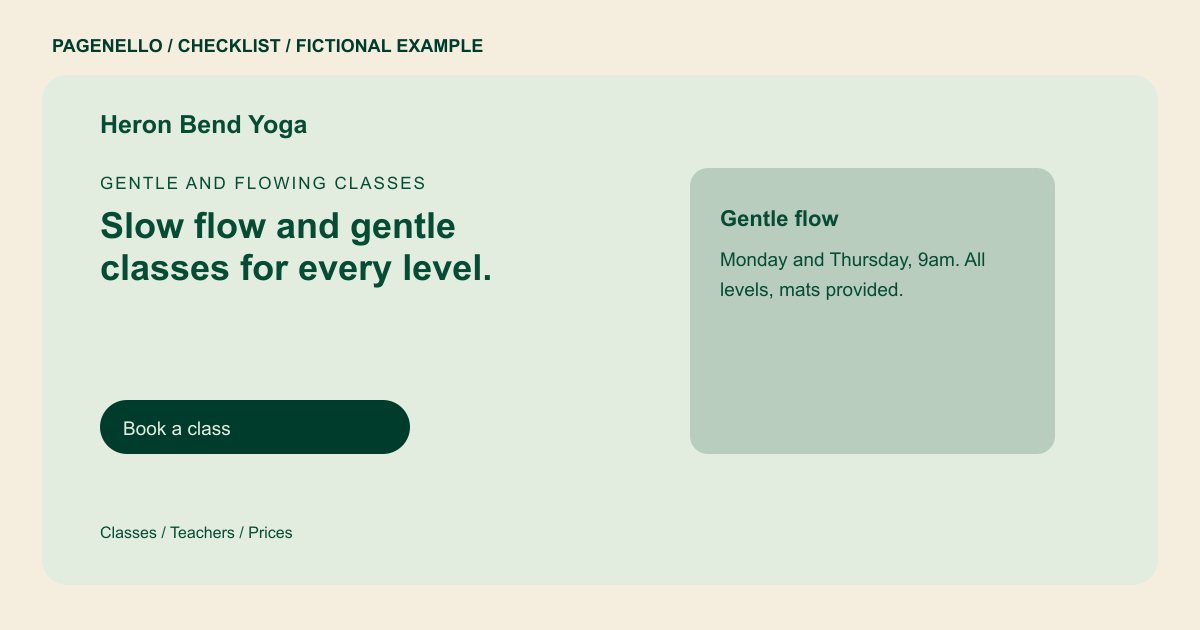
Translate class names into plain descriptions. For each style, note the pace, duration and intended experience level. If a session requires prior experience or has limited space, say so before the visitor follows the registration link. Introduce your teachers using the training and credentials they actually hold.
Keep the timetable and booking destination aligned
Show the days and times you can maintain accurately, and link to your existing booking service for current availability. Check that a student can identify the class there and understand whether to reserve, join a waitlist or contact the studio. A booking system built from scratch is outside the Pagenello package.
Make the first visit predictable
Explain where to enter, when to arrive and whether mats or props are available. Publish the drop-in rate alongside any pass terms you choose to share. Add a contact option for questions about access or class suitability, and check applicable rules before publishing health-related claims or policies.
Review the page after changes
Assign someone to check the site when instructors, prices or class times change. Follow every schedule and registration link on a phone, including after a workshop ends. If a frequently changing timetable lives in your booking tool, send students there rather than leaving an old class list on the page.
Yoga studios: checklist
Questions about yoga studio websites
Should the website show every weekly class?
A short, stable timetable can help people compare options. If classes change frequently, show a link to the live schedule in your booking tool and check that it stays current.
What should a beginner know before arriving?
Point out suitable sessions, explain the pace and say whether mats are provided. Add arrival and entrance instructions, plus a contact route for questions you have not answered.
Can students reserve through a Pagenello page?
The page can link to the booking tool you already use. Building a new booking system is outside the package, so confirm the destination works and has the right class details.
How much can fit on one page?
A concise introduction to classes, teachers, prices and visiting can fit in the one-page package. If your studio needs more room, an extra page in the same design is available for $190.
