Music teacher website checklist: help students choose lessons
A music teacher website should say what you teach, whom you teach and how a student can begin. Prepare lesson formats, rates or inquiry details, your teaching background and the policies families need before committing. Mark the checklist as you gather the information for your studio.
Want this built for you? See the top of your own page free before paying.
By Luis Junior
Help a student find the right lesson
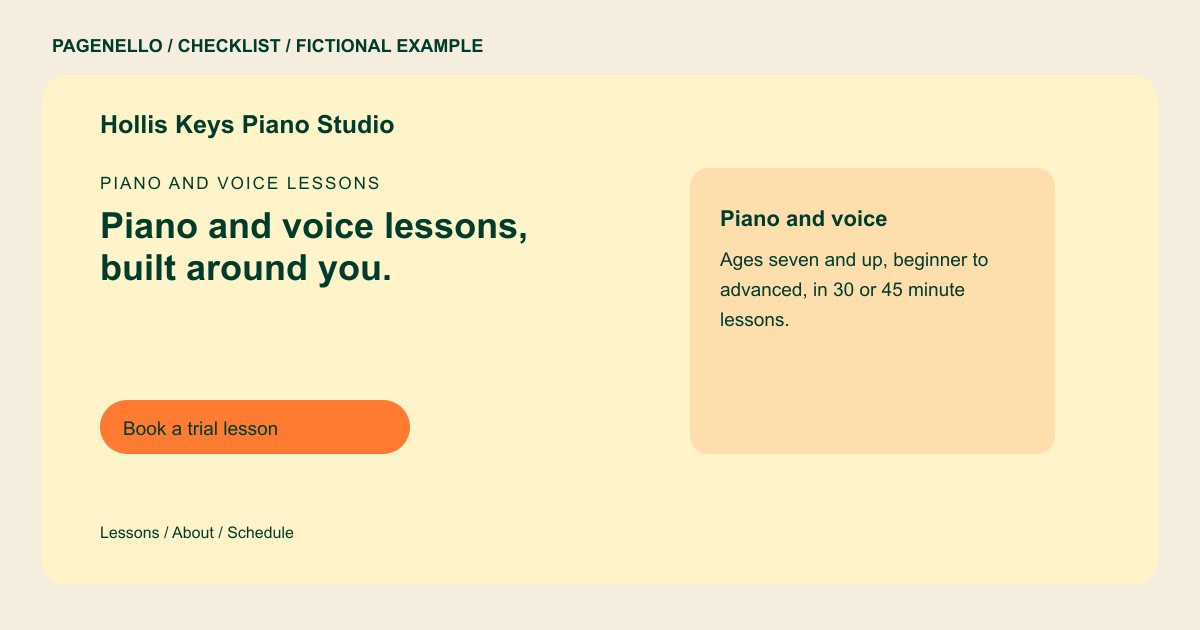
Name the instruments or voice styles you teach and the ages or experience levels you welcome. Explain individual or group formats, lesson length and whether sessions happen in person or online. Describe your approach in plain language rather than promising a particular performance outcome.
Set expectations before the first meeting
Share your current rates or explain how to request them. Outline your own makeup, cancellation and practice policies, and say what equipment a beginner needs. If you teach from home, a general area can help families assess travel while the exact address stays private until booking.
Create a clear path to inquire
Provide a short teacher biography based on training and experience you can substantiate. Describe how a prospective student can ask about openings or arrange an introductory lesson. Link to your existing scheduling service if you use one, and test the destination as a new student.
Music teachers: checklist
Questions about music teacher websites
Should I publish my home studio address?
You can describe your general teaching area publicly and give the exact address after arranging a lesson. Choose details that help families plan travel while protecting your privacy.
How can I explain lessons for beginners?
Say which ages you accept, whether an instrument is needed immediately and what happens at an introductory session. Keep any practice expectations consistent with your actual studio policy.
Can students use my existing lesson calendar?
A Pagenello page can point to the scheduling or studio software you already use. It does not create a new student portal or booking system.
Should I show photos from student recitals?
Use recital images only with the necessary permission from the people shown. For minors, obtain appropriate permission from a parent or guardian before publication. Choose images that reflect the lessons and instruments you teach.
