Pottery studio website checklist: prepare students for the wheel
Start a pottery studio website with the classes you offer, the experience each requires and a reliable way to reserve a place. Explain what happens to a piece after class and when students can collect it. This checklist helps you gather the practical details before you build or refresh the page.
Want this built for you? See the top of your own page free before paying.
By Luis Junior
Describe the experience at the table
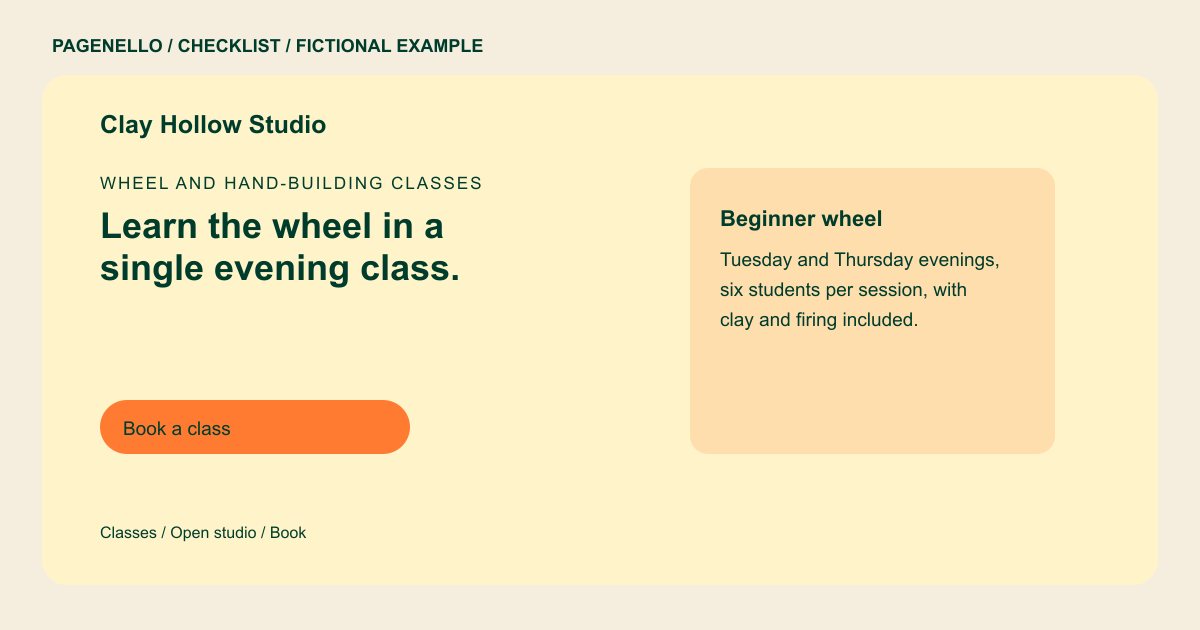
Distinguish a single wheel session from a multiweek hand-building course. For each, gather the duration, age rules and experience level. If a beginner needs to bring an apron or tie back long hair, include those instructions in the class description.
Explain the path from clay to pickup
Tell students which materials and firing steps are included in the class fee. Give your actual collection process and an estimated window only if your studio can support it. State what happens if a piece cannot be fired, using your own policy.
Separate classes from independent access
Open studio hours and memberships may have different prerequisites than an introductory workshop. Note any orientation, clay restrictions or shelf-space rules you require. Link to the current schedule in your existing booking system instead of copying availability that may change.
Show the room and the work
Choose photos of your wheels, worktables or finished pieces that you have permission to publish. Captions can identify the technique or explain which class made the work. Ask the maker before sharing student pieces or recognizable portraits.
Pottery studios: checklist
Questions about pottery studio websites
How should I explain a beginner wheel class?
State the length, age requirements and whether prior experience is needed. Say what clay, glazing and firing are included and how the student will learn when work is ready.
Does the Pagenello page manage class seats?
Seat availability and payment remain in the booking service you already use. A clearly labeled button can take students to that service. Explain which workshop level the booking link covers.
What if my workshop calendar changes often?
Keep a concise description of your regular formats on the page and link to the live calendar maintained in your booking tool. Check that dates and class levels match before sending students there.
