Daycare website checklist: prepare parents for a tour
Start your daycare website with the ages you serve, operating hours, location and enrollment process. Add a picture of daily life through your actual routines, staff introductions and tuition information. This checklist helps you gather those details and decide who will keep openings and policies current.
Want this built for you? See the top of your own page free before paying.
By Luis Junior
Describe care by age group
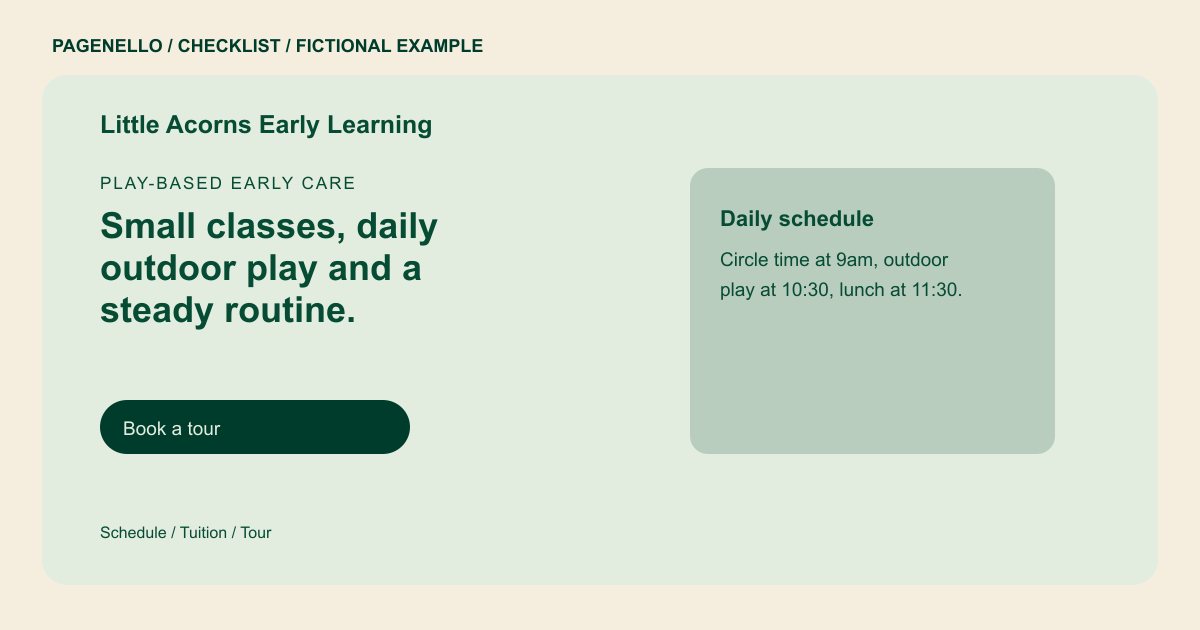
Separate infant, toddler or preschool programs where your center offers them. For each, note attendance options and explain an ordinary day in terms parents can picture: play, meals, rest and outdoor time. Use your own routines and avoid promises about developmental outcomes.
Make enrollment understandable
Tell families how to inquire, arrange a tour and join a waitlist if one exists. State tuition or explain how a family can obtain current rates, including any separate fees. Check availability language often so an old opening does not mislead parents.
Review information about children
Introduce your educators and share the licensing information you can verify. Choose photos of your rooms and materials carefully. Before using identifiable images of children, check permissions and applicable rules; avoid posting names, personal schedules or other sensitive details.
Daycares: checklist
Questions about daycare websites
How often should daycare openings be updated?
Choose an update rhythm your staff can maintain and change the page whenever a listed opening or waitlist status is no longer accurate. Avoid promising a place before confirming it.
What can I show if I cannot use pictures of children?
Photograph the entrance, play materials and rooms when empty. Describe the activities your program actually offers and introduce staff with their permission. Make sure the images reflect your actual facilities.
Can parents submit enrollment paperwork on the Pagenello page?
The page can link to your existing enrollment or family portal. Forms and file uploads are outside the package, so paperwork stays in the system you already use.
