Preschool website checklist: answer families before a tour
A useful preschool website helps families understand the age groups, daily routine, hours and process for visiting. Gather your current program and tuition information alongside verified licensing details. Use the checklist to prepare a clear introduction while keeping sensitive child and family information out of public copy.
Want this built for you? See the top of your own page free before paying.
By Luis Junior
Make the school day concrete
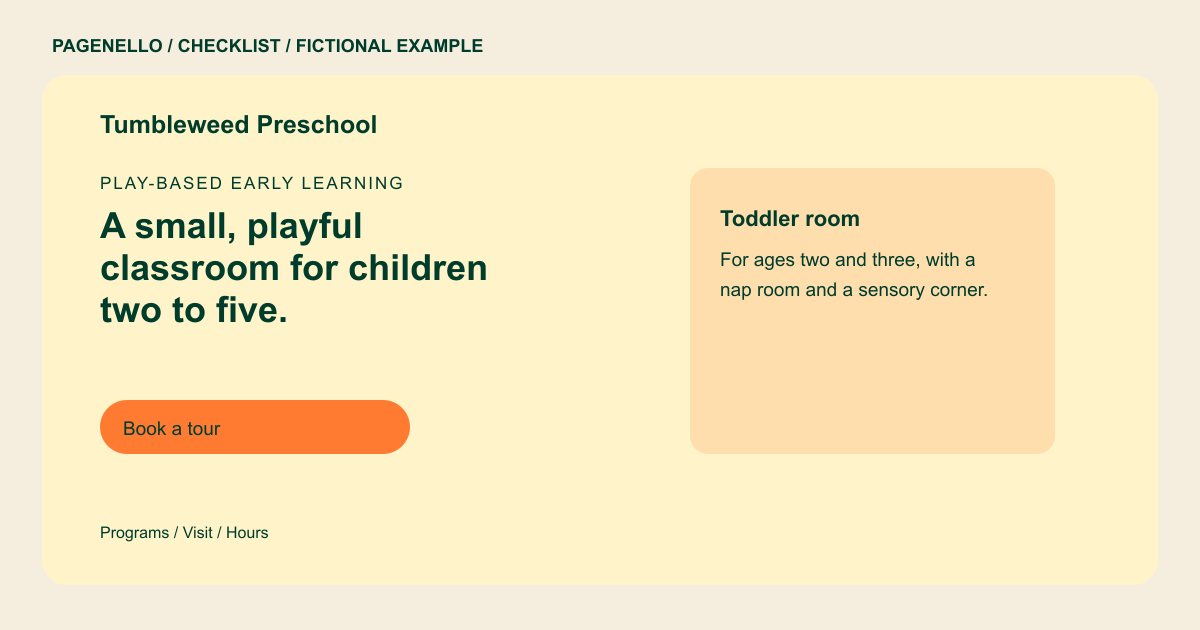
Describe the ages in each classroom, days offered and drop-off and pickup windows. Give a short example of activities in your own program, such as story time or outdoor play, without promising a particular developmental outcome.
Clarify the enrollment path
Explain whether families should request a tour, join a waitlist or contact the director first. If you publish tuition, distinguish the schedule it covers from registration or other fees. Assign someone to review availability and remove outdated enrollment notices.
Check licensing and image permissions
Use the current license details and staff qualifications supplied by your school. Verify applicable state rules before describing licensing or required disclosures. For images of children, check permissions and your privacy policies; classroom photos without children can also show the space.
Plan for returning families
A public introduction can link to the parent portal or school calendar you already maintain. Keep private records and enrollment information in the appropriate existing system, and tell families who to contact if they cannot access it.
Preschools: checklist
Questions about preschool websites
Should our preschool publish its license number?
Use accurate current information and check the disclosure rules that apply in your state. If a public licensing record is available, consider linking families to it.
How can we show a classroom without identifying children?
Photograph the room when it is empty, or choose images for which your school has the necessary permissions. Follow your own privacy policies and applicable requirements.
Can families submit enrollment details through this page?
The page can link to an enrollment system you already use. Pagenello does not build an enrollment form or collect family records as part of the package.
