Kids coding class website checklist: answer parents’ questions
Your coding class website should help a parent find the right age group, understand what children make and see when lessons meet. Gather your course descriptions, prices and registration link before arranging the page. Use this checklist to prepare the details families need to choose a class or ask a question.
Want this built for you? See the top of your own page free before paying.
By Luis Junior
Match learners to a class
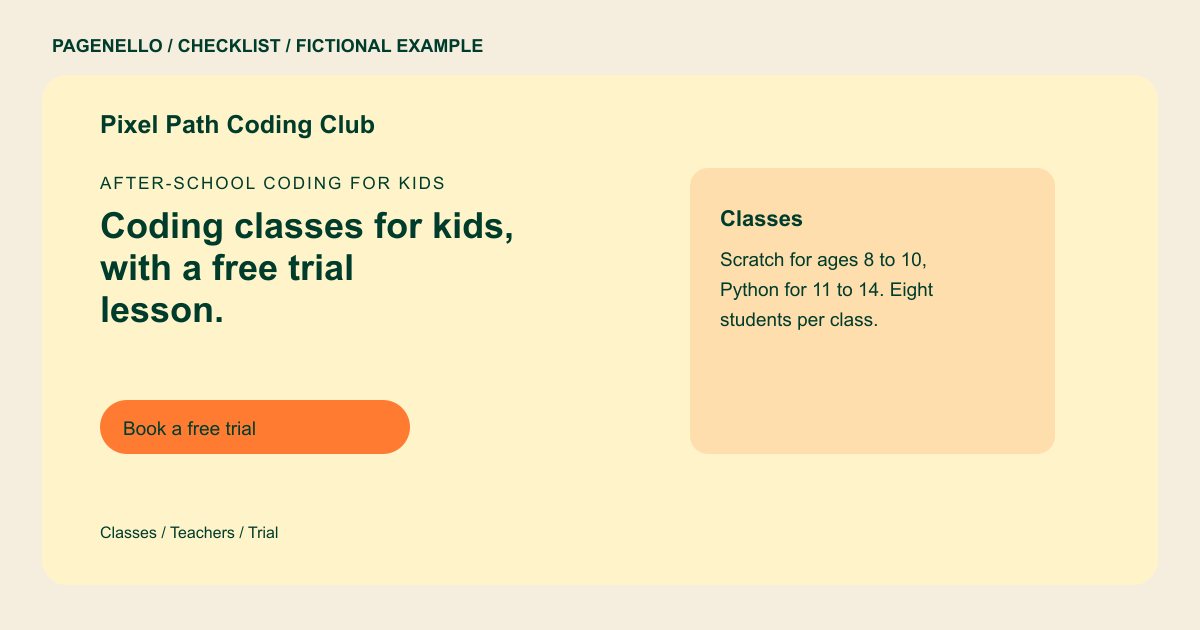
For each program, state the age range, experience level and skills or tools taught. Describe a project children may make, such as an animation or a simple game, only if it reflects your actual curriculum. Tell parents whether a beginner can join.
Explain the logistics to families
Share meeting days, class length and location or online format. Explain what equipment or accounts a student needs and who provides them. Give the tuition and any trial terms that your program currently offers.
Keep registration and student data in their place
Link to the enrollment service you already use and provide a way for a parent to contact an instructor. Review privacy practices and applicable rules before publishing images or collecting information about children. Obtain permission for any student work you display.
Kids coding classes: checklist
Questions about coding class websites
Should a coding class page explain prior experience?
Yes. Specify which sessions welcome beginners and identify any skills required for more advanced classes. Parents can then ask about a suitable starting point. Note any device or software requirements for the lesson.
Can parents register through the site?
The page can link to your existing enrollment service. A new registration system and forms are outside the Pagenello package. Parents complete enrollment with that provider.
Can I show a student’s coding project?
Check that you have the necessary permission to share the work and any identifying information. Review your own privacy practices and applicable rules first. Ask before publishing a student’s name or image.
