Toy store website checklist: help shoppers find the right gift
A toy store website should show the kinds of toys you carry, useful age guidance and how customers can visit or shop. Add store hours, a phone number for stock questions and any events you can keep current. Check each link and product claim before sharing the page with shoppers.
Want this built for you? See the top of your own page free before paying.
By Luis Junior
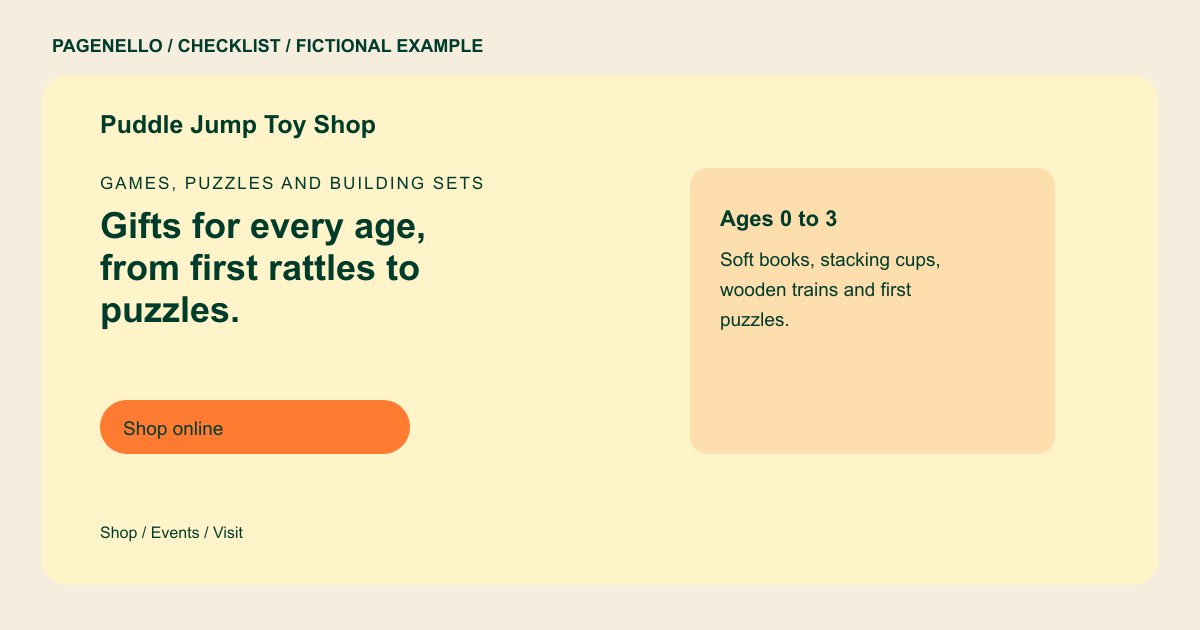
Organize ideas around the child
Group your selection in ways a gift buyer can use, such as age ranges, puzzles, building sets or art activities. Use the manufacturer’s age guidance for individual products; a broad gift guide should not replace the label on a toy.
Make a store visit simple
Show the address and regular opening hours alongside holiday changes. Mention gift wrapping, pickup or story time only when your shop offers them. For scheduled activities, provide the date, intended age group and any registration instructions.
Keep product availability in its proper place
A short storefront page can introduce your assortment and link to an existing online catalog. Let that store manage stock, orders and checkout. Invite shoppers to call about a particular item if inventory changes faster than your website can be updated.
Toy stores: checklist
Questions about toy store websites
Should I put every toy on the page?
A few representative categories can explain your selection. Keep a large, changing product catalog in your existing store platform and link to it from the page.
How should I group toys by age?
Use broad groups to help gift buyers browse, then rely on each manufacturer’s product label for its specific age guidance and warnings. Keep product-specific recommendations with each item for shoppers to check.
Can shoppers pay through this website?
A button can take them to your existing online store, where checkout happens. Building a new store or payment system is outside the one-page package.
What should I do with old event dates?
Remove or update them promptly. Assign someone at the shop to review the activity schedule, especially around school breaks and holiday opening changes. Check that any registration link points to an activity your shop still offers.
