Toy store website ideas that invite families to play
A toy shop website can feel as welcoming as its window while helping a shopper choose a gift or plan a visit. Fictional Puddle Jump Toy Shop illustrates an age-based selection and a story time. Borrow the structure, then use your own merchandise, opening hours and event details.
Want a page designed for your business? See the top of your own page free before paying.
By Luis Junior
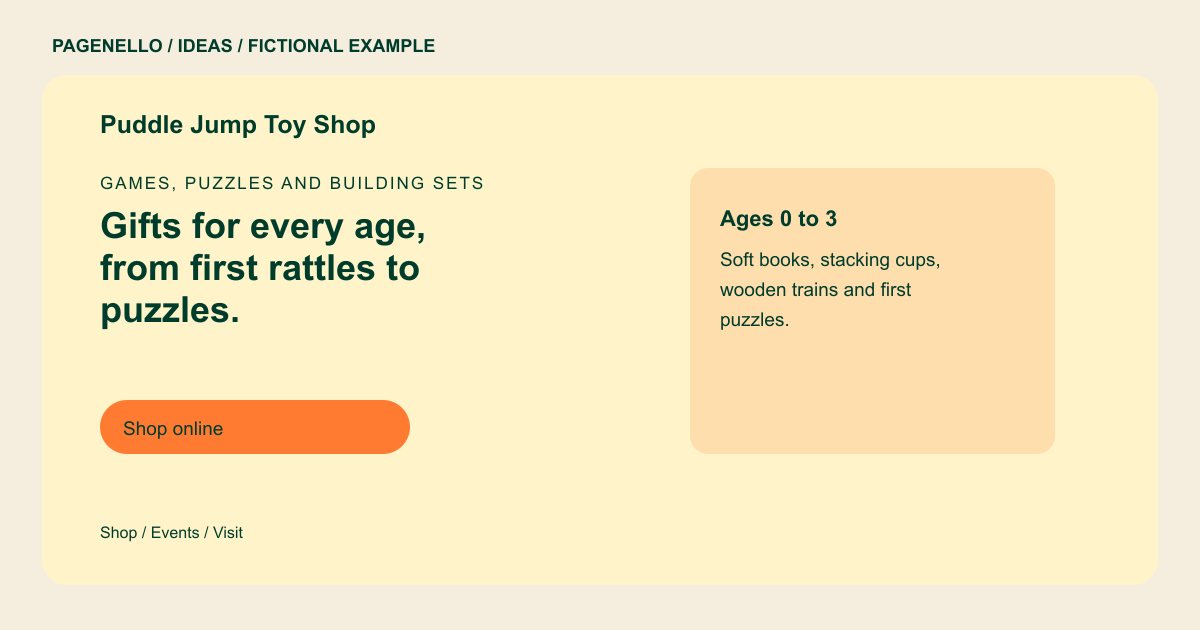
Games, puzzles and building sets
Gifts for every age, from first rattles to puzzles.
Building sets, dolls, science kits and board games, plus story time every Saturday morning. Gift wrap at the register.
Turn the shop window into a starting point
Choose a bright palette that reflects your actual store and leave enough contrast for the words to remain readable. Puddle Jump groups toys by age, allowing a gift buyer to narrow the choice before asking a staff member for help. Use age guidance from the products you stock.
Show reasons to visit
A small event block could feature your next story time, craft or demonstration with its date and intended age. Pair it with hours, directions and a call button for stock questions. Remove an expired event promptly rather than leaving families to guess.
Connect the shelf to your sales tool
If you already sell online, send the shop button to that catalog. The existing store manages inventory and checkout; a Pagenello page does not create either. A shop without online sales can make visiting or calling the primary action instead.
Toy stores: ideas
| Idea | Use |
|---|---|
| An age-guided display | Arrange a few representative toys in age groups, as the sample does, and check each product label before recommending it. |
| A gift-finding route | Show categories such as puzzles or building sets, then invite shoppers to call about a particular item or gift-wrapping option. |
| A calendar highlight | Make the next confirmed gathering easy to spot, including whether registration is required and where to sign up. |
| A colorful storefront | Use permitted photographs of your real shelves and entrance so visitors recognize the shop when they arrive. |
| A local and online choice | Give in-person shoppers directions and send online shoppers to your existing catalog with separate, clearly named buttons. |
Questions about toy store websites
Does the example represent a real toy store?
Puddle Jump is fictional. It demonstrates a layout and does not represent a customer or a real store inventory. Substitute the categories, events and hours your own shop can confirm before publishing.
Can my page sell toys directly?
It can link shoppers to an existing online store, which handles stock and checkout. Building a new online store is outside the package. Check the provider’s inventory and payment arrangements before sending shoppers there.
How should I handle changing stock?
Feature broad categories or items you can keep current. For a particular product, invite shoppers to check your existing catalog or call the shop. Assign someone to review the featured selection when popular toys sell out.
Can I share story time details?
Yes. Add your confirmed schedule and relevant age information, and link to an existing registration service if you use one. Remove past dates and make the contact for event questions easy to find.
