Dance studio website ideas for a first class
A dance studio website can help a family or adult student choose a class by showing the style, age group and next step together. The fictional Pirouette Dance Studio example illustrates one way to arrange classes, teachers and a trial. Use its structure as a starting point, then replace the sample details with your own offerings.
Want a page designed for your business? See the top of your own page free before paying.
By Luis Junior
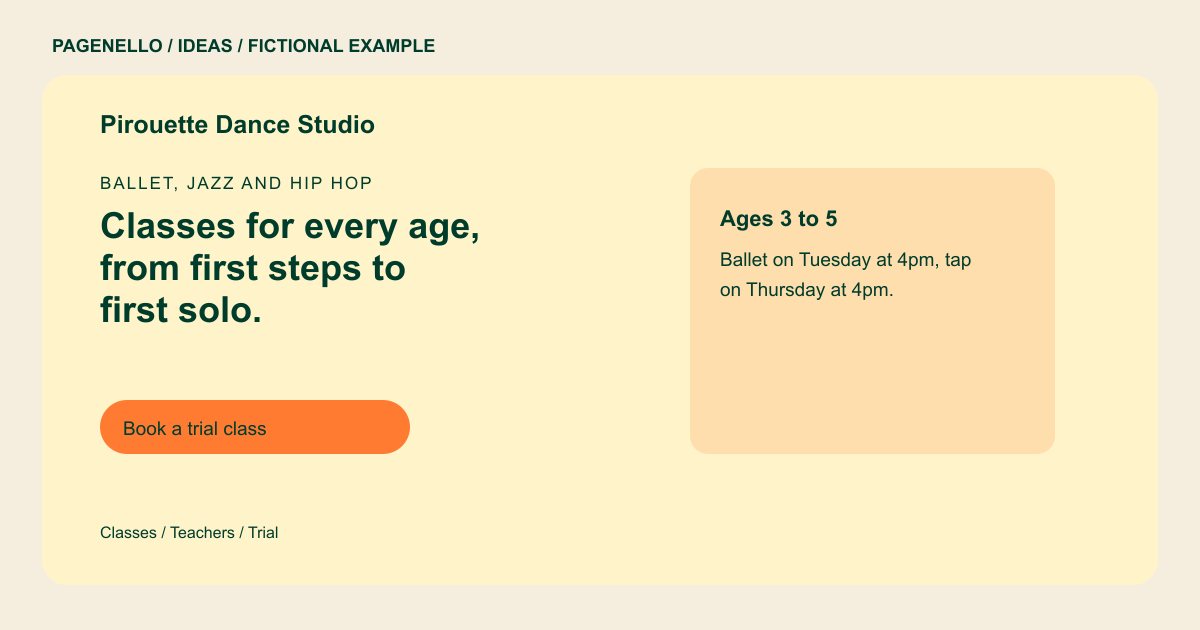
Ballet, jazz and hip hop
Classes for every age, from first steps to first solo.
Weekly classes for toddlers through adults, with a free trial class for new students. Recital costume fees are listed on the schedule page.
Make placement visible
Pirouette groups an early childhood option by age and names ballet and tap. For your studio, pair each style with its intended age or experience level. An adult beginner should be able to tell which class welcomes a first-timer without reading a full recital calendar.
Keep the schedule usable
A short class preview can introduce the range of instruction, while a separate button points to your current timetable. Mark session dates and time zones if you teach online. Review the link when a season changes so families do not plan around an old class. For your own studio, explain whether a timetable changes by term and where a family can check current openings. Name the age and level of each class you offer, and use a contact option for placement questions.
Show the people and the room
Use permitted photographs of your actual space and instructors. If students appear, obtain appropriate permission before publishing, including permission from a parent or guardian where applicable. Describe a first visit plainly: what to wear, what to bring and whom to contact about placement.
Dance studios: ideas
| Idea | Use |
|---|---|
| Age-led class cards | Adapt Pirouette’s young dancer card into separate entries for the age groups you actually teach, with a style and level beside each. |
| First-visit pathway | Explain how a prospective dancer chooses a trial, what it costs if applicable and where the trial button leads. |
| Teacher introduction | Pair each instructor’s name and relevant background with the styles they teach, using information they have approved. |
| Season and recital notes | Give performance dates or costume information their own clearly labeled area when those details apply to your program. |
| Adult beginner focus | Replace the children’s class preview with a welcoming description of your adult levels and a link to the relevant timetable. |
Questions about dance studio websites
Does the example represent a real dance school?
Pirouette is fictional. Its class times, teachers and trial offer illustrate a possible presentation; substitute your actual details before using the approach. Use the sample structure with information specific to your studio.
Can dancers register through the website?
A button can link to your existing registration or trial booking service. Building a new registration system is outside the one-page package. Families complete sign-up through your existing provider.
What should I show if my timetable changes each term?
Feature a few current class categories on the page and link to the schedule you maintain. Check the destination and enrollment dates whenever the term changes.
Can I show photos from a recital?
Use images you have permission to publish. Confirm consent for identifiable dancers and follow the rules that apply to photographs of minors. Choose images that accurately represent your own studio and classes.
