Swim school website ideas for choosing the right lesson
A swim school website can help a family choose a lesson level, find the pool and take the next step toward enrollment. The fictional example below presents a few class groups, a sample schedule and directions. Change each detail to match the lessons and facilities you operate.
Want a page designed for your business? See the top of your own page free before paying.
By Luis Junior
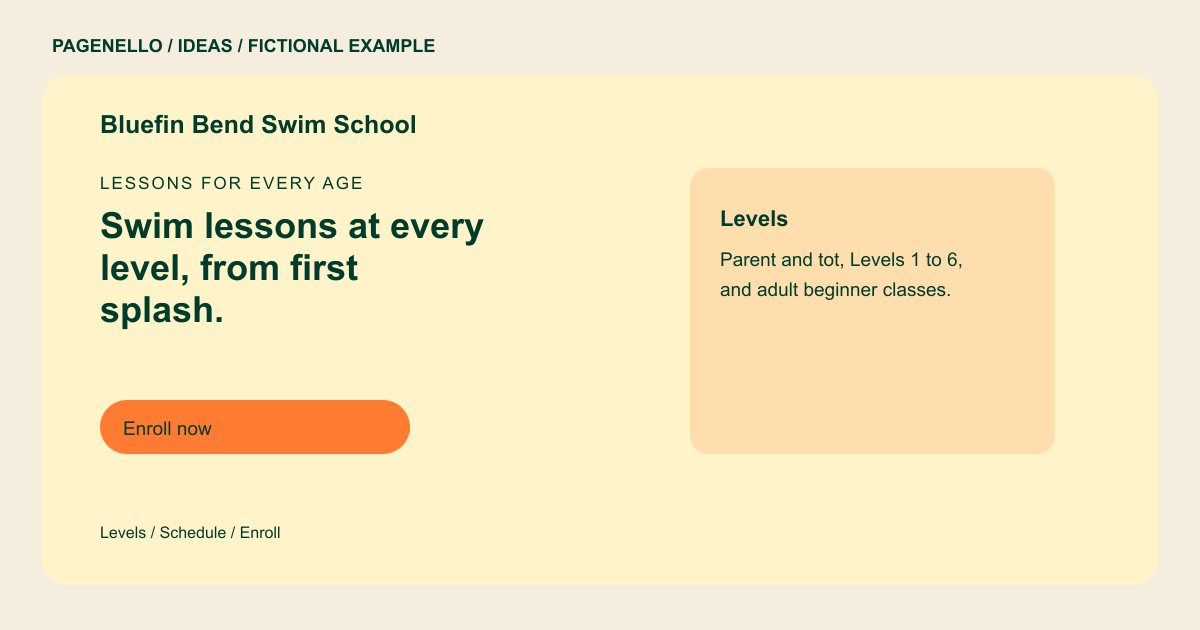
Lessons for every age
Swim lessons at every level, from first splash.
Parent-and-tot classes, youth levels and adult lessons in a heated indoor pool. Pick a level, check the next start date, then enroll online.
Help swimmers find their starting point
Bluefin Bend lists parent-and-tot, youth and adult classes. Give your own level names a short explanation of who each class serves and any prerequisites. If placement requires a conversation, make the phone action easy to find.
Connect the schedule to a decision
The example shows a weekly timetable alongside an enrollment button. Your page could display a few current sessions and send visitors to the full schedule in your existing class system. Mark dates clearly and update them as sessions change.
Prepare families for the pool
A practical arrival panel can cover the entrance, parking and what swimmers should bring. Describe instructor qualifications and supervision procedures only as they apply to your school. Avoid promising that a course will prevent accidents or deliver a particular skill. The sample’s arrival card mentions a blue door and side parking, while its schedule card gives weekly hours. For your school, check that the entrance description remains accurate when lessons move to another pool.
Swim schools: ideas
| Idea | Use |
|---|---|
| A level selector in words | Adapt the level card with age groups, beginner prerequisites and a contact option for anyone unsure where to start. |
| A current timetable | Show days and times for upcoming lessons, then link to the class calendar you already maintain. |
| A pool arrival guide | Replace the fictional blue-door instruction with your own entrance, parking and changing-room information. |
| An instructor introduction | List relevant qualifications that your instructors hold and verify any statements about water safety. |
| A clear enrollment action | Send the button to your existing enrollment service and explain how families can ask about availability. |
Questions about swim school websites
Is Bluefin Bend a real swim school?
No. Its name, classes and pool details are fictional examples intended to show one possible layout. Use your own lesson levels, instructor credentials and actual pool locations when planning a page.
Can I use separate links for the timetable and enrollment?
Yes. Each button can lead to the relevant page in the class platform you already use. The package does not build a new booking system.
What if we teach at several pools?
List the locations and their lesson arrangements clearly. If each facility needs a longer guide, an extra page is available for $190. Check that parents can identify the right pool and where to ask about placement.
