Golf instructor website ideas for a clearer lesson choice
A golf instructor website can show who you teach, where a lesson takes place and what a golfer can book. The fictional Marlow Golf Studio example illustrates one way to present private instruction, junior sessions and on-course coaching. Use its structure as a starting point, then replace the details with your actual teaching options.
Want a page designed for your business? See the top of your own page free before paying.
By Luis Junior
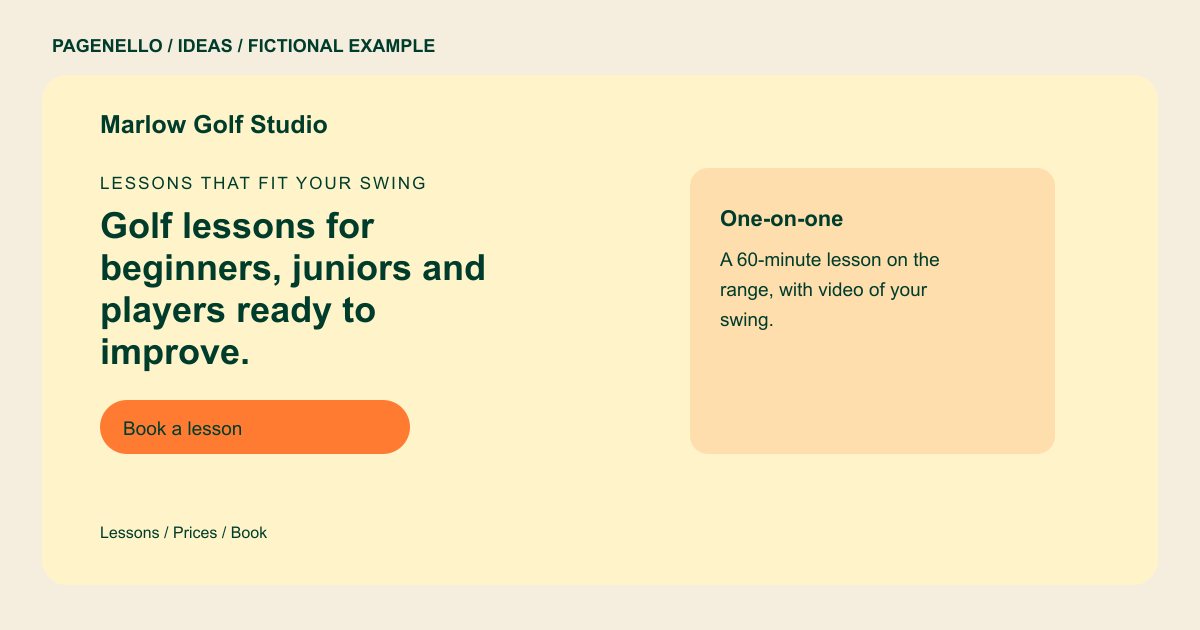
Lessons that fit your swing
Golf lessons for beginners, juniors and players ready to improve.
One-on-one lessons on the range and the course, with video review after every session. Pick a package or book a single lesson.
Give each lesson a setting
Marlow separates range instruction from time on the course. A visitor can see that these are different experiences before choosing a package. If you teach indoors, identify the studio and explain what equipment you use rather than assuming every golfer knows the setup.
Help a new student choose
Put the length and price of a single session beside any multi-lesson package you actually sell. Describe the experience a beginner or junior can expect at the first visit, including equipment to bring and who should attend with a child. A junior clinic may also need a contact route for parents who want to ask about clubs, age groups or the meeting point. State the arrangements you make for your own sessions.
Show your approach honestly
A photo of you coaching, used with permission, can make the teaching environment tangible. Explain a drill or video review in a caption. List only credentials you hold and avoid implying that a lesson will produce a particular score.
Golf instructors: ideas
| Idea | Use |
|---|---|
| Private lesson focus | Feature one-on-one instruction first, followed by the session length and a link to your existing calendar. |
| Junior program path | Turn the junior card into a parent-friendly overview of age groups, supervision and the next available clinic. |
| On-course coaching | Use a course image and describe how a playing lesson differs from practice on the range. |
| Video review showcase | Explain when students receive swing footage and link to an example only if you have permission to share it. |
| Seasonal clinic board | Highlight a current group clinic with its dates and location; remove the notice when registration closes. |
Questions about golf instructor websites
Is Marlow Golf Studio a real coaching business?
Marlow Golf Studio is fictional. Its lesson descriptions illustrate a possible page, not a Pagenello customer project. Replace them with the locations, coaching formats and junior programs you actually offer.
Can golfers book lessons from the page?
A button can lead golfers to your existing scheduling service to select a lesson. A newly built booking system is outside the Pagenello package; your provider handles its own payment steps.
How should I show my teaching qualifications?
Provide the exact teaching credentials and affiliations you can substantiate. Place them near your instructor introduction so golfers and parents can identify who teaches the lessons and assess your background.
Can I add a full clinic calendar?
A short seasonal notice can fit on the main page. An extra page for a longer events list is available for $190; booking remains in your existing tool.
