Swim school website design: one page with your levels, schedule and enrollment
Show families how your lesson levels match different ages, where the pool is and how to enroll. Pagenello creates a custom page for $590 with your class information and existing registration link. Before deciding, you can review the opening of the design through a free first look.
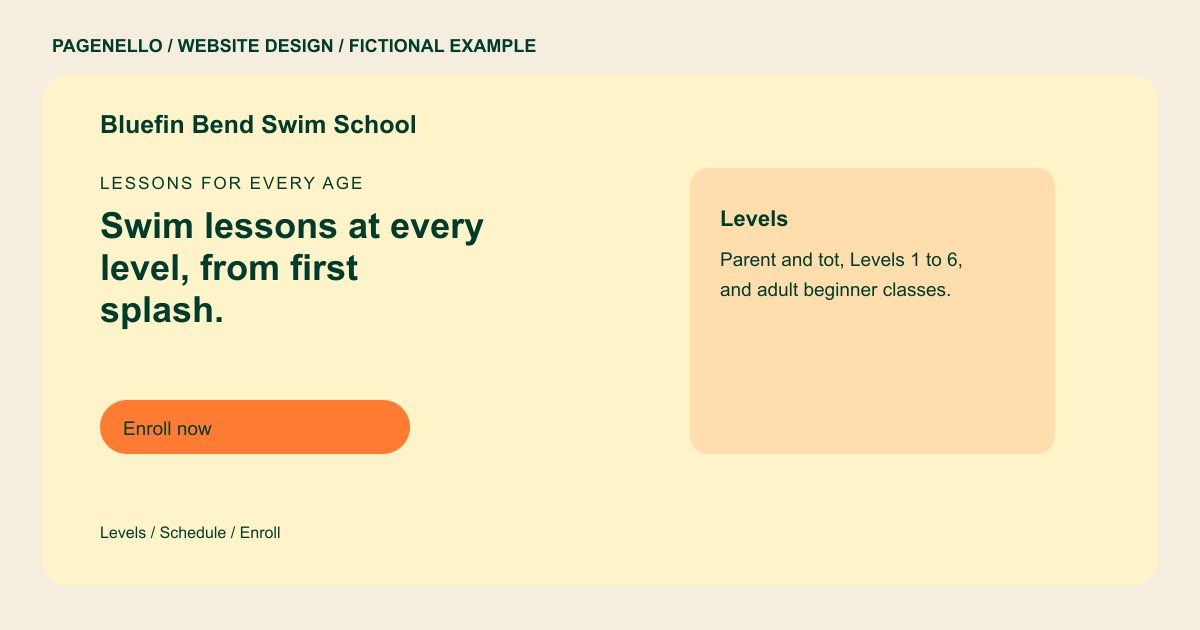
Lessons for every age
Swim lessons at every level, from first splash.
Parent-and-tot classes, youth levels and adult lessons in a heated indoor pool. Pick a level, check the next start date, then enroll online.
Plan your swim school website
What do swim school customers look for on a website?
Parents shop for a swim school with a child who is nervous in the water, or with a level that has stalled. They want the levels laid out clearly, the age each class takes, and the instructors’ certifications before they book a first lesson. They also check the pool itself: where to park, where the family walks in, and whether the class times fit a work day. A schedule that loads slowly or hides the levels can make those details harder to find.
| Customers look for | On your Pagenello page |
|---|---|
| Levels and what each covers | Each level with the age it suits and the skills it covers, from parent-and-tot classes to stroke clinics, so a parent can pick a class without calling. A level name alone may not tell a parent which class fits a beginner. Describe the starting skills your instructors expect, then identify whether an assessment or a conversation helps with placement. If you teach at more than one pool, identify where each group meets and how families receive changes to the schedule. |
| Class times and enrollment | A weekly schedule in plain text, with session length and the start date of the next session. Open spots change as sessions fill, so the list needs to stay current. |
| Instructor certifications | Certifications your instructors hold, such as Red Cross or YMCA swim instructor credentials, listed by name as you send them. Place the level description near a way to ask about placement. A family with swimmers of different ages can then see which groups are available without assuming that a schedule applies to every pool. |
| The pool and where to park | The address with a map button, where to park, the door families use, and whether there are changing rooms for younger kids. |
| Private and adult lessons | A separate line for private and adult lessons, with a call button and a WhatsApp option for the questions a schedule can’t answer, such as a first-timer’s nerves. For families comparing lessons, explain how your school groups swimmers and what to bring on the first day. If the pool has changing facilities or a particular entrance, include the details you have confirmed. Separate a description of private instruction from group lessons, and review all claims about instructor qualifications and supervision with the people running the program. |
Which tools can my page link to?
Your page can link to your existing class enrollment system, including a separate schedule if your provider offers one. Families can call about placement before choosing a level. Enrollment and any waivers or payments remain with the services you use; the page does not create a class management system.
What does it cost?
$590 once. The first look is free. Care Plus costs $390 yearly and covers up to two small edits each month. Google Business Profile setup is $149; you verify your school’s listing and grant Pagenello manager access.
See the complete pricing and terms and how the first look works.
Questions from swim school owners
Do I need to list every class level?
List the levels you run, with the age each one suits and the skills it covers in one line. A new parent reads that before they call, so keep the wording plain. A long level chart can have its own page, $190.
Should I show my instructors’ certifications?
Yes, if they hold them. I list only the certifications you send me, by name and credential. Parents usually look for these before a first lesson, so they belong near the top of the page.
Can families enroll on the page?
The page can link to the class enrollment service you already use. Confirm which schedule, enrollment or waiver links your provider offers. Building a new booking system is outside the package.
Can adults book private lessons through the site?
Adult and private lessons get their own line with a call button and a WhatsApp option, since people often start with a question. The booking itself happens in your class software, the same as group classes.
How do I post schedule changes?
Keep the class schedule and closure information current. Care Plus ($390 a year) includes up to two small edits a month; ask about the scope of a larger or more frequent change before it is made.
