Tax preparer website ideas for a clearer first step
A tax preparation website can show which clients a practice serves, identify the preparer and guide visitors toward a suitable first conversation. The fictional Fairlane Tax Services example illustrates one arrangement. Adapt it to your actual credentials, services and document-handling process before using the ideas for your practice.
Want a page designed for your business? See the top of your own page free before paying.
By Luis Junior
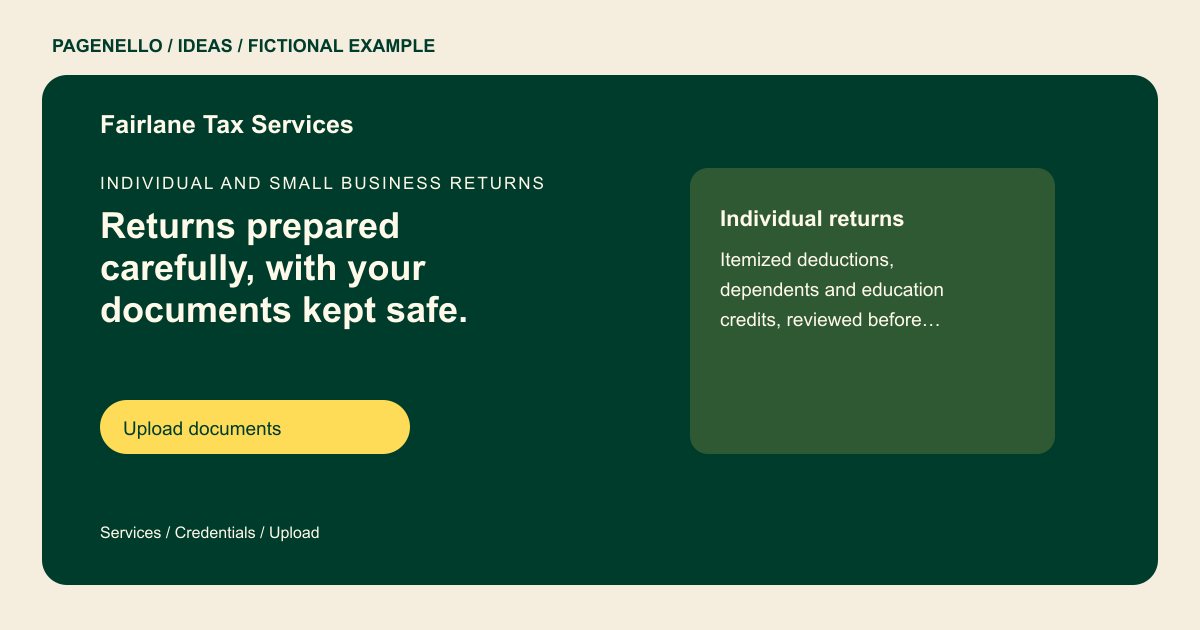
Individual and small business returns
Returns prepared carefully, with your documents kept safe.
Federal and state returns for individuals, self-employed clients and small businesses. Upload documents through our secure portal, not by email.
Organize the page around return types
Fairlane separates individual returns from self-employed work. Your practice might group services by household, business structure or another distinction you actually handle. State any limits clearly so someone with rental income or a complicated filing can tell when to ask you first.
Make credentials verifiable
The sample uses placeholder credential numbers. Replace those with your own accurate titles and information, and check which disclosures and advertising rules apply to your practice. A plain identification block beside your name is easier to inspect than credentials scattered across decorative graphics.
Direct sensitive paperwork to the right place
Put a portal link near a short explanation of how existing clients should send documents. A public website should not invite visitors to paste tax identifiers into ordinary messages. The page can link to a portal you already operate; uploads and the portal itself are outside this package.
Tax preparers: ideas
| Idea | Use |
|---|---|
| Individual-return focus | Lead with the kinds of household filings you accept, then show a consultation action for people whose situations need a closer look. |
| Self-employed focus | Name the work you do for sole proprietors and explain how clients start gathering records, without implying a particular tax saving. |
| Credentials beside the introduction | Pair the preparer’s name with accurate qualifications and licensing details where applicable. Verify every number before publication. |
| Returning-client route | Label the portal button for existing clients so it is distinct from an introductory call for new inquiries. |
| Seasonal contact panel | Show current filing-season and off-season availability if your hours differ, along with the contact method you monitor. |
Questions about tax prep websites
Is Fairlane a completed client website?
No. Fairlane Tax Services and its sample details are fictional. The example shows how a page might organize information, not a customer or an actual credential.
Can I include prices for common returns?
You can provide your own starting fees and explain what changes the quote. Review them each filing season and avoid promising a particular refund or outcome.
Where should clients upload their records?
Link to the document portal you already use and explain who should use it. The Pagenello page does not include its own upload or document storage system.
Which qualifications belong in the design?
Use only credentials you hold and identify them accurately. Check applicable professional and advertising requirements before publishing; the fictional numbers in the sample are placeholders.
